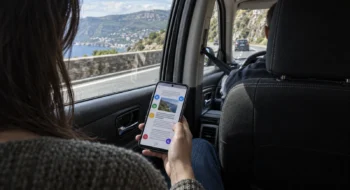
A task often arrives away from a desk: while you wait at a retail counter, walk between meetings, or remember a promise before the train doors close. Todoist’s strongest mobile claim is that a short line can carry the task, date, time, recurrence, label, and project before the moment disappears.
Neyrotex did not install or benchmark Todoist for this analysis. We did not measure capture latency, parser accuracy, notification delivery, sync conflicts, battery use, or offline recovery. The score reflects documented capabilities, declared plan limits, security controls, update activity, current store records, and explicit product limitations.
Todoist mobile capture and calendar workflow starts with structured text
Quick Add accepts dates and recurring language inside the task title. Todoist documents examples such as “every Monday,” “every weekend,” and detailed schedules with a start or end date; iOS and Android expose the Dynamic Add button for the same job.
The syntax is powerful enough to remove several taps, but it remains an input contract. Czech and Turkish recurring-date phrases are not supported, and the 2026 changelog records fixes for date formats, non-English parsing, unresponsive Quick Add, duplicated voice-captured tasks, and recurrence edge cases.
“Calendar events in Todoist are read-only.”
That short line defines the product boundary. Todoist can show Google or Outlook events beside tasks in Today and Upcoming, but editing an event sends you back to the calendar provider. It also does not turn Google Tasks into Todoist tasks.
Calendar integration and calendar layout are different products
Every plan can connect Google or Outlook Calendar, display events, and sync eligible scheduled Todoist tasks back as calendar events. Beginner supports one calendar account; current Pro and Business accounts can connect up to three, although the mobile setup still handles one provider at a time.
The visual calendar layout is a paid feature. On iOS it offers Agenda or Week, with three days in portrait and seven in landscape. Android offers Agenda or a three-day view that expands with orientation.
Pro also adds task duration, custom reminders, deadlines, and a much larger project and filter allowance.
Sync has precise rules. A task needs a future date, time, and duration to become a timed calendar event; date-only tasks require the all-day option. Calendar events never become new Todoist tasks, and some unsupported recurring patterns sync only one occurrence at a time.
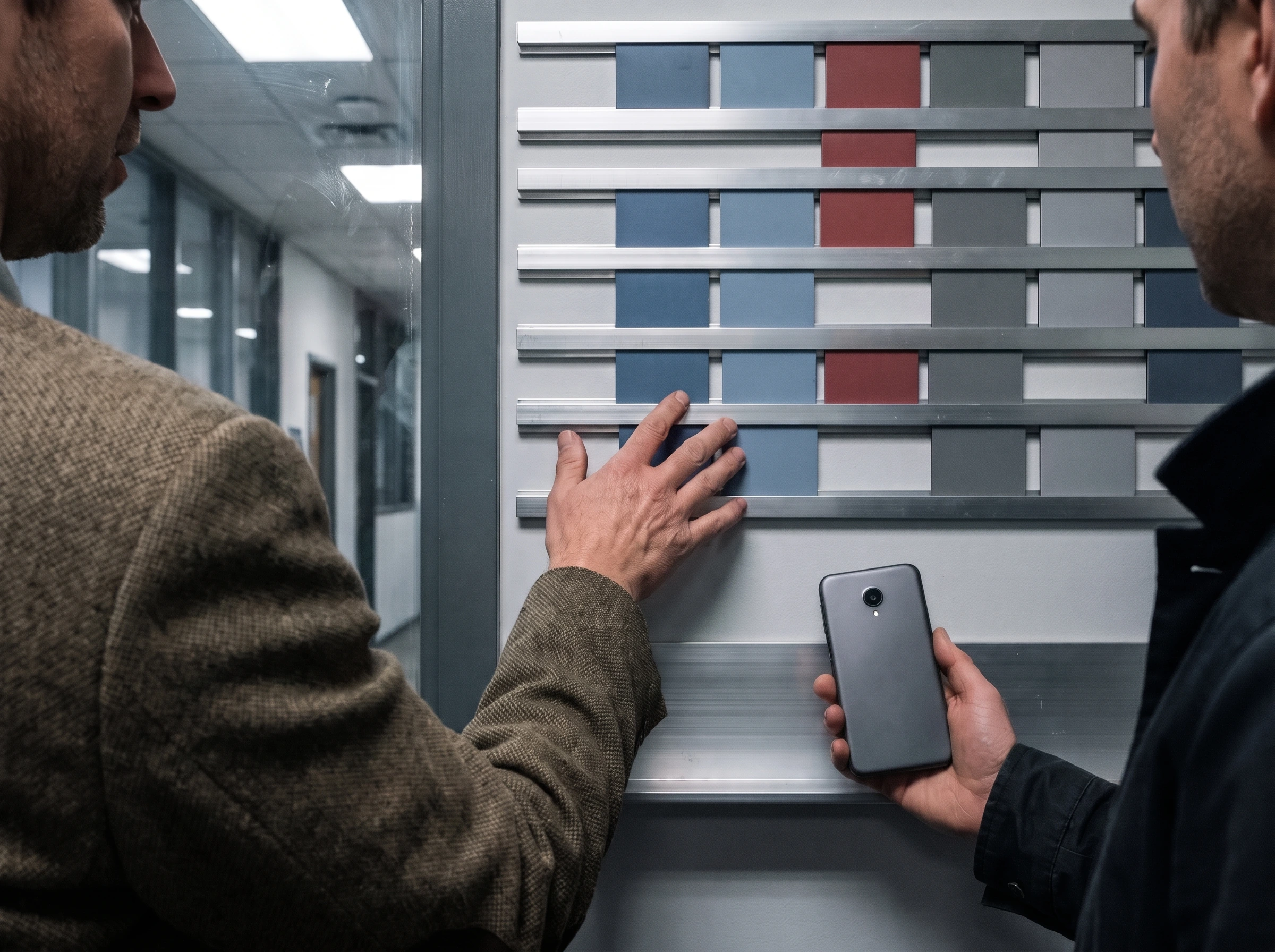
On an office floor, two teammates can compare a phone with a wall-mounted weekly calendar before one moves a task into a free time block. The physical check makes the distinction visible: capture records a commitment, while planning asks whether the schedule and plan tier can place it.
Free is capable; Pro charges for planning depth and recovery
The Beginner plan costs $0 and includes five personal projects, Smart Quick Add, task reminders, list and board layouts, three filter views, one week of activity history, calendar integration, and a limited Ramble voice-capture allowance.
Pro costs $5 per user per month when billed annually, or $7 month to month. It raises the personal-project limit to 300 and adds calendar and table layouts, task duration, custom reminders, 150 filters, full reporting history, deadlines, Task Assist, and unlimited Ramble.
Backups expose a less obvious value line. Todoist creates up to 21 downloadable ZIP backups on active days for paid accounts, but the files exclude completed tasks and archived projects. Download and restore are web or desktop jobs, not mobile recovery buttons.
Privacy is cloud security, not end-to-end secrecy
Todoist states that data is encrypted in transit with TLS and encrypted at rest. It supports two-factor authentication, checks credentials against Have I Been Pwned during login, provides account deletion, and lets a user issue a new API token to end active sessions.
Calendar access deserves a deliberate review. Todoist requests the full calendar permission scope so scheduled tasks can sync as events, while stating that it stores a calendar reference rather than the events themselves. Google Play’s developer disclosure says no data is shared with third parties, lists several collected data categories, and offers deletion requests.
These are useful controls, but Todoist does not describe task content as end-to-end encrypted. People handling sensitive work should treat the service as a cloud task system, enable 2FA, review integrations, and avoid putting secrets or regulated records into task titles.
Support is active; stability still needs a device test
Google Play showed an update on November 8, 2026, 10M+ downloads, and 307K reviews. The US App Store showed 131K ratings and support for iPhone, iPad, and Apple Watch. Todoist also publishes a weekly changelog with separate web, iOS, Android, Wear OS, and desktop version records.
Frequent fixes cut both ways. The recent log includes repairs for startup crashes, calendar reconnection, task-sync settings, recurring dates, Quick Add, reminders, low-memory app closure, and accessibility. It proves active maintenance, not a measured defect rate.
Todoist’s own sync guide asks users to create test tasks on two devices, watch for a yellow warning triangle, check network and plan limits, and update every client. That is a sensible troubleshooting method, but Neyrotex has not executed it in a controlled account.
Todoist mobile score: 83/100
Quick Add, recurring dates, reminders, shared projects, widgets, calendar integration, and paid time-blocking cover a broad mobile workflow. Read-only events and recurrence-sync limits cost points.
Natural-language capture compresses several fields into one line. The distinction between integration, layout, task sync, account limits, and mobile orientation adds setup friction.
Beginner handles real personal use without a trial clock. Calendar layout, duration, multiple accounts, deeper history, and backups make Pro useful, but they also place planning and recovery behind $60 per year.
Encryption, 2FA, session reset, deletion, and calendar-handling documentation are positives. Task content is cloud data rather than a documented end-to-end encrypted vault.
Cross-platform sync and frequent fixes are well documented, but the changelog shows recurring mobile edge cases and Neyrotex has no controlled delivery or conflict benchmark.
A current weekly changelog, November storefront update, platform-specific help, status link, and concrete troubleshooting steps show unusually visible maintenance.
Who should choose Todoist on mobile
Choose it if your phone is the main inbox for tasks and you want the same system on Android, iOS, wearables, browsers, and desktop. Start with Beginner, connect one calendar, and test ten real recurring phrases before deciding whether the visual calendar saves enough time to justify Pro.
Look elsewhere if you need local-only task storage, editable calendar events inside the task app, Google Tasks synchronization, full phone-based backup recovery, or proof that notifications and offline changes survive your exact devices. Those are product boundaries or untested outcomes, not gaps a higher score can erase.
Sources checked
Todoist’s official records: recurring dates, reminders, calendar layout, calendar integration, pricing, privacy and security, and the 2026 changelog.
Distribution and recovery: Google Play, US App Store, sync troubleshooting, and backup and restore.