A feed app asks you to enter its interface. HomeFeed reverses that relationship: a resizable Android widget brings headlines from chosen RSS or Atom sources to the place you already see between tasks.
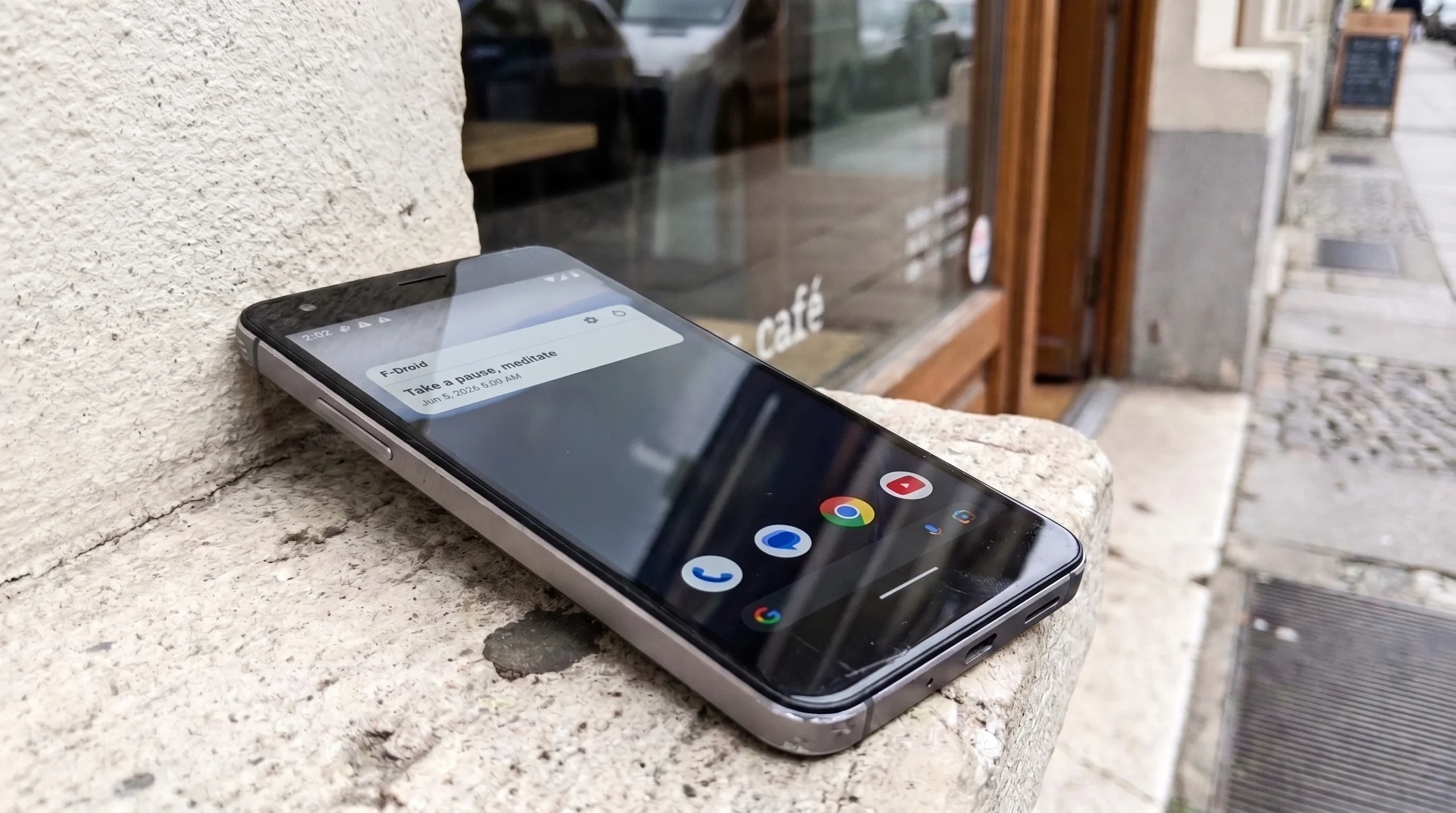
Outside a café, a phone on a stone ledge can show a chosen feed on the home screen before its owner opens a browser. The scene is an editorial reconstruction based on the current HomeFeed interface, not a Neyrotex device test.
This HomeFeed RSS widget analysis is based on the version 1.8.0 source, F-Droid package records, release history, and Android platform documentation. Neyrotex did not run a long-term refresh, battery, or feed-compatibility test, so the verdict keeps those unknowns visible.
How this HomeFeed RSS widget analysis was built
The evidence chain starts with the HomeFeed 1.8.0 source tree, then checks the F-Droid package record and Android’s platform contracts. Product claims are limited to behavior visible in code, release notes, or official screenshots.
The score uses the Neyrotex Mobile scale: functionality 25, usability 20, price and value 15, privacy and security 15, stability 15, and updates and support 10. A source inspection can establish architecture and permissions; it cannot establish battery drain, touch comfort, or reliable parsing across a personal feed list.
The actual information path
- Add a feed URL. HomeFeed requests the publisher directly and parses RSS or Atom data.
- Store recent items locally. Room holds cached entries while private preferences track configuration and read links.
- Render the widget. Headlines, images, source names, descriptions, dates, and theme controls depend on the chosen layout.
- Open or refresh. A tap launches the internal reader or browser; manual refresh creates a one-time background job.
The product state is unusually legible
HomeFeed supports multiple feeds in one widget, configurable item counts, image and description toggles, source labels, timestamps, font scaling, opacity, color choices, rounded corners, a compact mode, and light or dark presentation. Version 1.8.0 added font scaling, improved HTML title parsing, and app-size optimizations.
What the current widget exposes
A visible refresh control and settings control sit above the feed list. Each item can carry a headline, source, image, summary, and timestamp, while configuration controls the number of items, theme, opacity, font scale, update interval, reader route, and which fields appear.
The built-in reader can simplify an article and display it in an internal web view, while the browser option preserves the publisher’s own page. This makes the widget more than a list of links, though reader extraction still depends on page structure that HomeFeed does not control.
There is no account layer, recommendation engine, social graph, or analytics SDK in the inspected Gradle dependency list. That restraint is the product idea: the publisher supplies the feed, the phone stores recent items, and the launcher presents them.
Document-based assessment: 80/100
This is a source-qualified score. Unknown device behavior loses points instead of being silently counted as success.
Functionality · 21/25
Multi-feed widgets, images, descriptions, reader mode, theming, timestamps, and manual refresh cover the core job; no OPML import or export is visible.
Usability · 16/20
The launcher-first model and current controls are clear, but feed URLs still require manual setup and failed parsers can expose technical friction.
Price and value · 15/15
The F-Droid build is free, the source is Apache-2.0, and no account or subscription is required.
Privacy and security · 10/15
Local storage and visible source are positives; cleartext HTTP support, direct publisher requests, default backup eligibility, and an internal JavaScript reader need informed choices.
Stability · 10/15
Retries, caching, pruning, and manual refresh are implemented; periodic work is inexact, migrations may discard the local cache, and no device test was performed.
Updates and support · 8/10
Version 1.8.0 and its reproducible F-Droid record show active maintenance, but a prior signing-key loss forced users to reinstall.
The privacy story has two boundaries, not one
HomeFeed does not need a service account or a vendor cloud, and its code stores feed items in a Room database on the device. Read links and widget settings live in private app preferences, while old cached images are pruned.
That does not make reading anonymous. The app connects directly to each feed host and may load an article page or images, so those publishers can receive ordinary network metadata such as the device’s IP address. HomeFeed also uses a desktop Chrome-style user agent for feed requests, a compatibility choice visible in the source.
The Android manifest allows cleartext traffic so the app can accept legacy HTTP feeds. Android’s security guidance warns that cleartext data can be observed or modified in transit, so an HTTPS feed should be the default and an HTTP-only source should be treated as untrusted.
The app enables Android backup and supplies no explicit exclusions in its current backup-rule templates. Under Android’s backup and device-transfer contract, app data may therefore participate in cloud backup or device-to-device transfer depending on OS version, policy, and transport; “local” should not be read as “never leaves the phone under any system setting.”
Scheduled refresh is a window, not a clock
HomeFeed delegates periodic updates to Android WorkManager. Android’s PeriodicWorkRequest contract documents a minimum periodic interval of 15 minutes and explicitly says execution is inexact because constraints, system optimization, and Doze can delay a run.
The configuration screen offers a refresh interval and the widget exposes manual refresh. That is enough for ambient headlines, but it is a poor contract for alerts, market moves, emergency notices, or any workflow where a missed minute changes the decision.
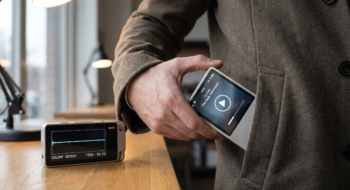
In a studio reconstruction, one hand taps the refresh control while a paper card records the last successful update. The photograph makes the recovery action visible; it does not claim that Neyrotex measured a refresh delay.
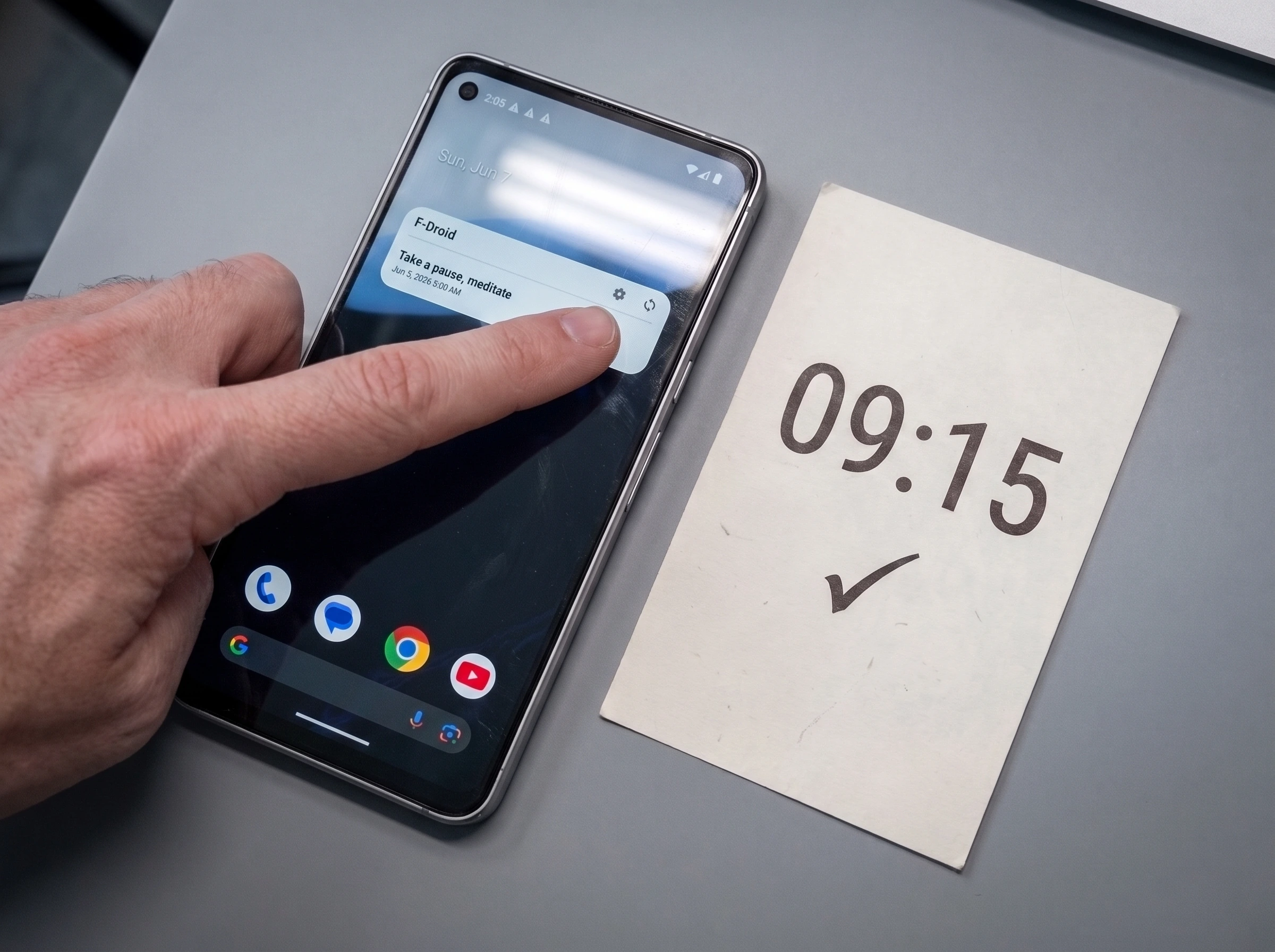
The source retries selected network and end-of-file failures, follows a bounded number of redirects, and keeps cached items available between requests. A destructive database-migration fallback can clear cached articles if a schema upgrade cannot be migrated, although feed configuration is stored separately.
Support history deserves the same restraint. The project shipped several updates in 2026 and version 1.8.0 mentions a security fix without publishing enough detail to grade severity. Version 1.5 followed a lost signing key, which required a clean reinstall; the current F-Droid verification listing reports version 1.8.0 as reproducible, but a small project can still have continuity risk.
A ten-minute acceptance check
- Add two HTTPS feeds. Choose one simple publication feed and one source with images and longer summaries.
- Inspect the widget. Confirm that title, source, date, and read state remain legible at the size you will keep.
- Open both ways. Compare the internal reader with the publisher page and keep the route that preserves the content you need.
- Force recovery. Use manual refresh and check whether new items, errors, and last-updated context are understandable.
- Wait through normal idle time. Judge scheduled freshness after the phone has experienced its ordinary battery and Doze conditions.
- Keep the scope small. If a feed repeatedly fails or requires HTTP, remove it instead of normalizing an unreliable source.
Verdict: a calm widget for a small, trusted feed set
The 80/100 result reflects a product with a coherent boundary. HomeFeed does one valuable thing without building another platform around it: it makes selected feeds visible on the launcher and keeps the software inspectable.
Choose it when two to ten feeds matter more than a large library, a rough refresh window is acceptable, and you are comfortable checking transport and parser failures yourself. Skip it when you need OPML portability, synchronized reading across devices, exact alert timing, or support guarantees from a larger vendor.
For platform context, continue with Neyrotex’s Android 17 guide, the One Hand Control analysis, or the Mobile Development hub.