
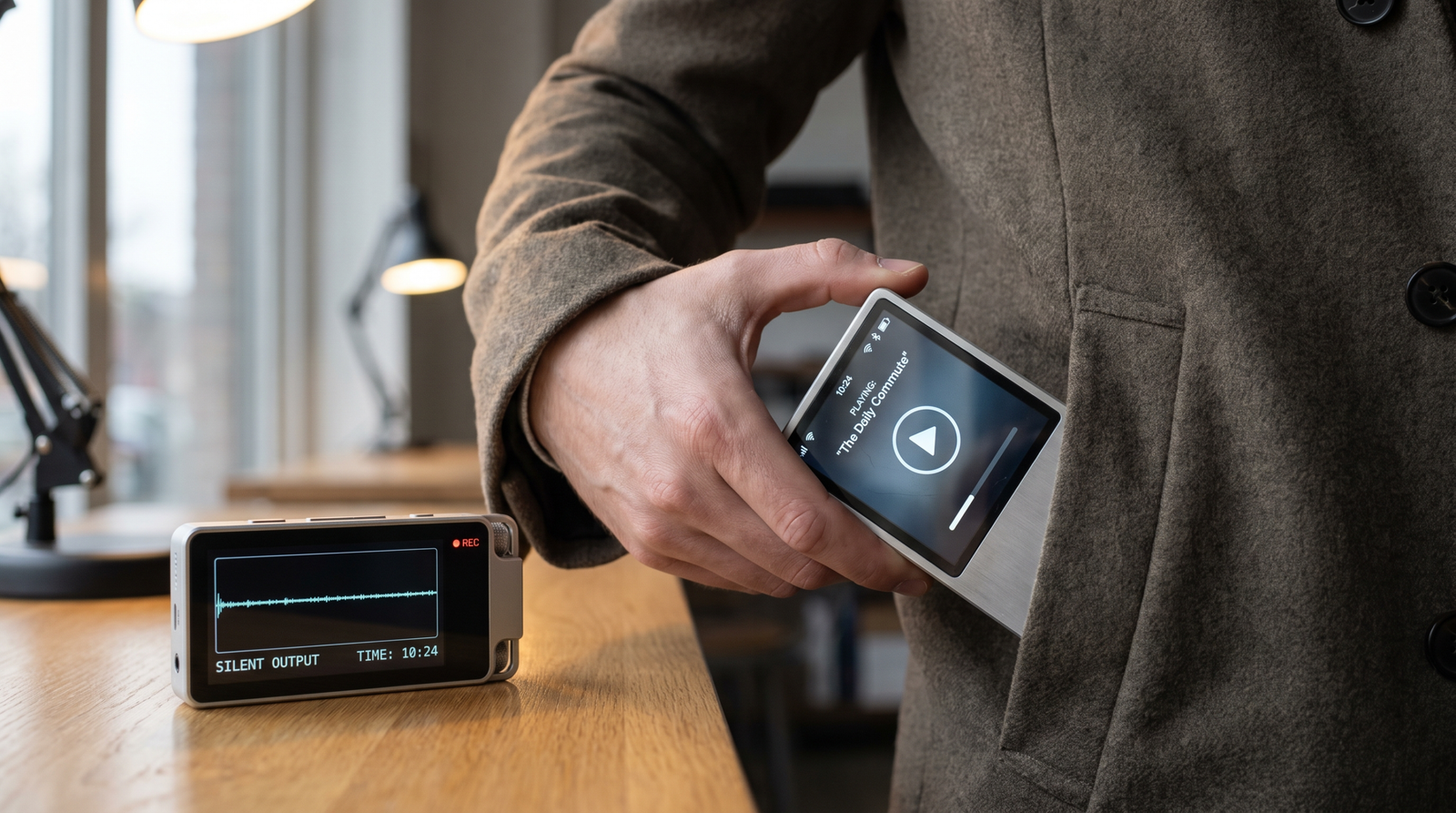
When audio stops without a useful exception, the player may be healthy. Android 17 can reject the lifecycle around it. Follow the state transition, make suppression loud in the lab, and test one deliberate failure.
The most expensive version of this bug looks harmless in a desk test: tap Play, press Home, wait, and hear nothing. No crash points to the failing line. The notification may still exist. A media bug is the natural suspect, yet Android 17 may have suppressed an audio-focus request, a playback call, or a volume change because the app was in the wrong lifecycle state.
The rule has a base layer and a target-37 layer
Android’s current change page says apps running on Android 17 need either a visible activity or a foreground service that is not SHORT_SERVICE for the affected background audio interactions. Apps targeting API level 37 face an additional condition: when backgrounded, the foreground service needs while-in-use capability. Android describes exceptions, including qualifying alarm use, but they are branches—not a general escape hatch.
That explains why a build can behave differently after a target-SDK change even when the player code is identical. The target changes the lifecycle contract around the call.
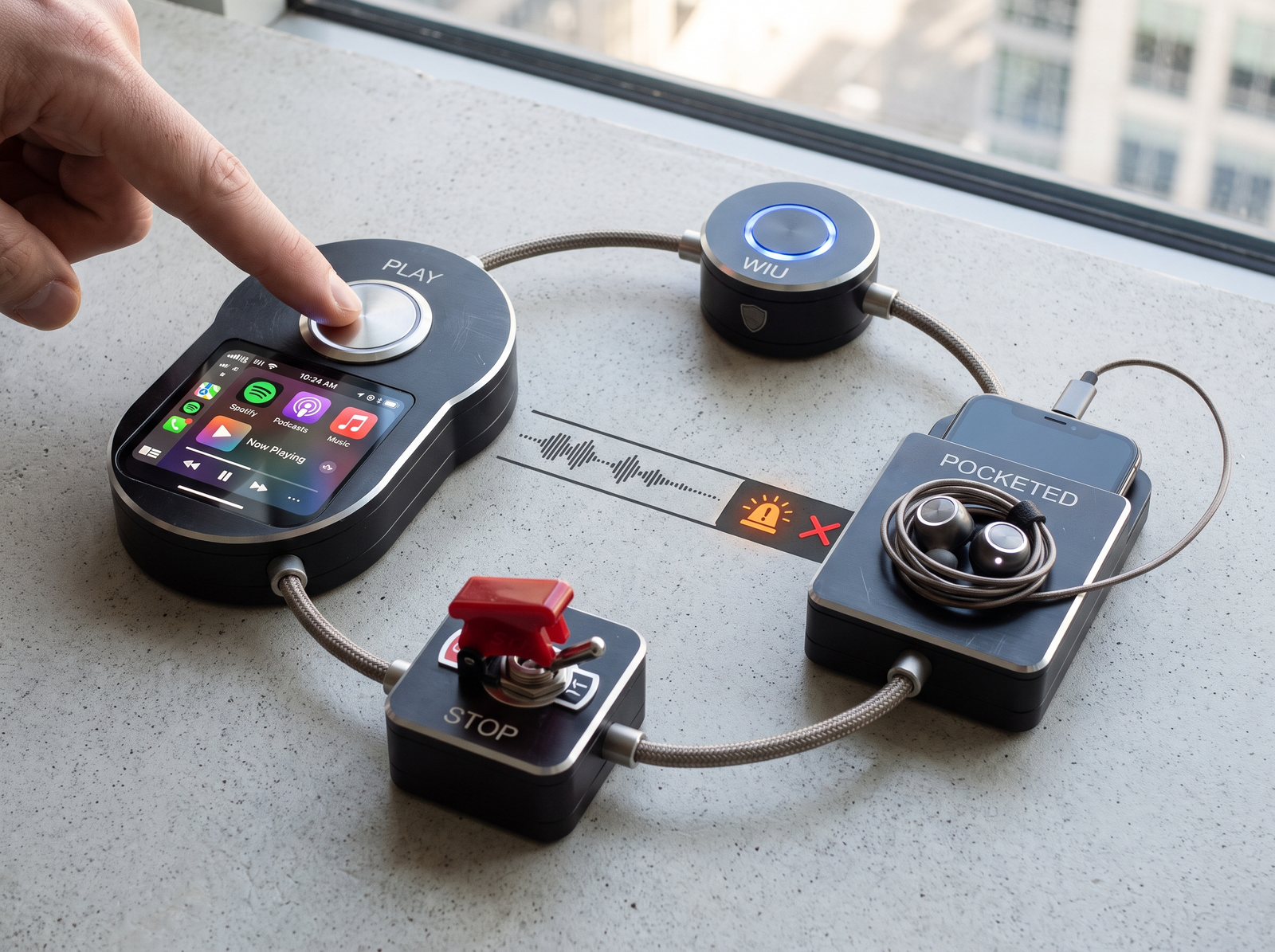
Use one state log instead of six disconnected clues
| Checkpoint | Evidence | Failure meaning |
|---|---|---|
| User intent | Visible Play action with timestamp | A background-only start has no valid origin |
| Service handoff | MediaSessionService or another eligible FGS becomes active |
The player has no compliant background owner |
| WIU capability | Capability is present when target 37 requires it | Focus or playback can be rejected despite a running service |
| Audio request | Focus result and AudioHardening messages |
Silent suppression becomes a named lifecycle defect |
| Stop | Pause/stop removes the service when playback ends | A fix that never releases the FGS creates a different reliability problem |
Make a silent production failure loud in the lab
Android documents AudioHardening controls that can turn the hardened behavior into an explicit failure during testing. Use the current platform guidance for the exact level and device build; do not leave a throw-on-violation configuration in production. The point is to bind the failure to the illegal call while the stack is still visible.
Then run two tests back to back:
- Valid path: start playback from the visible UI, confirm the service and notification, background the app, change volume, and stop playback.
- Negative control: deliberately remove or bypass one required lifecycle condition. The test is useful only if the detector turns red for that known-bad path.
Why Media3 is usually the repair path
A MediaSessionService gives playback a service-owned lifecycle, integrates the media session and notification, and makes ownership easier to inspect. It does not erase Android 17’s rules: the start still needs a valid origin, target-37 capability still matters, and transient use cases may deserve a different branch. But it removes the common design where an Activity-owned player is expected to survive after its owner disappears.
Official sources
- Android 17 — Background audio hardening, checked August 18, 2026.
- Media3 — Background playback with a MediaSessionService, checked August 18, 2026.
- Foreground service types, checked August 18, 2026.

Pingback: Android 17 MessageQueue Migration: Test First