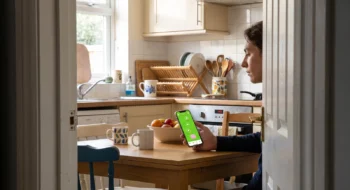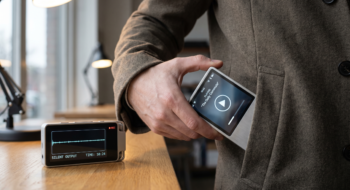
The form was complete. The photo was attached. Then the tablet rotated—and the entire report returned to step one.
That is the Android 17 migration problem in human terms. An app can pass a phone-sized smoke test and still fail the moment a real task crosses a window resize, split-screen session or large display. For apps targeting API level 37, Android now ignores fixed orientation, aspect-ratio and resizability restrictions on displays with a smallest width of at least 600dp. The platform is removing a hiding place; it is not automatically making the product adaptive.
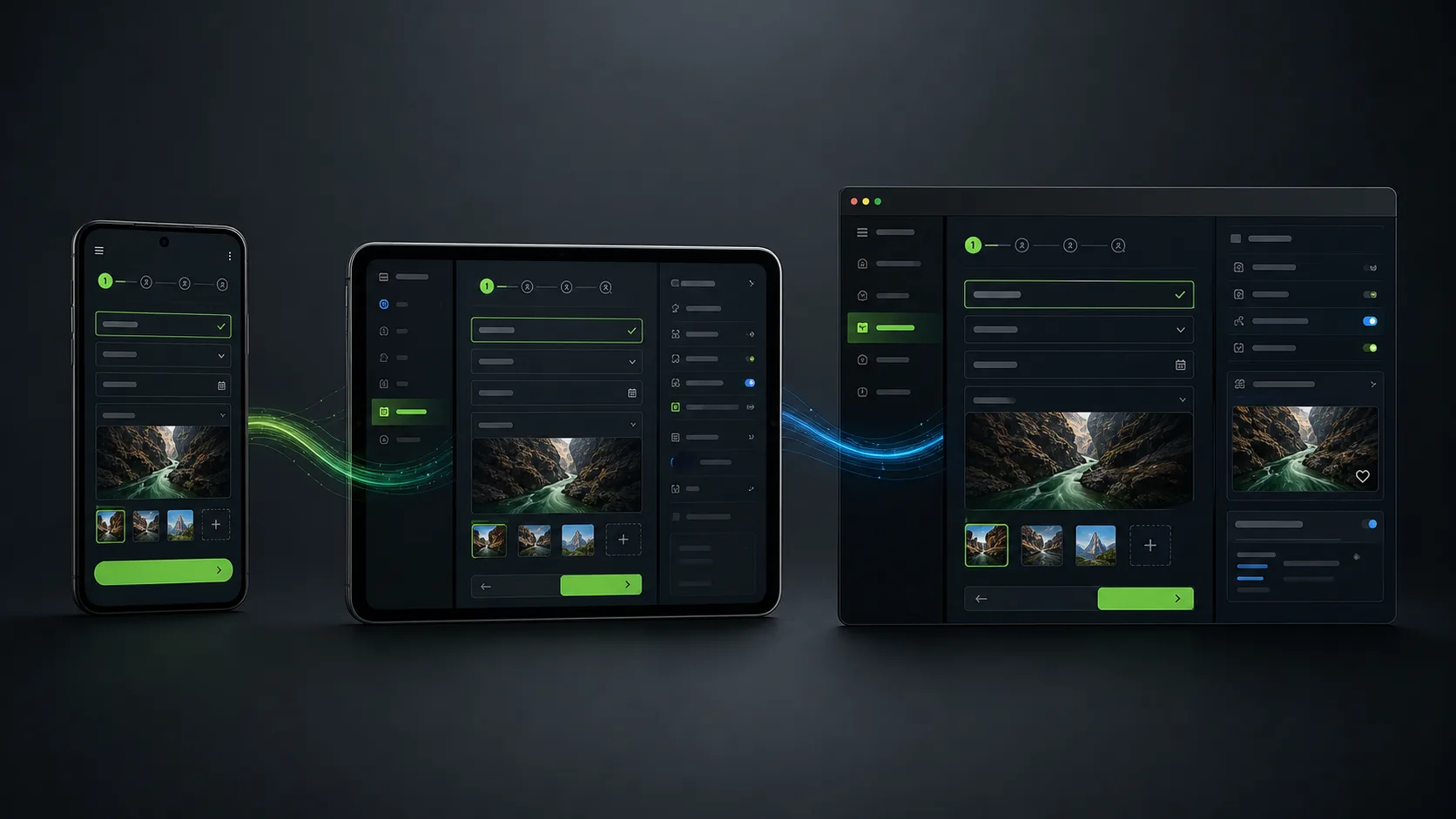
What actually broke?
The visible failure was “the form reset.” The underlying failure may live somewhere else: state stored only inside a view, a navigation route reconstructed from screen width, a dialog tied to a destroyed activity, or an upload restarted after configuration change. Stretching the layout until it fills a tablet will not repair any of those.
Run one core journey from beginning to end, then disturb it on purpose. Sign in, begin an edit, attach a file, open a confirmation panel—and only then rotate, resize and move into split screen. The pass condition is not “nothing crashed.” The user’s text, focus, scroll position and place in the journey must still make sense.
Migration rule: test the moment with the highest cost of interruption first. A lost checkout or field report matters more than a slightly awkward home screen.
The Android 17 changes most likely to expose old assumptions
Large screens stop honoring the phone-shaped escape hatch
For conventional apps targeting Android 17, large displays can ignore requested orientation, resizability and aspect-ratio restrictions. Games and smaller displays have exceptions, but product teams should plan for a changing window rather than treating tablet support as a separate cosmetic project.
If your navigation only works in portrait, start there. Then inspect dialogs, bottom sheets, drag-and-drop targets, keyboard focus and any master-detail view. The same component-level thinking used in resilient web interfaces is useful here: content should respond to the space it receives without duplicating the product.
A faster message queue can reveal unsupported shortcuts
Android 17 introduces a lock-free MessageQueue for apps targeting API 37. Google says the change is designed to reduce missed frames. Code that reflects into private queue fields can break, and targeted apps can no longer modify static final fields through reflection or JNI. Healthy app code should not need either technique; older SDKs sometimes do.
Update dependencies in small groups. After each group, exercise startup, backgrounding, notifications, deep links, payments and hardware integrations. A successful build only proves that the compiler finished.
Bluetooth now ends like an ordinary stream
When a targeted app loses an RFCOMM connection, a BluetoothSocket input stream now returns -1. A read loop that waits only for an exception may never exit correctly. For companion-device, mobility and industrial products, this tiny behavior change deserves a physical disconnect test—not just a mocked success path.
Memory pressure leaves a clearer clue
Android 17 adds conservative app memory limits intended to protect system stability. If the limiter terminates a process, ApplicationExitInfo.getDescription() can identify MemoryLimiter. Use that signal to investigate oversized images, retained activities or unbounded caches; do not treat it as permission to ask for more memory.
A migration matrix that catches product failures
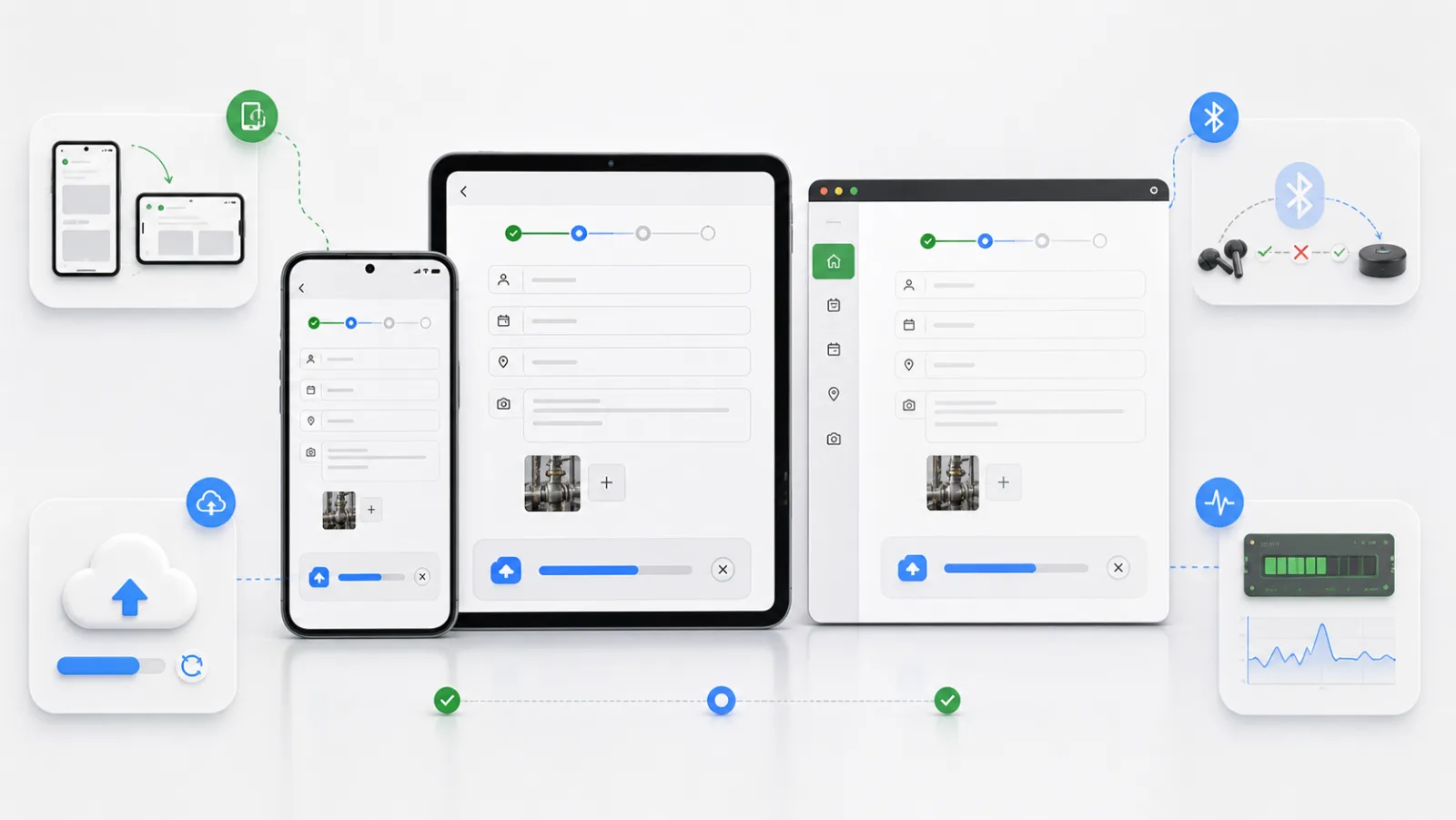
Use the new tools after you have a named failure
Android Studio Quail 2 brings LeakCanary analysis into the desktop profiler and adds concurrent agent chats plus context-aware crash assistance. Those tools can shorten investigation. They cannot decide which user journey deserves protection.
Give the profiler a reproducible leak, not a vague instruction to “optimize the app.” Give an AI assistant the failing path and constraints, then verify its suggestion on ordinary hardware. Mid-range devices expose image decoding, cold-start and background-work problems that a flagship can hide.
The release signal to watch
Ship the API 37 target through an internal or closed track first. Segment crashes and exits by window class and device memory, then watch whether task completion changes—not just crash-free sessions. If large-screen completion drops while stability remains green, the migration still failed the user.
For a broader product plan, continue with the Neyrotex mobile development desk. If the workflow also needs a desktop companion, compare the packaging and local-AI decisions in our Windows app development guide.
Neyrotex can turn an Android release into a compatibility matrix, testable user flow and staged rollout. Start with the task users cannot afford to lose halfway through.