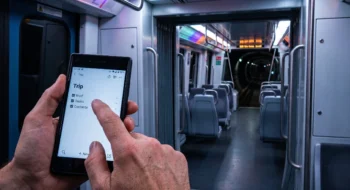
A driver can hear the next turn while the car display shows a black map, or switch Waze from split view to full screen and lose the journey card. Those two symptoms look related from the driver’s seat, but they exercise different rendering paths.
Neyrotex did not install Waze on a CarPlay or Android Auto head unit for this analysis. We did not measure routing accuracy, alert timing, battery use, data use, recovery time, or defect frequency; the score reflects documented capability, current distribution, privacy terms, support activity, and the limits of the public reports.
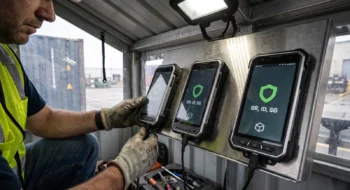
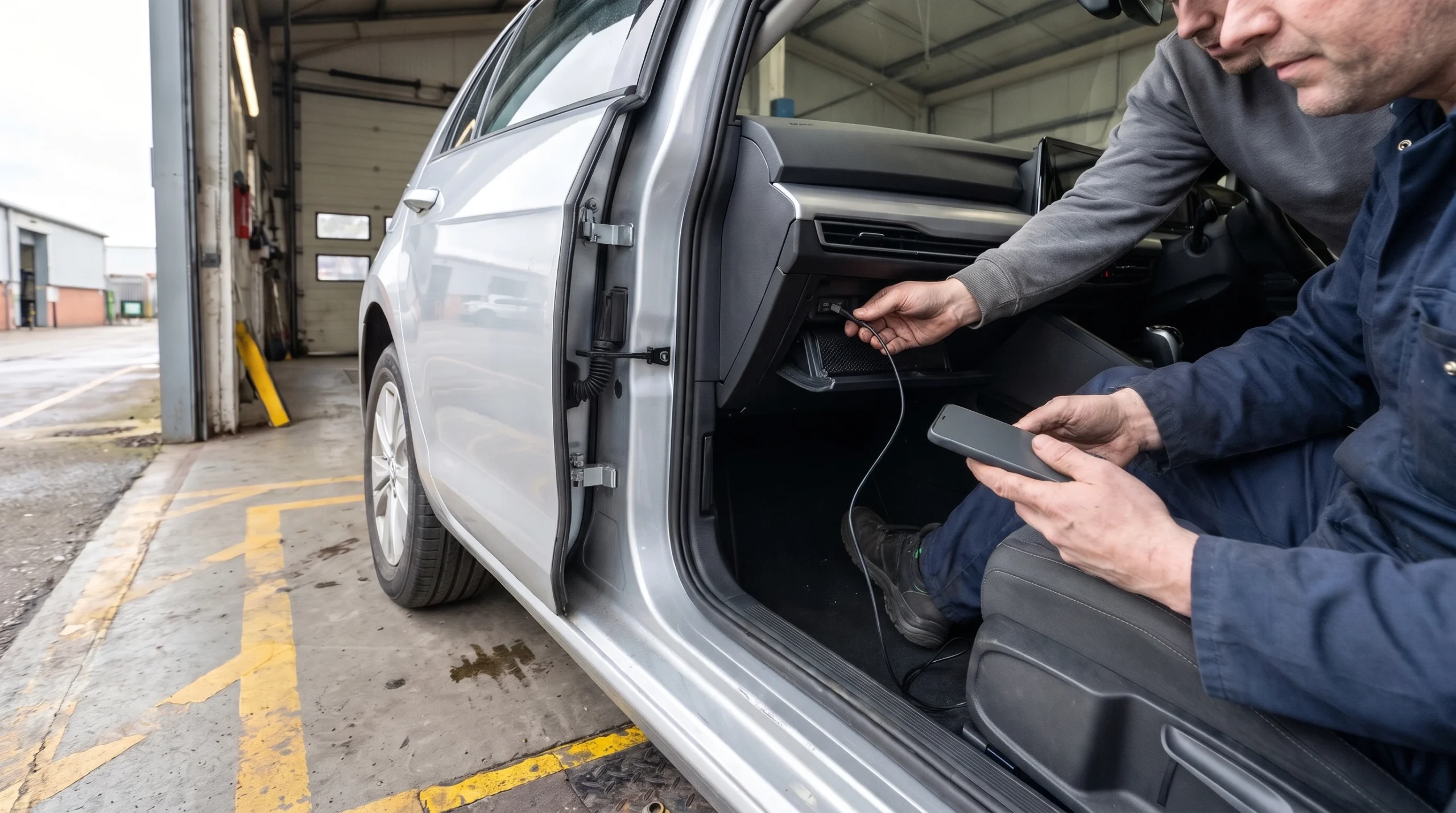
In a parked car at a repair bay, one technician can hold the phone while another connects the USB cable below the head unit. That controlled setup keeps the vehicle stationary and turns a vague “Waze broke” complaint into four testable layers.
Trace the fault through four layers
- Waze: app version, route state, split or full screen, and whether audio guidance continues.
- Phone platform: iOS or Android version, permissions, battery policy, and recent system updates.
- Projection link: wired or wireless CarPlay/Android Auto, cable, pairing, and reconnect behavior.
- Vehicle display: head-unit software, screen ratio, touch or touchpad input, and manufacturer-specific rendering.
Waze CarPlay and Android Auto problems do not share one proven cause
Waze’s official CarPlay guide calls the dashboard experience a limited version of the phone app. It supports split view, full-screen navigation, search, audio controls, one added stop, and incident reports, while some phone features remain unavailable.
The Android Auto guide describes a similar projection model and names one platform boundary: some Android Auto apps still lack touchpad compatibility. Waze asks affected users to submit debug logs and a support ticket, while directing Android Auto faults to the Android Auto help channel.
The black-screen reports do not isolate Waze. Several users in the current Reddit thread say Google Maps or A Better Routeplanner also lost the map, while others report Waze-only behavior. A Waze community staff member acknowledged an earlier wireless CarPlay blank-map report and logged an internal ticket, but that exchange did not publish a root cause or resolution.
Android Auto reports show another pattern. Some users lost the journey-information card after expanding Waze to full screen; others saw a pixelated map and lag while controls stayed sharp. One driver reported relief after updating Android Auto, while later reports on the same thread said the fault remained.
Version 5.27.0 is current, but the changelog is not a repair receipt
Apple’s lookup service listed Waze 5.27.0.0 on November 4, 2026. The release note says only that the build contains bug fixes and performance improvements, so it cannot support a claim that the CarPlay layout, black map, or Android Auto journey card was repaired.
The US App Store lists Waze as free, requires iOS 18 or later, and shows more than 3.2 million ratings. Google Play showed 500 million-plus downloads, about 8.9 million reviews, ads, and a November 3 update when checked.
Store scale proves distribution and active support. It does not tell us how often a dashboard fault occurs, which vehicle families trigger it, or whether a new build changed the failure rate.
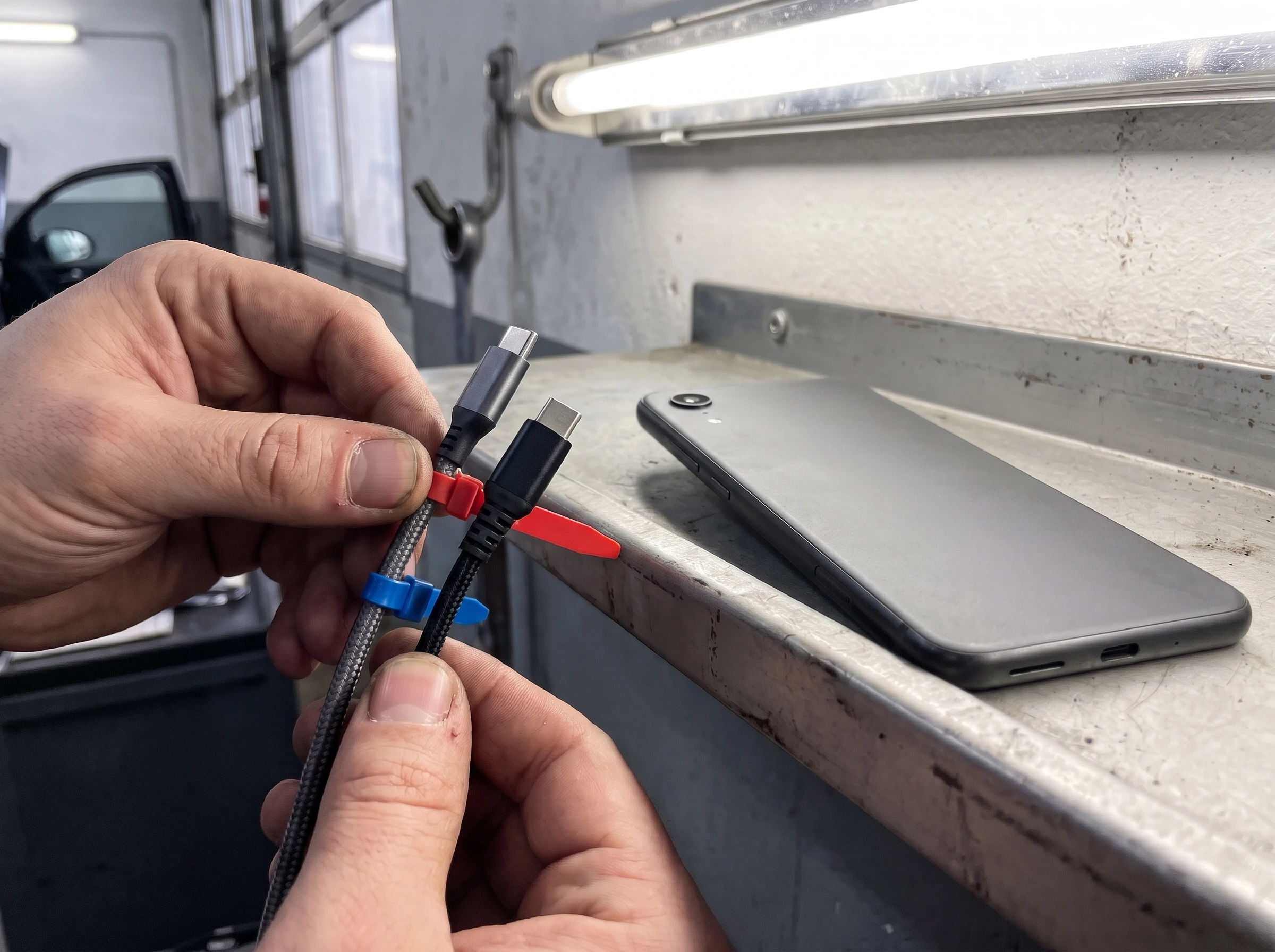
On a repair-shop wall shelf, a technician can label two cables, keep the phone face-down, and repeat the same parked route setup. A cable swap cannot explain a layout regression, but it can expose a connection fault before a team spends time on app versions.
A safe reproduction takes less guesswork than a live drive
Start while the vehicle is parked. Capture the first launch in split view and full screen, then repeat the same destination with a warm launch. Record whether the map, journey card, turn banner, incident controls, and audio guidance survive each transition.
Next, disconnect and reconnect once. Compare wired and wireless only if the car supports both, and change one variable at a time. A passenger can capture evidence during motion if the fault requires a real route; the driver should not operate the phone or camera.
Run a control app on the same phone and head unit. If several navigation apps fail in the same mode, platform or vehicle software moves higher on the list. If only Waze fails under the same conditions, the Waze path deserves the next support ticket.
Waze’s GPS guide adds another boundary: projected navigation still depends on the phone’s GPS and internet connection. A blank map, missing journey card, wrong position, and failed route calculation should remain separate test cases.
Privacy and price remain part of the navigation trade
Waze costs no purchase price and funds the service with advertising. Its privacy policy says it can collect detailed location, route history, destinations, searches, sensor data, device identifiers, ad interactions, and linked-app activity, subject to device and account settings.
Ads can use approximate location, route context, destination type, past activity, saved places, and Google account signals when personalization is enabled. Turning personalization off does not remove ads.
Drivers can change privacy controls on the phone, and those settings apply to CarPlay and Android Auto. The free price carries a data and advertising contract that privacy-sensitive drivers should review before saving home, work, and routine destinations.
Waze mobile score: 69/100
Source-based analysis, not a head-unit test.
Live traffic, rerouting, incidents, lane guidance, tolls, parking, fuel, EV charging, and broad phone projection cover the main navigation job.
CarPlay and Android Auto reduce phone handling, but current reports describe obscured route data, awkward layouts, and controls that vary by display mode.
The app is free and widely distributed. Ads and the need for a control navigation app reduce the value for some drivers.
Waze publishes detailed controls and advertising terms. The service still processes sensitive location, route, search, destination, and activity data.
Reports cover several in-car rendering failures across CarPlay and Android Auto. Public evidence does not establish frequency, a shared root cause, or a verified fix.
Waze ships frequent updates, documents both projection systems, accepts logs, and maintains support channels. Generic changelogs make repair status hard to verify.
The in-car reliability lens should track render stability first, then route continuity, glance readability, prompts and alerts, recovery time, and finally battery/data cost. Neyrotex cannot score those six items as measured results without the parked head-unit matrix described above.
Sources checked
Official Waze and store records: CarPlay guide, Android Auto guide, GPS troubleshooting, debug-log documentation, privacy policy, US App Store, and Google Play.
Fault evidence and counterexamples: Waze community ticket, Android Auto support thread, Android Authority report, and the current CarPlay black-screen thread. User reports establish symptoms, not prevalence or causation.