Imagine a 45-minute client meeting ending with no finished summary because the network dropped during the mobile upload. The phone may still hold enough cached audio to retry, yet the participants now have a second question: who agreed to put their conversation into a searchable transcript?
That boundary defines this first look. Granola has shipped a credible Android capture tool, but convenience does not settle consent, retention, or factual accuracy.
Neyrotex did not install Granola or record a meeting. We did not test transcription accuracy, speaker attribution, offline recovery, battery drain, phone-call behavior, deletion timing, or summary grounding. The score below measures the documented product and current operational evidence.
Granola for Android first look: what has shipped?
Granola announced Android support on July 28, 2026. A fresh US Google Play readback on November 13 showed version prod-261029.2, an October 29 update, 100,000+ public installs, and a 4.82 rating from 4,624 ratings.
The store lists one-tap ad-hoc notes, Google Calendar launch points, background transcription, private or shared notes, search, and chat across notes. The October release adds phone-call transcription, improved sharing, workspace invitations, folder search, and interface fixes.
Google Play currently shows no Android in-app purchases. Granola sells subscriptions through its account and web pricing rather than through the Android storefront.
Mobile capture changes the data path
Granola says desktop apps transcribe in real time. Mobile capture works differently: Android and iPhone temporarily cache audio, then process it after the meeting. Granola says it deletes the audio after transcription and keeps the transcript plus the user’s notes.
The security page names Deepgram and Assembly among transcription providers, and OpenAI and Anthropic among AI providers. Granola says its contracts prohibit those third parties from training on customer meeting data.
Granola also says it may use anonymized customer data to improve its own models. Basic and Business users can switch that use off in Settings; Enterprise workspaces start with model training disabled at the organization level.
Notes and transcripts stay in Granola’s cloud without an automatic end date unless a user deletes them or an Enterprise administrator applies a retention window. Account deletion removes data from active systems within 30 days according to the current security FAQ, while encrypted backups follow the company’s backup process.
No meeting bot still requires visible consent
Granola’s own guidance tells users to give participants a clear verbal notice. Its chat notification and video watermark can make virtual capture visible in Zoom, Meet, and Teams, while the Android app targets in-person meetings where a spoken check remains the clearest control.
The Associated Press reported objections from privacy, employment, and legal specialists who focus on searchable transcripts, confidential material, and recording laws. The article recommends asking every participant and respecting a refusal, especially in meetings about health, personnel, investigations, or legal strategy.
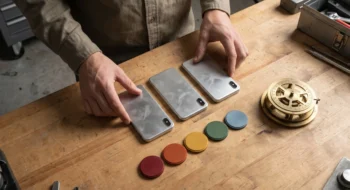
At the start of a meeting, the visible ritual is a face-down phone beside a spoken consent check before anyone starts capture. A participant who says no should end the recording decision, not trigger a debate about the app’s security page.
Granola lets users pause transcription and delete a section of the transcript. After a deletion, the app prompts the user to regenerate the note so the summary does not preserve the removed passage.
Interruption recovery deserves a real test
Granola’s June status history records a mobile transcription outage linked to a provider. The company told users that failed notes could be retried after service recovered.
An October 28 incident affected document sync, note creation, and enhanced-note generation. Granola said captured meetings remained safe and users could retry note generation when service returned.
The current Android release notes answer some of that friction with clearer audio-interruption alerts and better retry controls. They also claim improved speaker naming and local transcript downloads, but those claims still need a controlled device test.
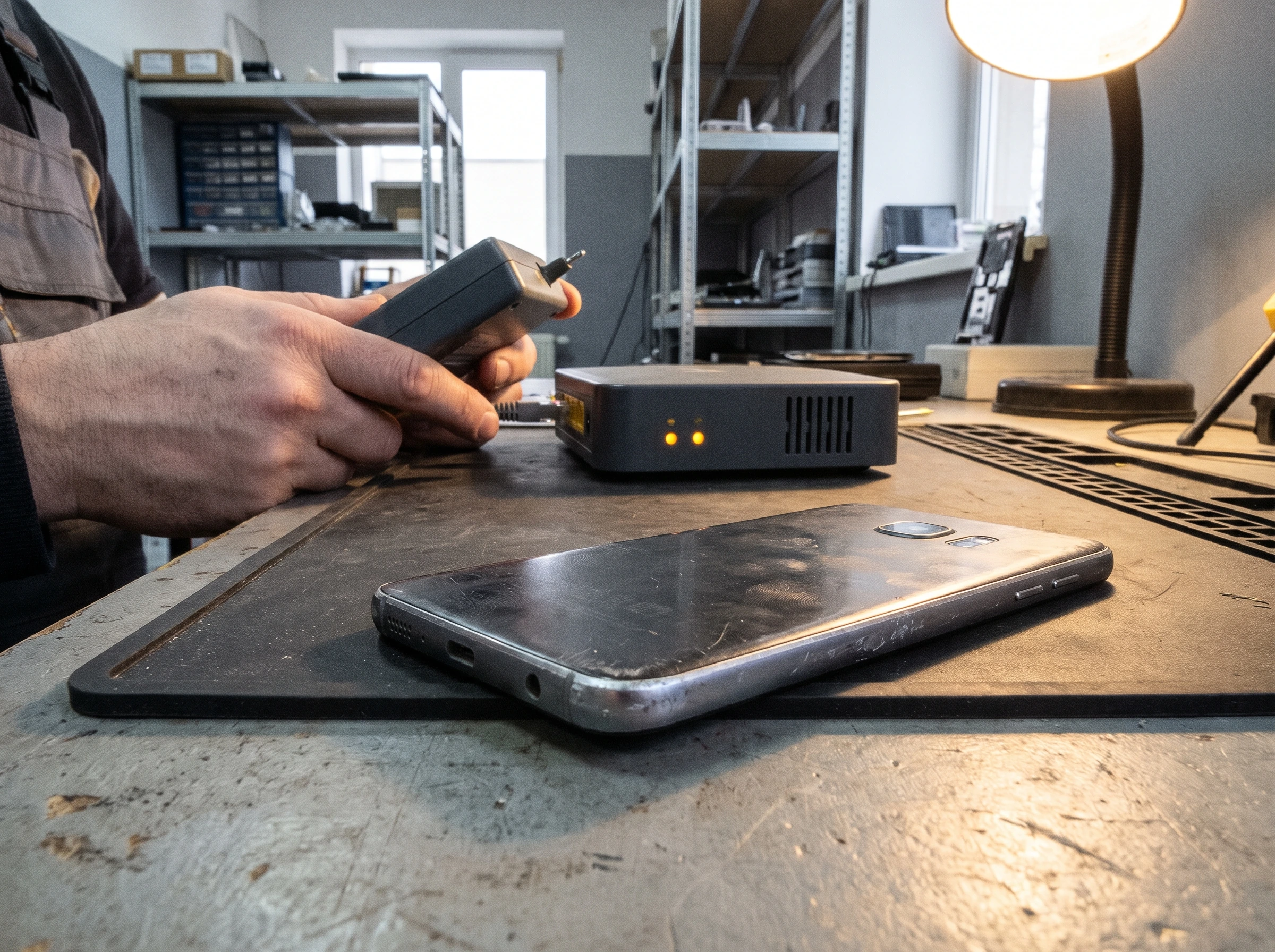
A support technician checks a router status light while a face-down phone waits to retry a meeting upload. The scene makes the operational question visible: the meeting may be over, but recovery still depends on the device, the network, and Granola’s cloud path.
Price and value depend on meeting history
Basic costs $0 per user each month and includes AI meeting notes, limited history, chat across meetings, shared folders, templates, multi-language support, and an individual training opt-out. The limit on visible history matters more than the free download badge.
Business costs $14 per user each month. It adds unlimited notes and history, advanced AI models, integrations, centralized billing, MCP access, and an API.
Enterprise costs $35 per user each month. It adds SSO, support, usage analytics, workspace retention, sharing controls, and organization-wide training and notification settings.
Granola’s pricing page includes desktop, iOS, Android, and Apple Watch apps across plans. Buyers should confirm regional billing and current plan terms before committing because web pricing can change without an Android release.
Granola Android source-based score: 77/100
In-person capture, calendar launch, calls, search, sharing, chat, folders, transcript download, and retry cover the mobile meeting job. Neyrotex has not verified accuracy, speaker separation, or recovery.
Manual start and calendar entry points keep capture understandable. Consent, training settings, sharing, and retry add steps that a team must document.
The free plan provides a real trial. Limited history and web-managed subscriptions reduce clarity for Android-only users.
Audio deletion, encryption, sharing controls, transcript deletion, and provider training restrictions help. Cloud transcripts, indefinite default retention, internal model improvement, and consent duties remain material risks.
Granola has shipped recovery controls and says interrupted notes can retry. Two public 2026 incidents and the absence of a Neyrotex device test keep this score conservative.
The Android app gained phone calls, folder work, sharing improvements, interruption alerts, transcript downloads, and layout fixes within four months of launch.
Sources checked
Product and store state: Granola updates, Google Play, and the Granola status history.
Data, price, and consent: security and data flow, transparency controls, transcript deletion, pricing, and the Associated Press report on AI notetaker risks.