
The deadline now sits inside the upload path. Apple has opened App Store submission for Xcode 27 RC builds, and apps linked against the iOS 27 or iPadOS 27 SDK must declare a launch screen.
The iOS 27 launch screen requirement is easy to satisfy deliberately and easy to miss in an old target. The failure often hides behind a development build that reuses a warm process, a framework that generates configuration, or a secondary target nobody opened during the migration.
What the iOS 27 launch screen requirement says
Apple’s iOS and iPadOS 27 release notes state that apps built with the 27.0 SDK or later must include a launch screen. The final Info.plist must contain one of four recognized keys: UILaunchStoryboardName, UILaunchStoryboards, UILaunchScreen, or UILaunchScreens.
The rule applies to iPhone and iPad apps linked on the new SDK. It does not mean the launch screen should run code, fetch data, show a progress bar, or reproduce the first screen with fake controls.
Apple also says in its September submission notice that teams can build with Xcode 27 RC, test through TestFlight, and submit against the latest SDK. That makes this a current release task rather than a future migration note.
From rule to rejection risk
- The app links against the 27.0 SDK.
- The archived target lacks every recognized launch-screen key.
- The upload reaches App Store validation without a declared launch screen.
- The team loses the release window while rebuilding and retesting the archive.
Audit the bundle in four passes
First list every application target that ships to users. Include the main app, branded variants, enterprise builds, app clips, and any separately distributed container; do not assume they share the same generated Info.plist.
Second identify the configuration style. A storyboard-based app usually uses UILaunchStoryboardName, while a modern configuration can use UILaunchScreen or the plural variants for more than one experience.
Third archive the intended release configuration and inspect the built product. Build settings, preprocessing, target overrides, or a framework’s generator can make the archive differ from the project editor.
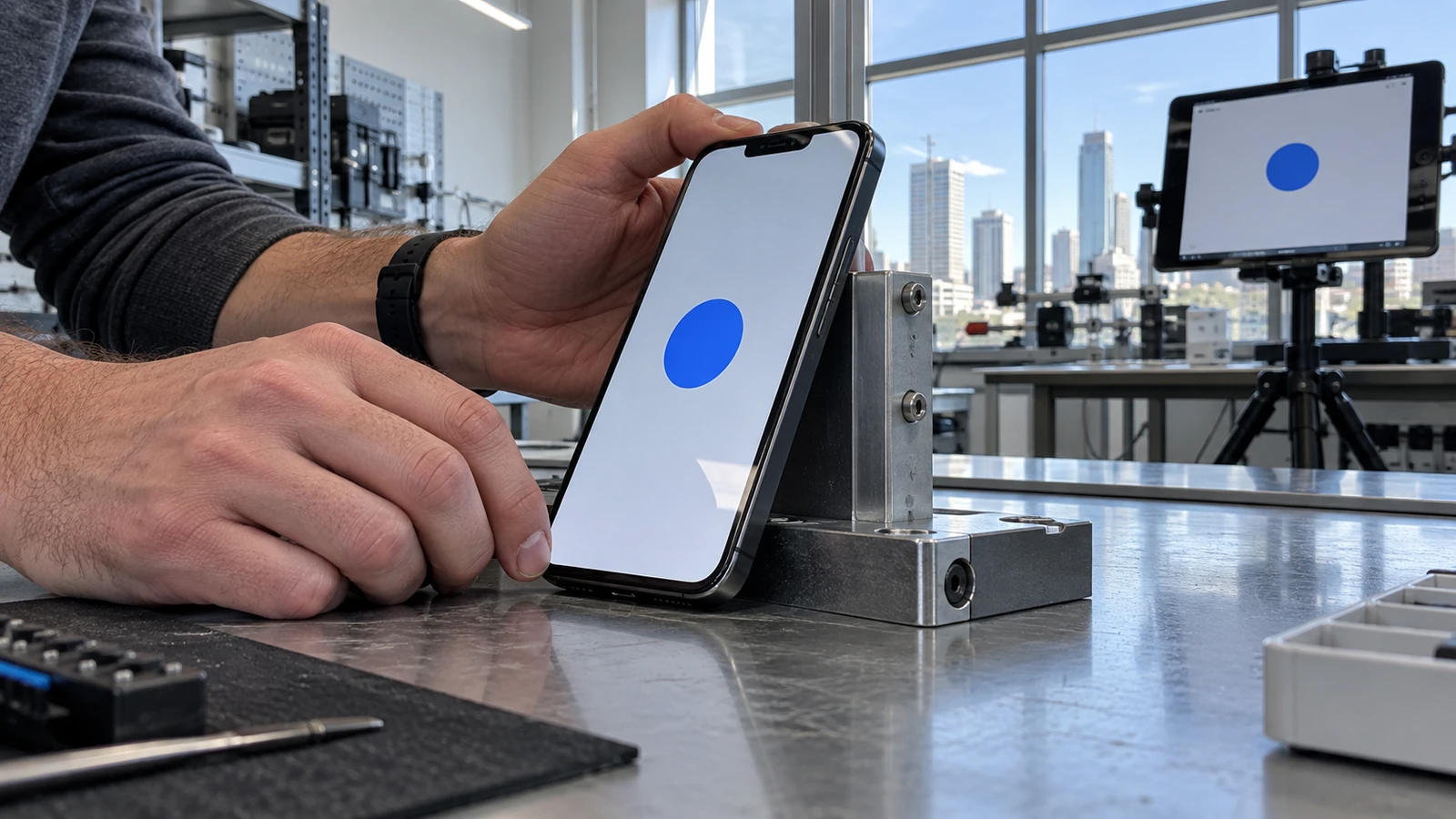
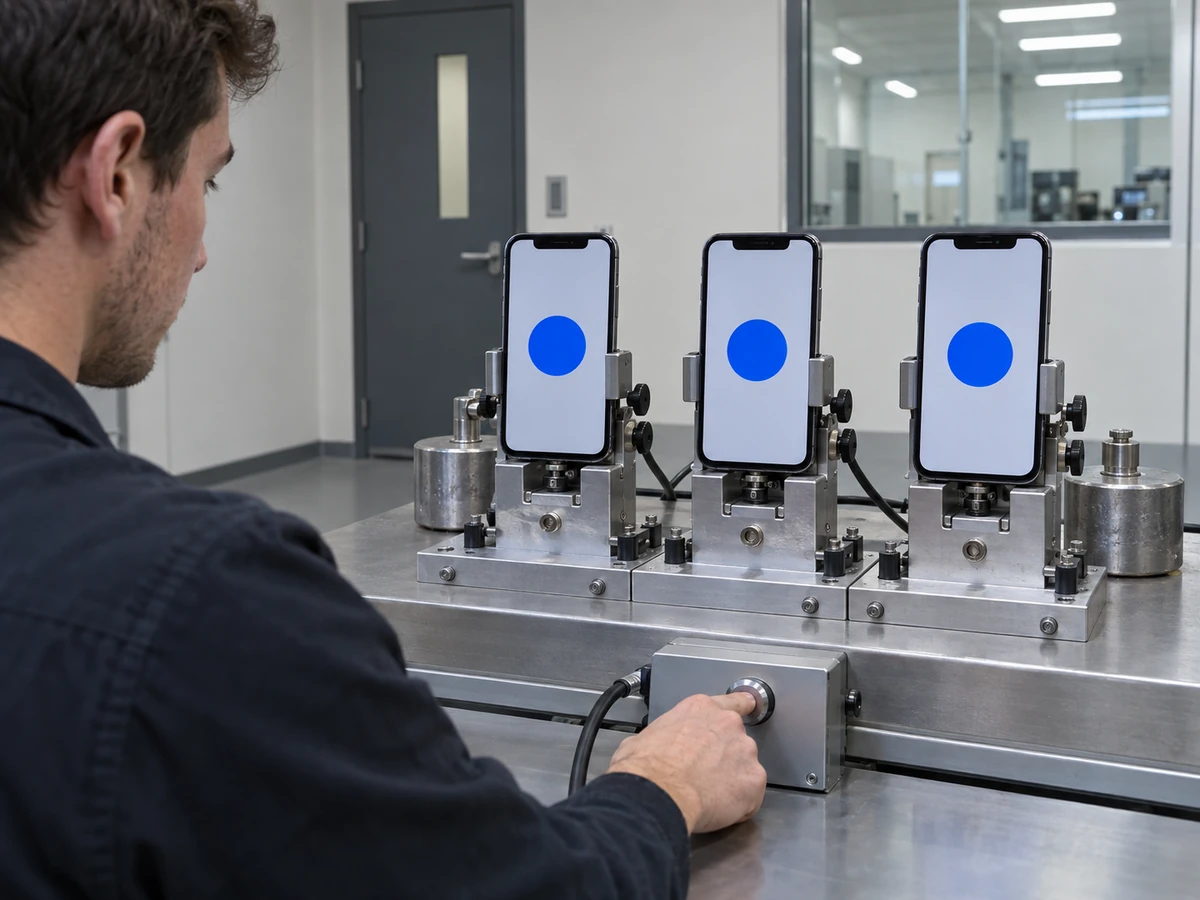
Fourth terminate the app completely and test the launch transition on iPhone and iPad layouts the app actually supports. A warm relaunch is not evidence because the process and scene may already exist.
Design the handoff, not a miniature app
A launch screen should be visually stable while the operating system creates the process. Use a background color and a small set of static assets that can adapt to the device, orientation, appearance, and safe area.
Do not place status text, account data, network-dependent content, or simulated buttons in this state. The system owns the launch screen, so those elements cannot honestly reflect the app’s runtime state.
Match the broad geometry of the first usable frame without making the transition brittle. A shared background and stable brand mark can reduce the flash, while the real interface remains free to load current content and accessibility state.
Cold-start checks that catch the real defects
- Launch after terminating the process, not from the app switcher.
- Test light and dark appearance if the app supports both.
- Rotate or use the declared orientations on each supported device family.
- Enable larger text and display scaling to confirm the first real frame does not jump or clip.
- Start offline and with a slow backend so the first frame does not depend on a fast response.
- Capture the transition and look for a white flash, stretched asset, stale snapshot, or fake interactive element.
Separate the launch screen from state restoration. iOS can also show a saved snapshot while returning to an existing scene, so a defect seen after multitasking may belong to snapshot privacy or scene lifecycle rather than the launch declaration.
For apps with sensitive content, cover the scene before it backgrounds and confirm the system snapshot does not expose the last account screen. The launch-screen requirement does not solve that privacy path.
Watch the transition frame by frame when the first screen uses a custom font, remote theme, or account-specific color. If the real interface cannot know those values at process creation, choose a neutral launch state that does not promise a perfect visual match it cannot reliably keep.
Also test an upgrade over the currently published build. A restored scene, cached snapshot, or migrated preference can make an upgrade launch behave differently from a clean installation even though both archives contain the same launch-screen declaration.
Framework projects need a generated-artifact check
Flutter, React Native, game engines, and internal build systems may generate plist content or launch assets. Record which tool owns the value, then verify the release archive after that tool runs.
A plugin or template upgrade can overwrite generated launch resources. Put a bundle inspection in CI so the release does not depend on someone remembering which checkbox a framework regenerated.
The Neyrotex iOS 27 submission checklist covers the age-rating and family controls around the same release cycle. The Apple EU business-terms guide handles the separate commercial decision.
Browse the Neyrotex Mobile section for platform migration notes, but keep this acceptance item small: one declared static launch state, verified in the exact shipping bundle and runtime.


Pingback: iOS 27 Subscription Bundles and Suites Guide