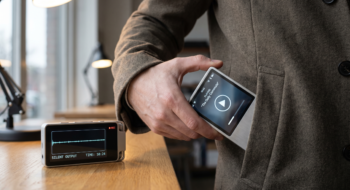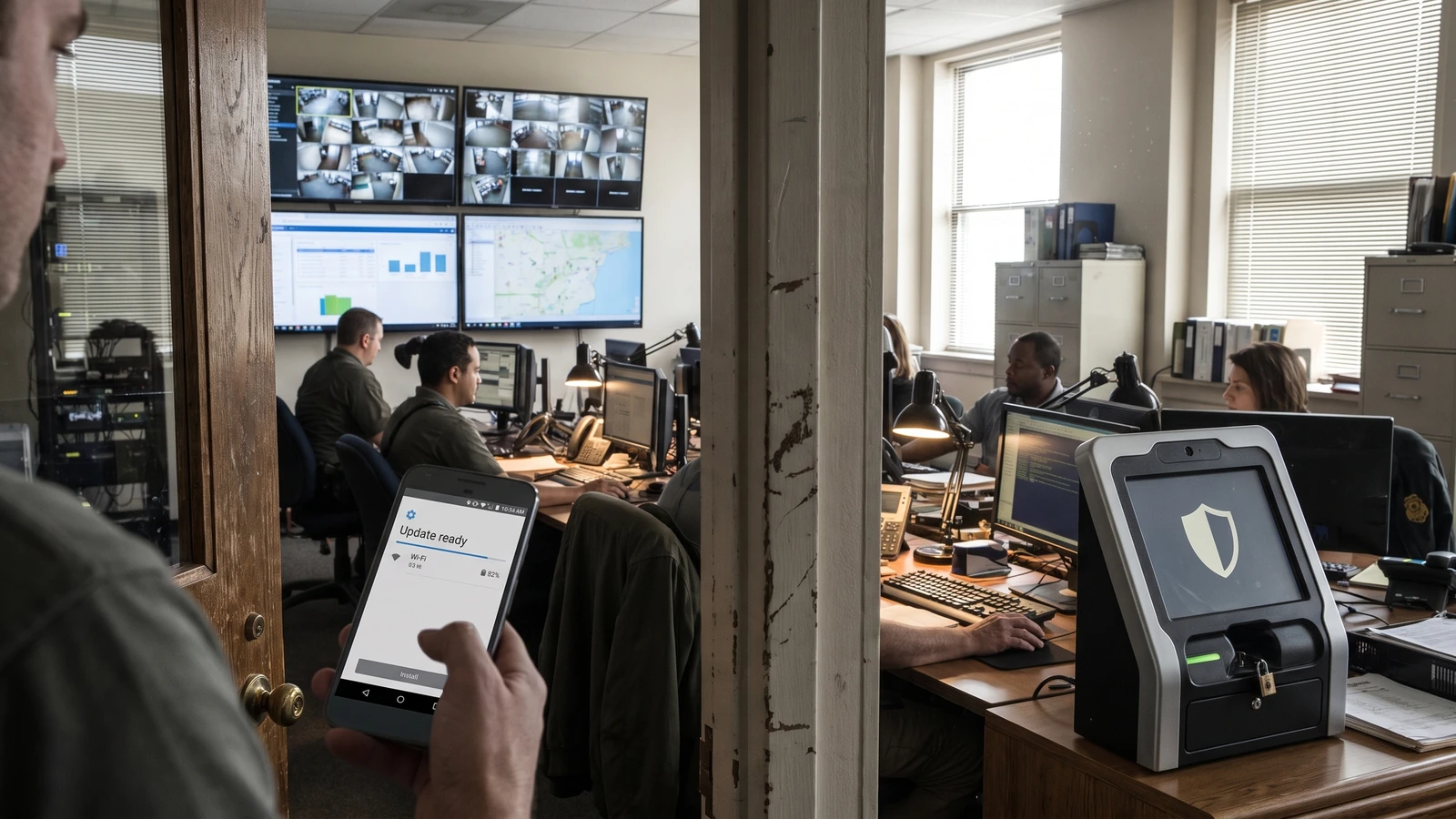
A banking app sees an old device patch date and blocks credential enrollment. The user has already downloaded the relevant update, but the app cannot see that state and offers no useful recovery path.
AndroidX Security State gives the app a better question: which component is behind, which baseline applies, and is a trusted update ready? The answer can shape a warning, a temporary gate, or an ordinary allow decision.
Start AndroidX Security State with one sensitive action
Google released Security State 1.1.0 and Security State Provider 1.0.0 as stable libraries in its announcement; the AndroidX release notes remain the version source. They expose system, system-module, and kernel posture instead of flattening the device into one date.
Choose a narrow workflow such as adding a payment credential, enrolling a work profile, or enabling a high-value transfer. Do not turn a new signal into a global app lock before support, recovery, and false-positive behavior are understood.
Separate installed, published, and available state
Device SPL comes from properties and configuration already on the device. Published SPL comes from Android Security Bulletins and vulnerability data. Available SPL comes from trusted on-device update providers through asynchronous IPC.
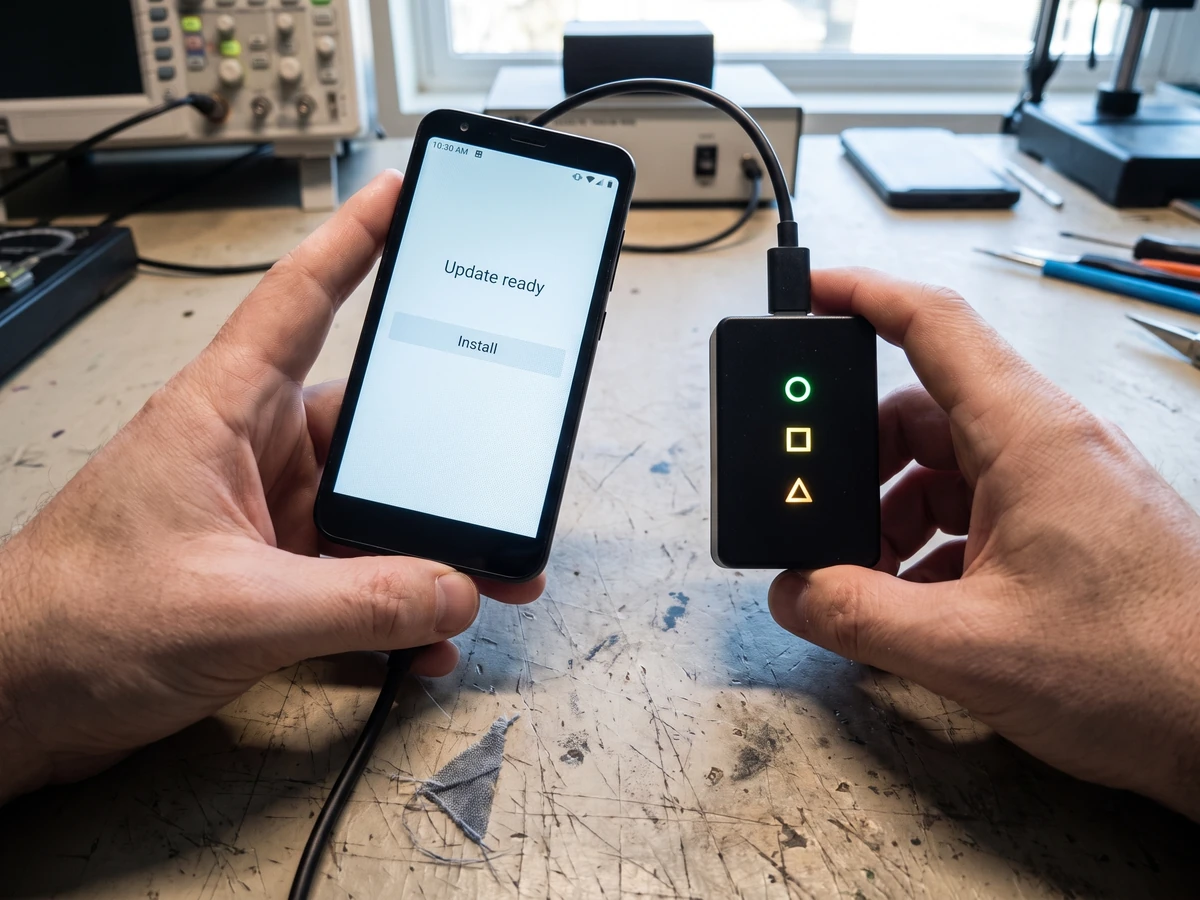
A device can be behind the published bulletin and still have a verified update waiting for installation. That difference lets an app ask for an update and return the user to the interrupted task instead of presenting a dead end.
Decision matrix for one protected action
| Evidence | Product action | Recovery |
|---|---|---|
| DSPL meets baseline | Allow | None |
| DSPL behind, trusted ASPL available | Pause the sensitive step | Open system update settings |
| DSPL behind, no fresh ASPL evidence | Apply risk policy | Explain support path and retry |
| Signal unavailable on old platform | Use documented fallback | Do not claim the device is unsafe |
Treat each Android component on its own cadence
The implementation guide separates the Android system, Project Mainline modules, and kernel. Mainline modules can update through Google Play while the system waits for an OEM OTA. Kernel compliance uses version branches rather than a monthly date.
Treat system, system modules, and kernel as three components with different evidence and update paths. A policy that compares three values as if they were calendar strings will misclassify devices.
Design for Android version limits
Android 11 and later support all three components and published kernel targets. Android 10 lacks the same kernel baseline support. Android 9 and earlier predate Mainline, so a module query can fall back to the Unix epoch.
Handle those values as capability boundaries, not as proof of compromise. Log the platform and signal availability, then apply the fallback promised in the product policy.
Keep network work away from app launch
Installed patch levels are available without network calls. Vulnerability reports and available-update discovery follow different paths. Google recommends caching bulletin data in internal storage, refreshing it with WorkManager, and parsing it off the main thread.
Give cached data an age and source. A stale vulnerability file should reduce confidence or trigger refresh, not silently masquerade as current compliance.
Keep the user-facing sentence concrete
Say “A system update is ready; install it before adding this payment credential.” Avoid “Your phone is insecure,” which overstates the evidence and gives support teams little to diagnose.
Use CVE checks with their documented boundary
The library can load OSV vulnerability data and evaluate whether specific CVEs are patched for supported components. The guide warns that kernel CVEs use kernel-version comparison; getPatchedCves does not provide the same kernel evaluation path.
Keep a test case for each component, a pending update, stale data, unsupported platform, provider timeout, and a device that satisfies the baseline. Verify the recovery action returns to the original sensitive step.
Do not turn posture into identity
Patch state answers a device question at a moment in time. It does not authenticate the person, prove app integrity, or replace server-side authorization. Combine it with the controls required by the transaction rather than treating one library as a trust verdict.
Write the support contract before the enforcement rule
For every blocked or guided state, specify the component that failed, the evidence time, the accepted remediation, the retry trigger, and the route to support. Avoid exposing raw CVE lists when the user needs one safe next action.
Record enough telemetry to distinguish an unsupported platform, stale bulletin cache, provider timeout, no available update, and a completed update that has not yet refreshed. Do not log sensitive transaction details or turn a posture signal into a permanent user label.
Roll the policy out in observe, guide, and enforce stages. Compare false positives, successful recoveries, abandonment, and support contacts, then keep a remote kill switch for the policy rather than for the security library itself.
Document who may change each baseline and how quickly support can reverse a bad rule.
Our Android 17 guide covers platform behavior changes. The developer verification checklist handles package ownership, while Private Space explains a user-controlled isolation boundary. Return to the Mobile hub for related guides.