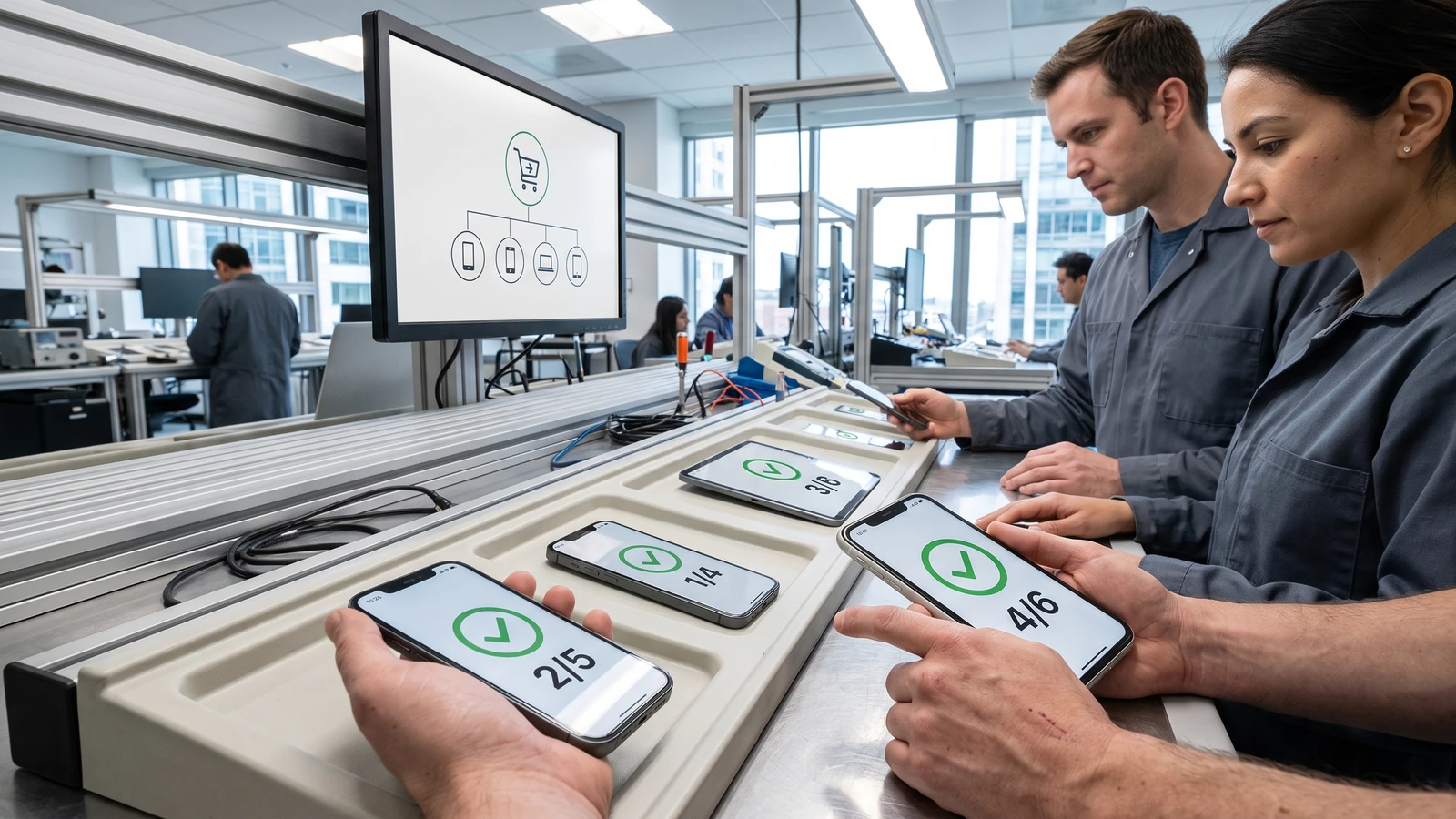
A customer buys one package, opens a second app, and expects access at once. Another customer upgrades from a standalone plan and receives a prorated refund.
A third customer keeps one subscription after cancelling the rest. iOS 27 subscription Bundles and Suites turn those paths into one entitlement problem.
The product decision is not the paywall layout; it is the entitlement graph behind the purchase. Draw that graph before requesting configuration from Apple.
Separate a Bundle from a Suite
Apple’s current program page defines two shapes. A Bundle combines as many as five auto-renewable subscriptions and can span one app, several apps, or several developers. A Suite provides one subscription across as many as fifteen apps from one developer.
Both paths require StoreKit 2 and current Apple operating systems for in-app purchase. Apple says the subscriptions inside a Bundle must use the same duration. Multi-developer Bundles also require each participant to sign the relevant legal addendum and provide subscription details through Apple’s intake process.
Choose the smaller contract
Bundle: customers buy several existing subscription services together, possibly across developers.
Suite: one subscription unlocks a coordinated set of apps from the same developer.
Do not use a Bundle to conceal products that should share one entitlement. Do not use a Suite when independent services need distinct renewal, pricing, or cancellation behavior.
Model iOS 27 subscription Bundles and Suites before merchandising
The iOS 27 release notes add Bundle and Suite product types, bundled-subscription merchandising data, and transaction fields for customer status. They also add assigned ownership and assignment-revoked states for volume purchases.
Treat assigned ownership and assignment revocation as first-class states rather than squeezing them into family sharing logic. The purchaser, assigned user, family member, and standalone subscriber can have different rights even when the visible product name matches.
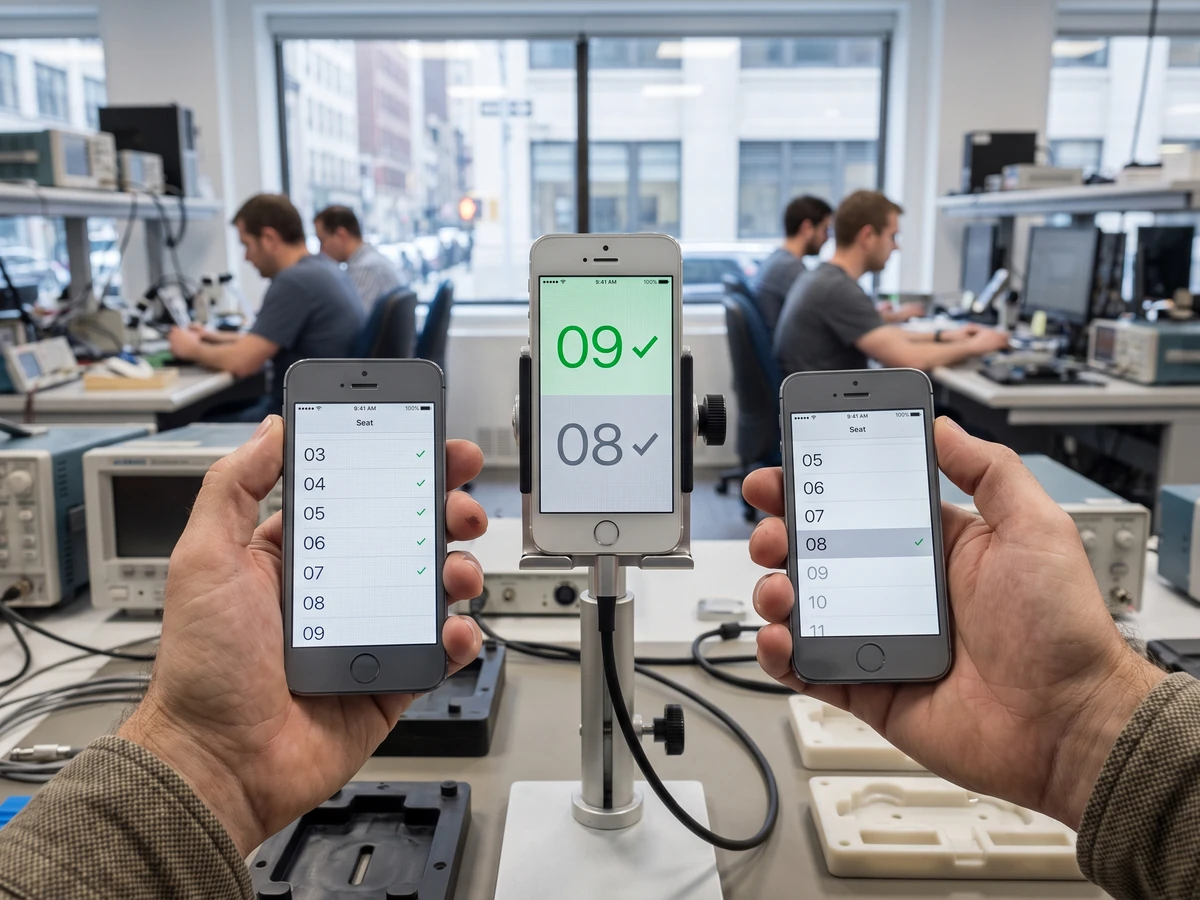
Build one resolver that reads verified StoreKit transactions and server notifications, then emits your product’s entitlement set. Each app should consume that set instead of implementing its own interpretation of Bundle membership.
Keep legacy standalone products in the resolver. Apple says a customer who buys a Bundle containing an existing standalone subscription is upgraded and receives a prorated refund for the remaining period. Your service should expect overlapping transaction history during that transition.
Review multiseat settings even if you do not sell to teams
Apple’s purchase-options guide says multiseat purchases are configured per auto-renewable subscription. Volume purchases serve Apple Business and Apple School Manager; group purchases let an App Store customer buy and assign several seats.
Existing subscriptions created before September 14 can be opted out by default when they do not use StoreKit 2 or already use Family Sharing. Family Sharing and multiseat settings also interact: Apple limits family access to the group purchaser when multiseat is enabled.
Inventory every subscription in App Store Connect. Record StoreKit version, Family Sharing state, multiseat choice, selling stores, and the person authorized to change each option. A default is still a product decision once customers can buy seats.
Test the lifecycle, not one successful purchase
Create sandbox cases for new purchase, standalone-to-Bundle upgrade, Suite access in a second app, seat assignment, seat removal, refund, billing retry, cancellation, partial retention, and expiry. Verify the app, server, and support console show the same rights after each event.
Add offline and delayed-notification tests. A second app may open before your server receives the latest event. Decide whether verified on-device StoreKit state grants temporary access, how long cached rights last, and how the app recovers when the server catches up.
Release evidence
- One entitlement table covers every participating app and product.
- Every lifecycle event has a sandbox or signed test receipt.
- Support can identify purchaser, assignee, product, renewal, and effective rights.
- Paywall copy matches the tested cancellation and retention behavior.
Design the customer and support surfaces together
The purchase sheet may list several apps, subscriptions, and seats. Mirror those nouns in account settings and support tools. A customer should see which services are active, who controls the purchase, which seat they use, and when a pending cancellation takes effect.
Give support a transaction timeline with verified event types rather than a hand-written summary. Show standalone purchase, Bundle or Suite membership, assignment, revocation, renewal, refund, and expiry as separate events. Hide payment details that the support role does not need.
Write recovery copy before launch. If one participating app cannot refresh entitlements, say which access is delayed and offer a restore path. Do not tell the customer to buy again while a verified purchase remains unresolved.
Coordinate release ownership across apps. One team must approve the entitlement schema, another must own StoreKit and server-notification compatibility, and support must know the escalation path when apps disagree. A combined product fails as one experience even when each app passed its own build test.
Our iOS 27 submission checklist covers launch-screen evidence. The age-rating guide handles another current App Store contract. Browse the Mobile hub for platform changes outside the separate product-review queue, then review the Apple EU business-terms guide if the offer reaches that storefront.