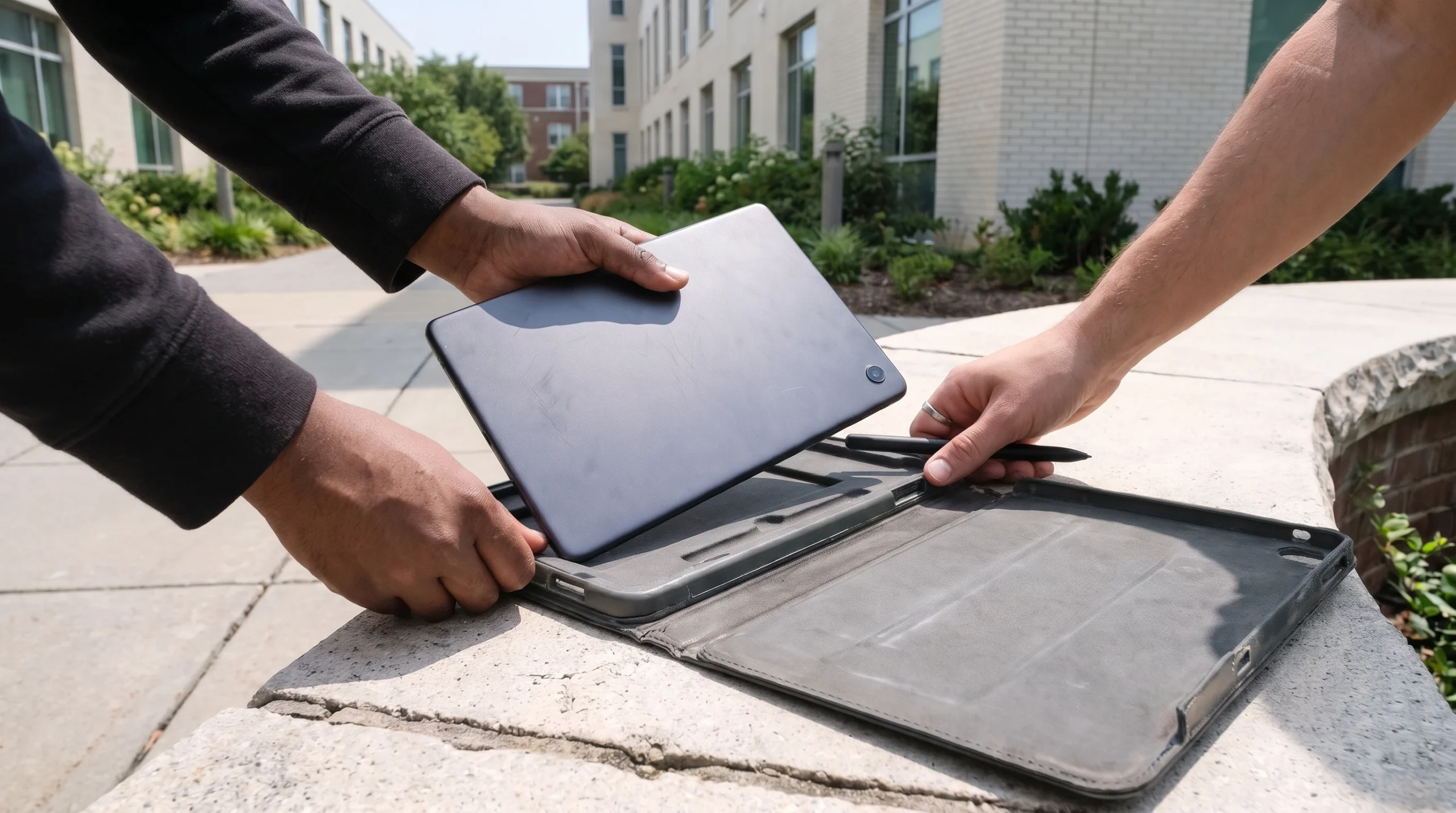
Two students unpack an Android tablet and a stylus from a protective case in a campus courtyard. That ordinary scene captures the release better than the old waitlist page does: an Android user can install Notability from Google Play today, sign up, and start writing.
Neyrotex did not install or benchmark the app. We did not measure pen latency, palm rejection, PDF fidelity, audio alignment, offline recovery, battery use, or crash frequency. This first look scores the documented product, current storefront state, update record, price, privacy terms, and limits that Notability publishes.
Notability for Android first look: did the full app ship?
Yes. Ginger Labs says it launched a native Android app through Google Play in August 2026. The store page showed 1M+ downloads, a 4.5 rating from 3.95K reviews, in-app purchases, and an update dated November 6 when checked on November 11.
The app requires Android 12L, API level 32, or later. A free Notability account is mandatory, and the company excludes account creation and sign-in in China, Hong Kong, and Macau. Google Play is the only supported Android storefront in the current FAQ.
The launch FAQ still lists native comments as unavailable, but fresher evidence has overtaken that line. Google Play promoted a comments update, Notability now maintains a comments guide, and the company’s Android recap includes comments among post-launch additions. Text-Only Mode remains the clearly documented missing feature.
What can the Android app do in version 1.12?
The current Android guide covers handwriting with a finger or stylus, pressure-sensitive pen and pencil tools, highlighters, erasers, movable text boxes, handwriting conversion, media import, audio recording, PDF sharing, templates, and a customizable toolbox. S Pen support exists, although the FAQ says some stylus behavior still needs refinement.
Notability also brings its Learn layer to Android. Paid features include live transcription, Smart Notes generated from recordings and documents, quizzes, flashcards, and chat over note content. Version 1.12 adds a calligraphy pen, stroke stabilization, single-page navigation, image captions and text wrap, recording trim, faster PDFs, and crash fixes.
Store reviews provide useful fault reports, not a defect rate. One reviewer described pen strokes appearing below the stylus tip after an update, and Ginger Labs acknowledged the report. Other reviewers raised right-to-left toolbar friction and object-grouping limits.
Those accounts identify tests worth running. They do not prove that every device has the same behavior.
Can an iPad library move to Android without a reset?
Notability says yes, with a migration step. Android uses Notability Cloud rather than the iCloud sync system that many iPad, iPhone, and Mac libraries still use. An eligible Apple device must move the library to Notability Cloud before the Android app can see it.
The official sequence starts on an iPad running Notability 15.3.7 or later. Users without an iPad must wait for an invitation on iPhone or Mac, and the help page warns that an account may not qualify at once. After the upgrade, the same account syncs new Android notes across supported devices.
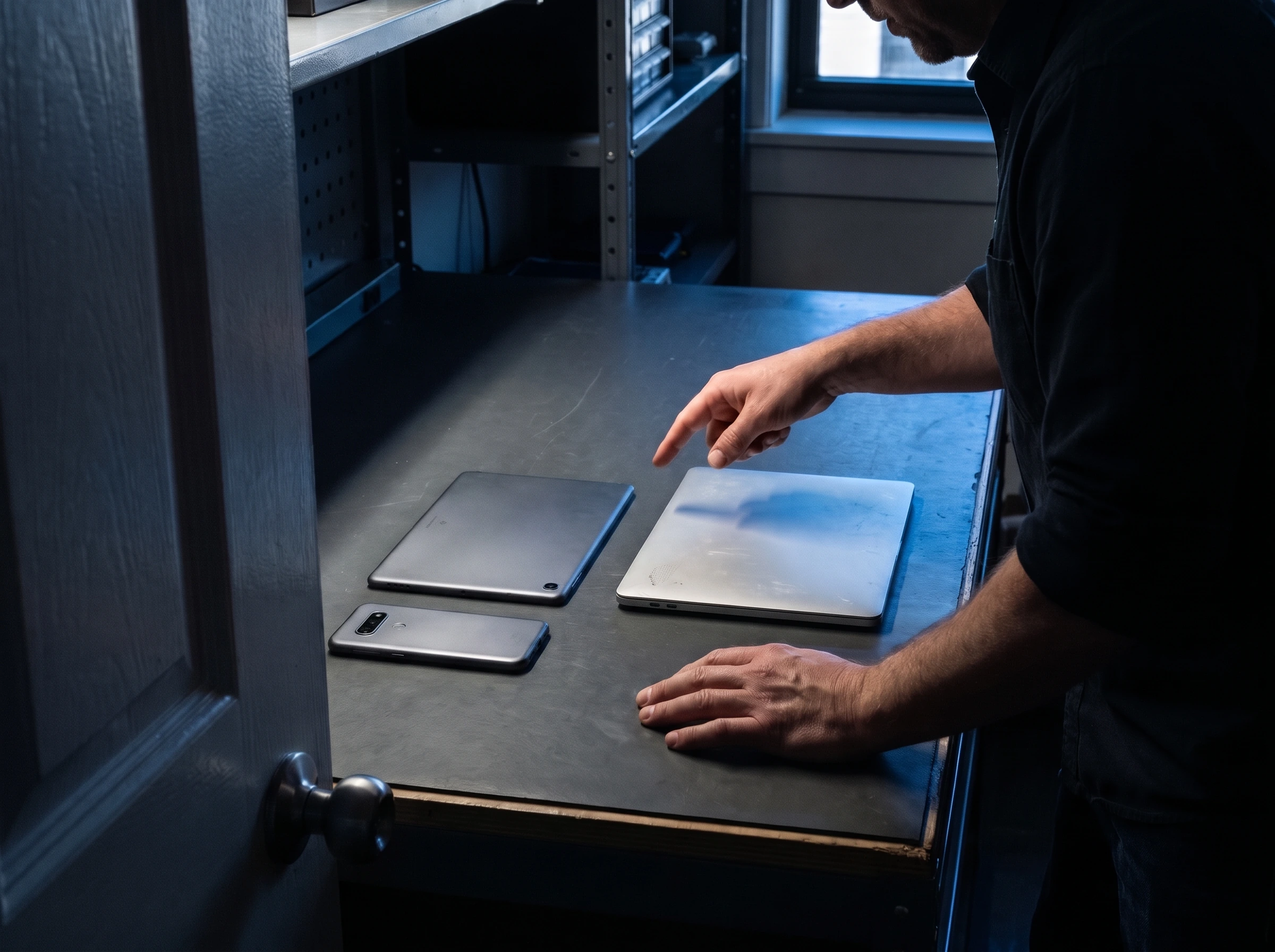
A support desk places an Android tablet, a phone, and a laptop side by side during a cloud migration. The device row makes the dependency visible: all three clients need the same Notability account and the same cloud library before cross-platform work can begin.
Android can edit notes offline and sync them after the connection returns. It cannot run automatic third-party backups to Google Drive or Dropbox. Users can export notes into another cloud-storage app, but that manual copy is a different recovery model from continuous backup.
How much does useful Android access cost?
Starter costs $0 and allows five notes, document import, editing tools, templates, and seven days of version history. Lite costs $11.99 per year on the discounted annual view checked November 11, with a $14.99 crossed-out price; it removes the note limit. The pricing page also reminds Android buyers that third-party backup is an iOS-only feature.
Plus costs $15.99 per year on the same discounted view, with $19.99 shown as the regular annual price. It adds limited AI quizzes, flashcards, audio transcription, and 30-day version history.
Pro costs $79.99 per year on sale, with $99.99 shown as regular, and raises those AI and transcription limits while extending history to 90 days. Prices vary by market and promotion.
Classic offers a one-time purchase, yet the Android path has a caveat. The FAQ says Google Play cannot sell Classic at present. A Classic purchase from the App Store or notability.com can carry over when the user signs into the same account.
What happens to notes, recordings, and AI inputs?
Notability stores local-only data on the device when a user does not sync it. Synced data moves to servers in the United States. The privacy policy says Ginger Labs staff cannot view synced data unless the user grants permission or legal and contractual duties require access.
Audio transcription sends recordings to Notability servers for automated processing. The company says it deletes the recording after transcription and does not use it to train AI models without consent. Resulting transcripts remain available for the user.
Learn sends note inputs such as text, handwriting, PDFs, and transcripts through Notability and its AI providers. The policy says providers process those inputs to create study materials and delete the inputs after generation. Generated summaries and quizzes stay stored for later use.
Android settings let a user disable AI, Learn, and transcription, and the account menu includes deletion.
Google Play’s developer disclosure says the app shares no data with third parties, may collect personal information and messages among other categories, encrypts data in transit, and accepts deletion requests. That store declaration and the privacy policy use different scopes; readers should rely on the detailed policy before placing confidential class, work, or health material in cloud notes.
Notability Android source-based score: 76/100
Handwriting, PDFs, audio, Learn, offline editing, templates, comments, and cross-device sync cover the central note-taking job. Text-Only Mode, Android auto-backup, and full platform parity remain incomplete.
The toolbox and account model look coherent in current guides. Cloud migration, regional account limits, device eligibility, and reported stylus or right-to-left friction add setup risk.
Five free notes give buyers a real trial, while low annual tiers unlock unlimited notes. AI allowances, promotional pricing, and the missing Android Classic purchase route complicate the value comparison.
Local storage, deletion controls, optional AI settings, transit encryption, and narrow processing promises help. Cloud sync and AI features send sensitive material to US servers and service providers.
Version 1.12 lists faster PDFs and crash fixes, while store reviews surface stylus and layout problems. Neyrotex lacks a controlled Android device test, so this category stays conservative.
Ginger Labs shipped frequent Android additions after the August launch, maintains a dedicated update page, answers store reviews, and provides in-app support.
Sources checked
Product and Android scope: company timeline, Android FAQ, Android getting-started guide, latest Android updates, comments guide, post-launch Android recap, and Google Play.
Commercial and data terms: pricing, plan comparison, subscription FAQ, privacy policy, and Android settings.