
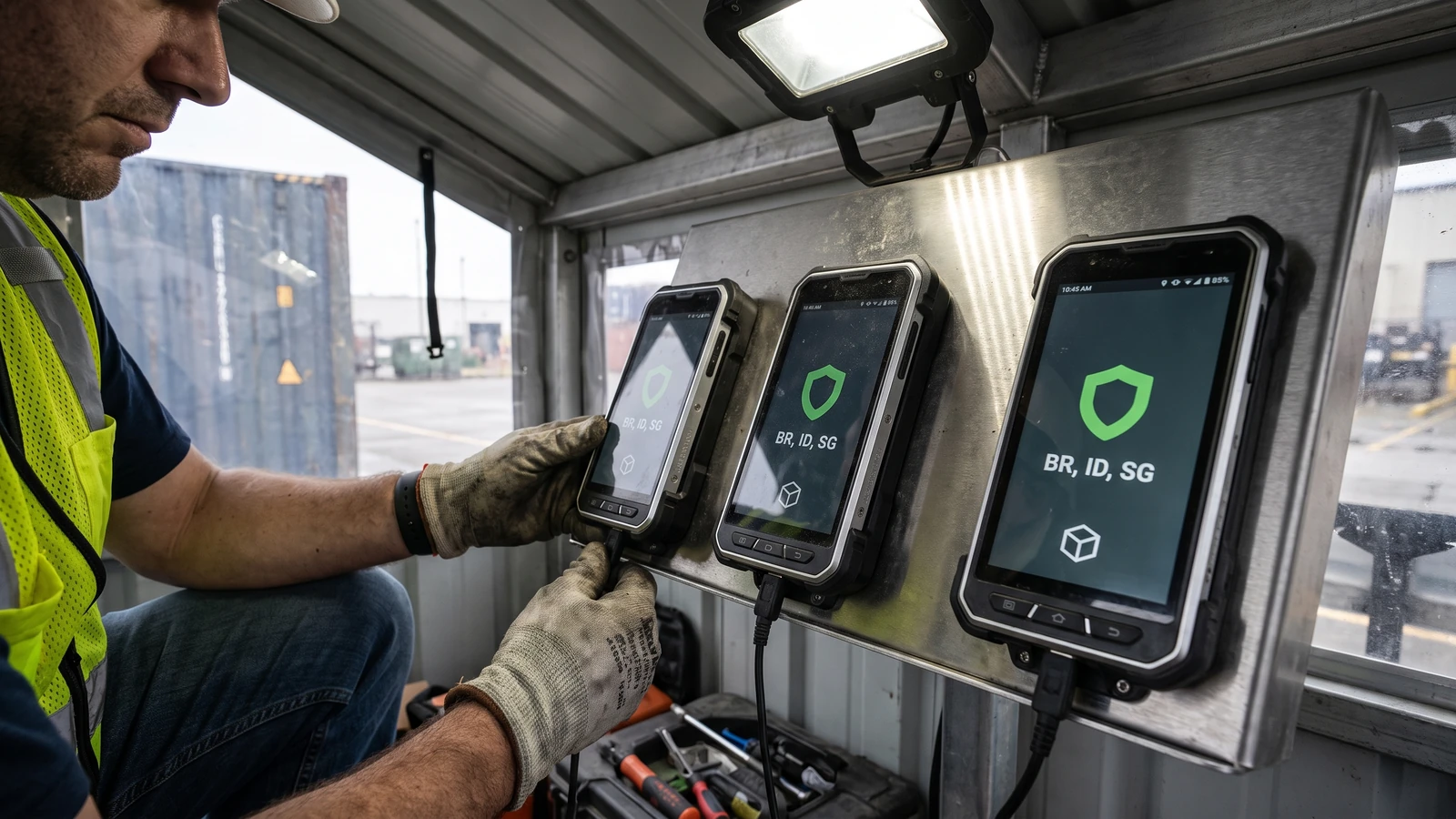
Your app is live, updates normally, and uses a valid certificate. A customer in Brazil installs it through a participating store after September 30 and sees a block because the package was never linked to the verified developer account.
Android developer verification closes that gap. Google says enforcement begins in Brazil, Indonesia, Singapore, and Thailand for participating stores on certified devices running Android 7 or later, then expands globally in 2027.
Map Android developer verification to each distribution path
The official overview names Google Play, HONOR App Market, OPPO App Market, Galaxy Store, Palm Store, V-Appstore, and GetApps for the first regional phase. It also states that the initial check applies on certified Android devices.
Build a row for every combination that matters: package name, store, signing certificate, owning developer account, release channel, region, and device class. A green Play listing does not prove that every package name and signing key in your distribution map is registered.
Which console owns the registration?
Play and mixed distribution: use Play Console for Play packages and packages you also ship outside Play.
Exclusively outside Play: use Android Developer Console and its package-name registration path.
Internal developer install: ADB remains a development path; the advanced flow serves power users installing an unregistered package.
Start with identity, then enumerate package names
Identity verification and package registration are separate states. Existing Play developers often satisfy the identity step already, but Google still asks them to review the Play Console home page for packages that need action.
The Play Console guide says 99% of Play apps were registered automatically. The remaining one percent is exactly why a release team needs an inventory instead of an assumption.
Include retired packages that still receive installs, white-label variants, enterprise editions, regional IDs, direct-download builds, and packages transferred between accounts. Mark each as active, intentionally retired, transferred, or unresolved.
Preserve signing-key ownership evidence
A package name can require proof that the registering developer controls its private signing key. Decide which certificate proves current ownership when Play App Signing, legacy self-signing, key rotation, or an acquisition changed the chain.
Record the certificate fingerprint used to prove ownership beside the package name and the account that registered it. Do not put the private key or keystore password in the inventory. Store only the fingerprint, proof result, secure key location, and owner who can repeat the procedure.
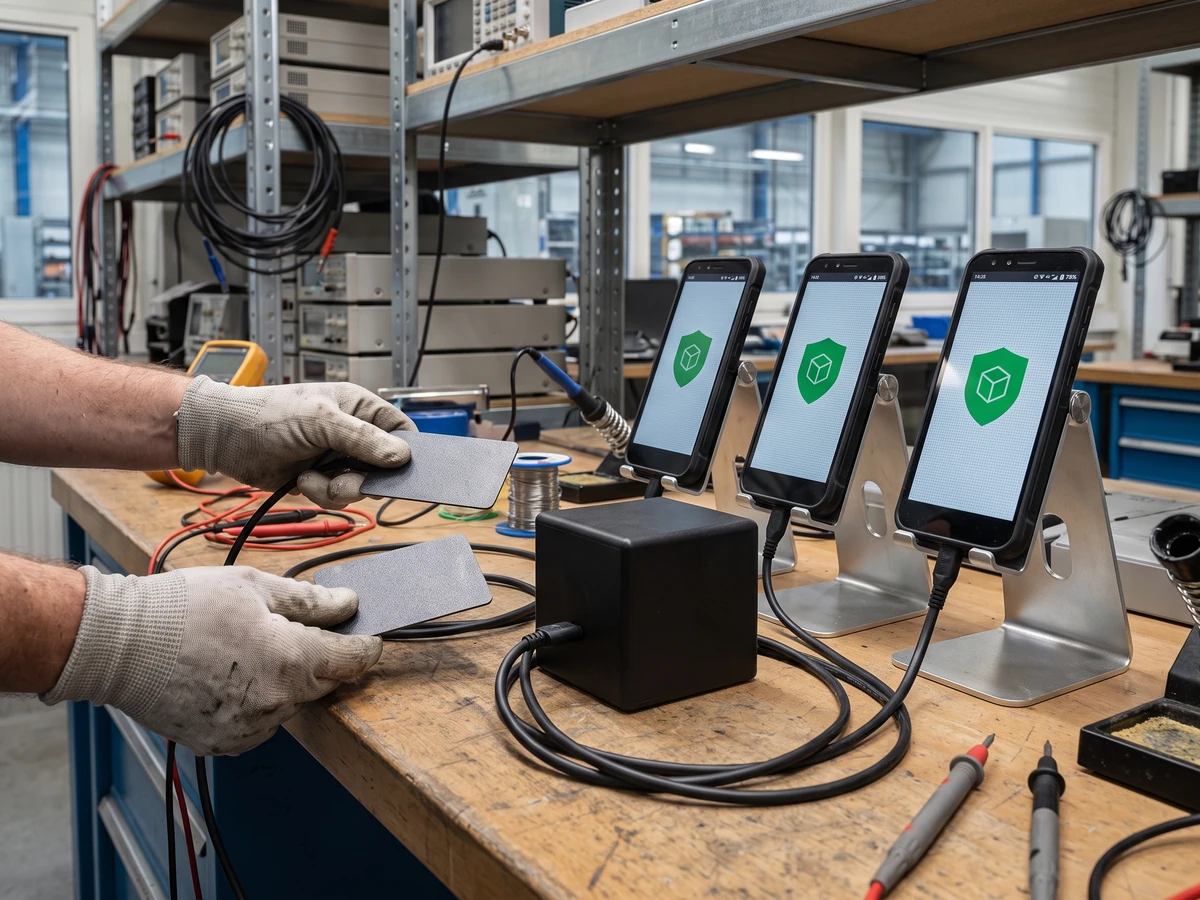
Do not confuse September enforcement with every sideload
The official FAQ narrows the first phase. Direct sideloading and stores outside the participating list are not all blocked on September 30. Google still recommends preparation for the broader 2027 rollout.
ADB remains available for developers. Android also provides an advanced flow for users who choose to install an unregistered app. Those exceptions are not a distribution strategy for ordinary customers, and they do not replace package registration for a participating store.
Document the statement your support team can make for each path. “Android blocks sideloading” is inaccurate. “This package is not registered for this participating store and region” points to a specific recovery action.
Run the installation test as the user will experience it
Use a certified device, a clean user profile, the intended store build, the target region, and the production signing certificate. Test a new install and an update. Capture the store, package, certificate fingerprint, account, date, device certification state, OS version, and visible result.
Add one negative control with a nonproduction package. The control proves that your environment can expose an unregistered state instead of making every path look green.
Prepare the recovery record before support needs it
For every unresolved package, name the verified account, current signing certificate, former owner, transfer date, and the console where registration must be completed. Link the original store listing and the latest production artifact without copying private keys into the ticket.
If ownership proof fails, stop the release handoff and preserve the exact console message, package name, certificate fingerprint, account, and time. Escalate through the documented console route, then repeat the same clean-device install rather than treating an account-level confirmation as device evidence.
Write a support answer for three distinct states: developer identity incomplete, package not registered, and signing ownership not proven. That vocabulary keeps a regional install block from becoming a vague “Android verification” incident.
Seven checks before September 30
- Verified developer identity is current.
- Every active package has an owner.
- Play and outside-Play routes use the correct console.
- Signing-key proof matches the shipped certificate.
- Transfers and rotations are documented.
- A regional install and update pass on a certified device.
- Support copy names the failed link in the chain.
Keep this outside the Mobile review queue
This is a platform policy guide, not a product review or “Best” list. The separately owned September review queue remains unchanged. For implementation context, read the Android AppFunctions guide and the Motion Assist guide, then return to the Mobile hub.
Teams planning Android 17 work can also use the MessageQueue migration guide. None of those pages replaces a package-by-package registration record.



Pingback: AndroidX Security State Guide for Sensitive Apps