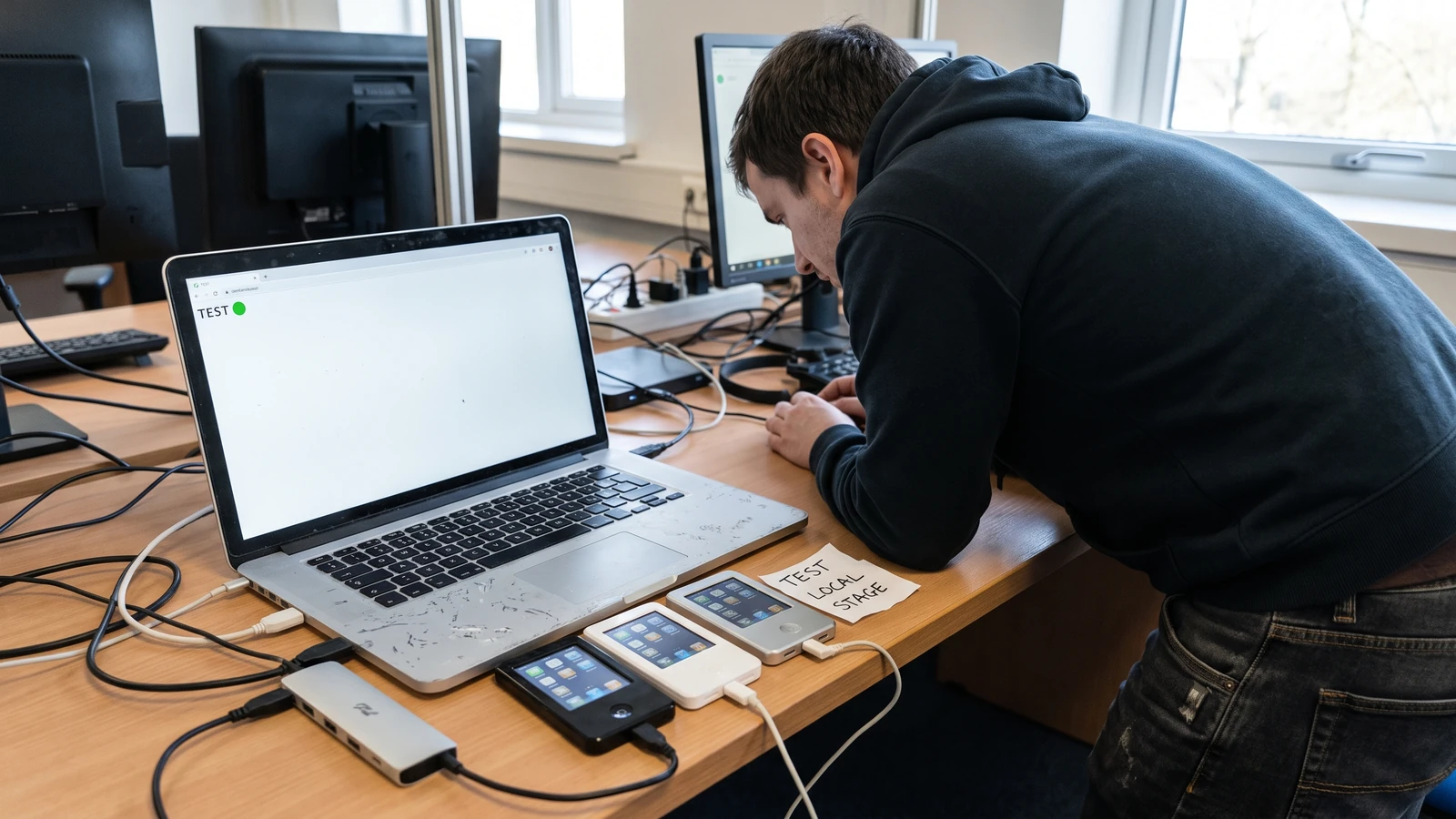
A browser agent can inspect the DOM, read console output, watch network traffic, take screenshots, and change viewport or media settings. That sounds like a complete test system. It is actually a powerful observation surface whose privacy and evidence quality still depend on the lane you create around it.
The Safari 27 MCP server is most useful when it cannot see unrelated sessions. Give it a dedicated profile and a bounded job, then verify its claims with the same deterministic checks you would require from any browser automation.
What the Safari 27 MCP server actually exposes
WebKit’s official introduction says Safari 27 ships an MCP server through /usr/bin/safaridriver --mcp. The user must enable Web Developer features and allow remote automation and external agents before an MCP client can connect.
The tool set covers page navigation, DOM inspection, console and network records, screenshots, JavaScript evaluation, viewport changes, and emulated media. Those capabilities let an agent move from a visual symptom to the document, request, or runtime state behind it.
WebKit says the local MCP server itself makes no network calls. The client and model you choose can still receive captured page content, screenshots, console messages, and network metadata, so the data boundary does not end at Safari.
One bounded test lane
- Isolate: start a dedicated Safari profile with no personal accounts or AutoFill data.
- Connect: start safaridriver in MCP mode and approve the trusted client.
- Constrain: name the test origin, route, viewport, state, and allowed actions.
- Observe: collect DOM, console, network, and screenshot evidence for the same step.
- Confirm: replay the behavior with an ordinary test or human check.
Create the profile before the prompt
Create a separate Safari profile for automation, sign out of personal services, and open only the test origins the agent needs. Use synthetic accounts and seeded records whose disclosure would not expose a customer, employee, payment method, message, or private repository.
Disable extensions that are not part of the test. Clear downloads and clipboard state, and avoid placing secrets in page text, query strings, console logs, or screenshots. A clean profile is easier to reset than a personal profile is to audit.
Write the allowed origin and route into the task. “Test the site” is an unbounded browsing instruction. “Open the local checkout at this route, submit the synthetic form once, and stop before any external navigation” gives the client a reviewable boundary.
Turn the user journey into deterministic browser checks
Describe the initial state, action, visible result, DOM condition, network expectation, and forbidden side effect. The screenshot proves layout and visible state, while the DOM and network records prove that the page reached the expected structure and request path.
A useful assertion names stable semantics: one dialog with an accessible name, one successful request to a test endpoint, and focus returned to the triggering control after close. Avoid brittle selectors based on generated class names or screen coordinates.
Ask the agent to preserve evidence for a failure before attempting a fix. The first screenshot, console entry, request status, response header, and relevant DOM fragment prevent the explanation from replacing the original symptom.
Treat the agent as an investigator, not the release oracle
Agents can misread an element, choose the wrong tab, repeat an action, or infer success from a plausible screenshot. Treat every agent observation as a hypothesis until an ordinary assertion, network capture, or human replay confirms it.
Keep one small automated regression outside the MCP conversation. It should launch the same route, perform the critical action, assert the result, and fail independently when the behavior breaks.
For accessibility, pair the visual pass with keyboard navigation, focus order, accessible names, zoom, contrast, and reduced-motion checks. A screenshot cannot prove that a control is reachable or announced correctly.
Use network and console access with data minimization
Network inspection can reveal authorization headers, signed URLs, query parameters, analytics identifiers, and response bodies. Run against a local or staging service with synthetic data, redact the saved artifact, and do not ask the model to summarize secrets it never needed.
Console logs often contain state objects and user data. Reduce logging in the test build to the event names and short identifiers required to diagnose the path. Preserve raw sensitive evidence only in the approved engineering store, not in a general chat transcript.
JavaScript evaluation is code execution in the page context. Prefer reads and small deterministic probes; require explicit approval for mutations, storage clearing, account changes, or requests that leave the test origin.
Build a reset path for the next run
End each run by recording the Safari version, WebKit build, profile name, test origin, seed data version, viewport, media emulation, client, and prompt. Then clear the synthetic account and reset the profile or replace it from a clean template.
The Safari 27 release overview places the MCP server beside many engine and developer-tool changes. Pinning that runtime identity separates a site regression from a browser change.
Use our top-level await guide and customizable select guide as concrete Safari 27 test subjects. The Chrome PublicSuffix guide shows a separate cross-browser boundary, and the Web hub tracks the surrounding platform work.