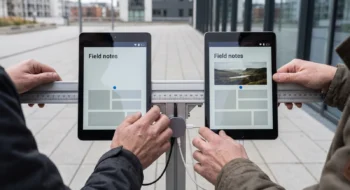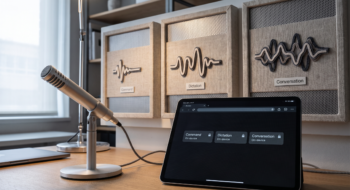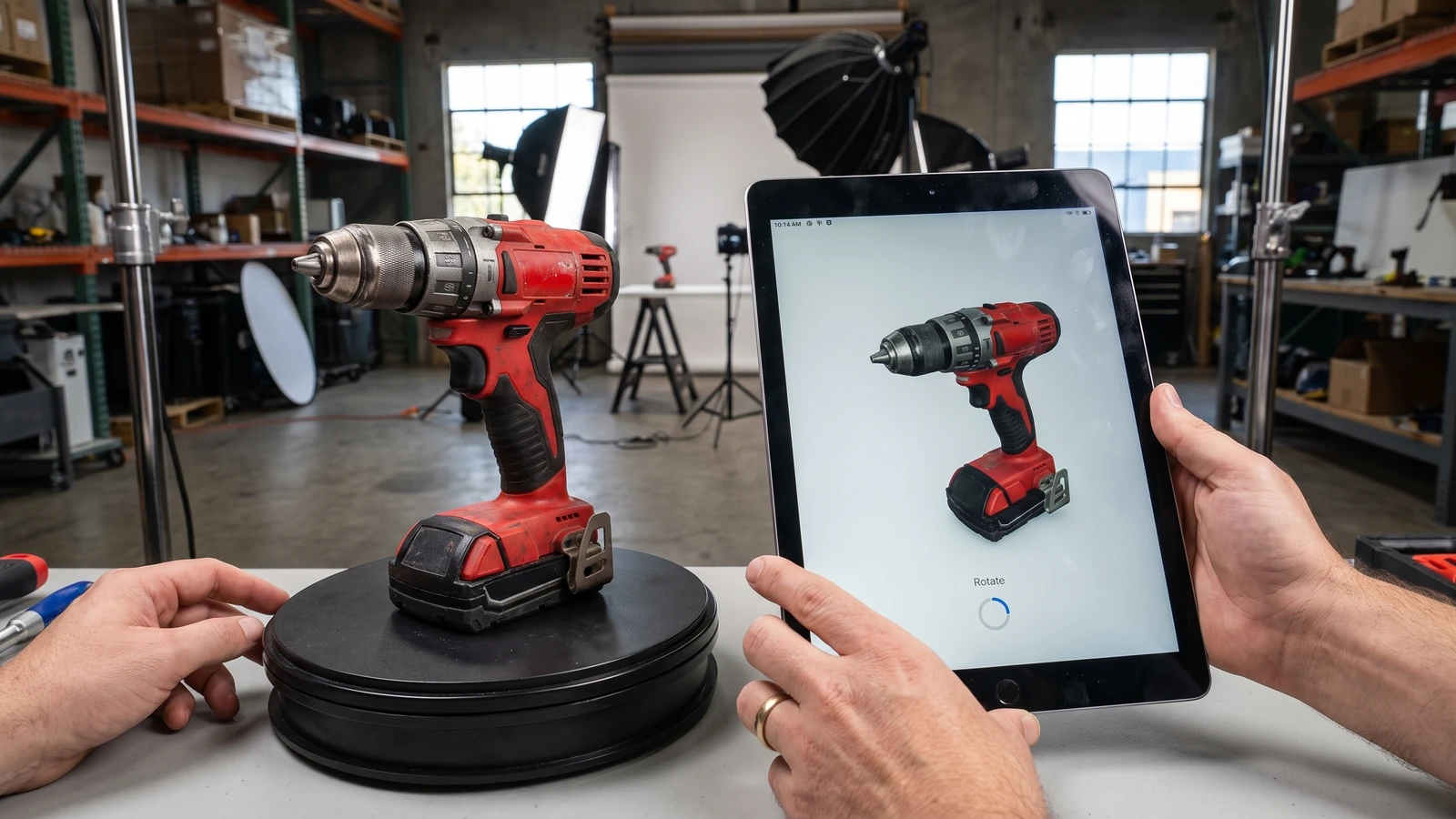
A product page replaces its gallery with a three-dimensional viewer. The object loads in one Safari window, stays blank in another browser, and pushes the purchase controls down while a large asset arrives.
The failure is not “3D on the web.” It is making one optional player responsible for layout, facts, and completion.
Start with the Safari 27 HTML model element support change
WebKit’s Safari 27 release article says the model element originally shipped on visionOS and is now available on iOS, iPadOS, and macOS. WebKit describes it as an embedded-media peer of video, audio, and img.
That support expansion is meaningful for Apple’s device family, but it is not permission to remove fallbacks. Build from the living HTML definition and verify every browser in the product matrix.
Give the element stable dimensions
Reserve width and height or an aspect ratio before the asset loads. Keep the viewer inside the reading and purchase hierarchy instead of allowing late geometry to move controls, captions, or price information.
Choose dimensions that survive narrow screens and zoom. Test rotation, split view, dynamic type where applicable, and a throttled connection with the model absent from cache.
Put the complete decision outside the model
Put the product name, dimensions, price, controls, and purchase decision in ordinary HTML, then let the model add inspection rather than hold the page hostage. Fallback content should explain the object and offer an image or download path when the player is unavailable.
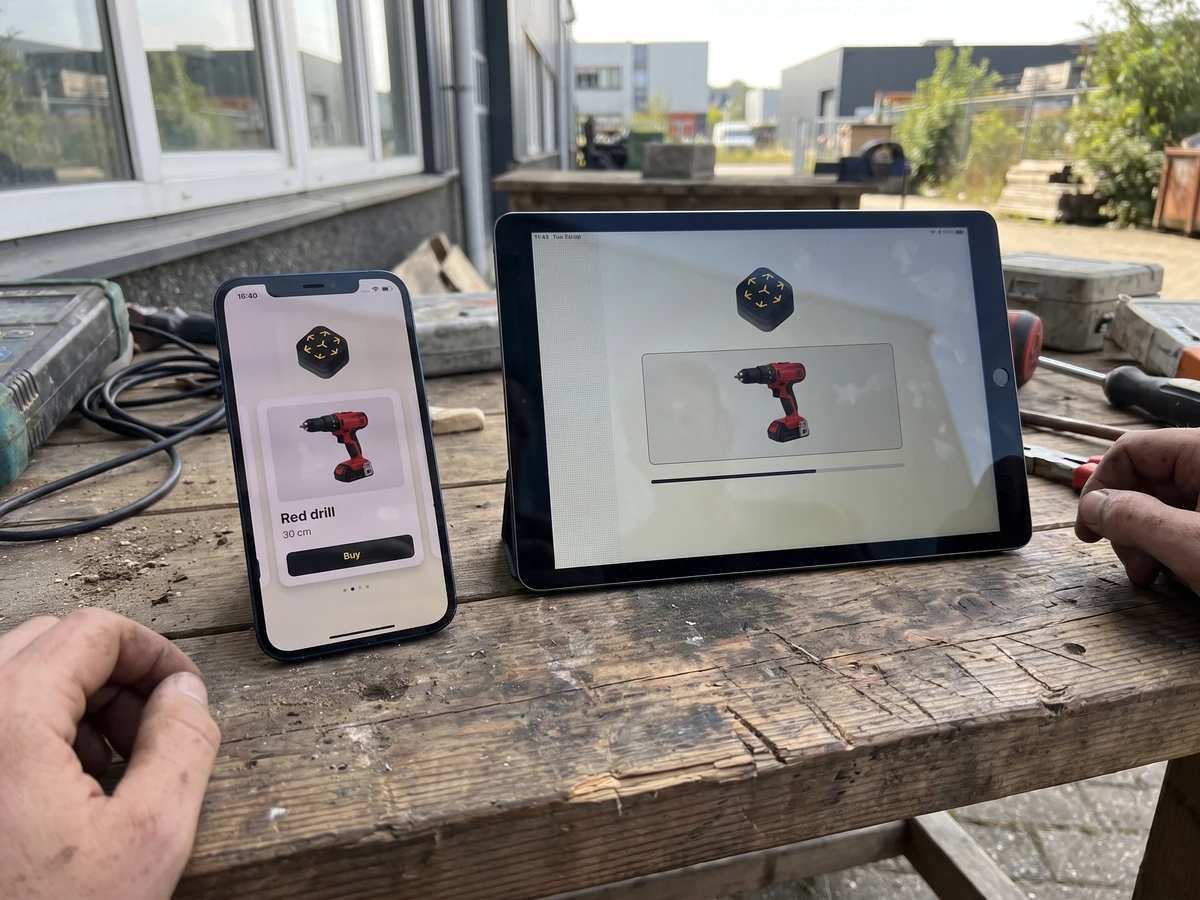
Do not repeat the same long description inside and outside the element. Use a concise fallback that preserves the job, then keep specifications and actions in the surrounding document where search, accessibility, and automation can reach them.
Choose a present-day source format and verify it
Safari’s release example uses a USDZ file. Test a small known-good asset from Apple’s Quick Look gallery before blaming the element, then replace it with the production asset.
Validate scale, orientation, materials, transparency, animation, and physical dimensions against the real object. A technically valid model can still mislead a buyer when its proportions or material response are wrong.
Three sources, three jobs
- WebKit release notes: current Safari availability and known fixes.
- WHATWG HTML: element semantics, source selection, and fallback.
- Apple samples: known-good assets for isolating pipeline errors.
Budget bytes and main-thread work
Record compressed asset size, transfer time, decode time, memory pressure, interaction readiness, and page responsiveness. Load the model when it serves the user’s task rather than automatically spending the budget below the fold.
Use ordinary images for card grids, feeds, and search results. Give the interactive model one clear place where rotation or inspection changes understanding.
Define loading, error, and recovery states
Show a stable poster or product image while the model loads. If the asset fails, preserve the fallback and offer a bounded retry instead of an empty rectangle or endless spinner.
Test offline, slow transfer, corrupt content, unsupported format, backgrounding, repeated navigation, and the element moving out of and back into the viewport. Safari 27 includes fixes for unloaded or hidden model transforms and gesture interactivity after player reloads, so those paths deserve explicit regression cases.
Make interaction discoverable without trapping input
Explain rotation or zoom only when necessary, and keep instructions adjacent to the viewer. Verify touch, pointer, keyboard behavior, focus order, screen-reader navigation, page scrolling, and pinch gestures.
The viewer must not steal every drag or wheel event from the page. A user should be able to enter, inspect, leave, and reach the next action without learning a hidden escape.
Release on observable evidence
Capture one supported Safari run, one unsupported or fallback run, a slow-load run, and a keyboard or assistive-navigation run. Pair screenshots with DOM and performance evidence because an attractive final frame does not prove loading or fallback behavior.
Keep the feature behind a server or component flag until errors and bytes stay within budget. The flag should remove enhancement while leaving the complete HTML page intact.
Keep search and sharing outside the three-dimensional asset
Use ordinary HTML for the canonical title, description, structured data, captions, specifications, and links. Search crawlers, assistive technology, link previews, and low-capability clients should not need to decode a USDZ asset to understand the page.
Cache the model with an explicit revision and observe transfer failures separately from player failures. When the asset changes, verify the old page does not keep a stale model whose appearance contradicts current product facts.
Keep a release evidence record
Save the source versions, selected capability, test fixture, expected result, observed result, failure path, owner, and review date together. Recheck the decision when the platform contract, dependency, device class, model snapshot, or business consequence changes; a green launch artifact is evidence for one bounded state, not a permanent guarantee.
Continue with the Web hub, then use our first related guide and second related guide to connect this decision to the surrounding platform work. The next-action guide carries the resulting evidence into the following release decision.