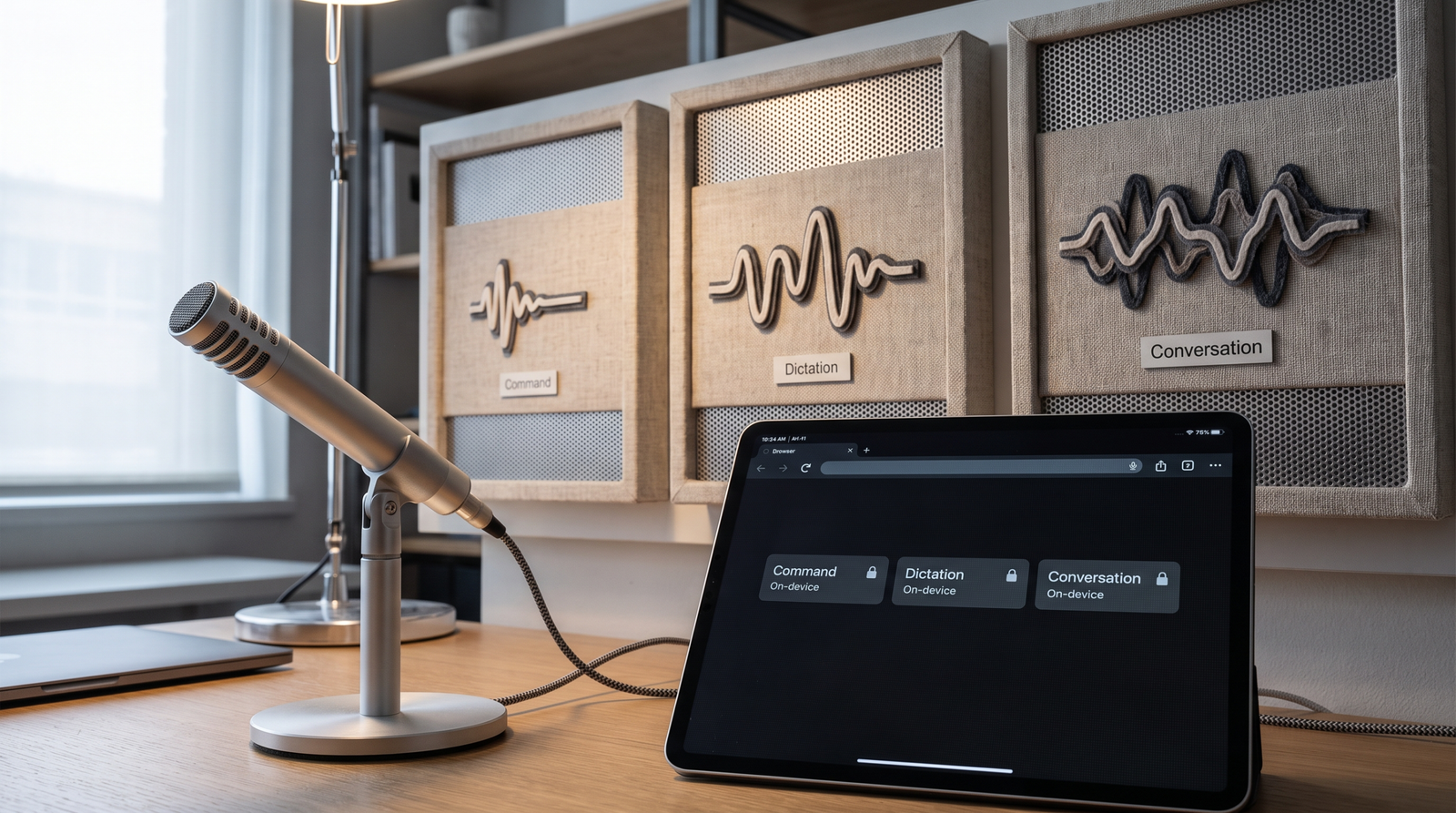
Command, dictation, and conversation are not a simple low-to-high slider. They describe different speech jobs, local resource needs, and acceptance tests.
A voice button that recognizes “next” does not need to behave like a meeting transcript. A notes field that captures one speaker does not need to separate a roundtable. Chrome 150’s on-device Web Speech quality levels make that distinction explicit: command, dictation, and conversation.
The winning mode is not the largest one a device can download. It is the smallest mode that passes the product’s actual speech job—with a disclosed fallback when the local capability is unavailable.
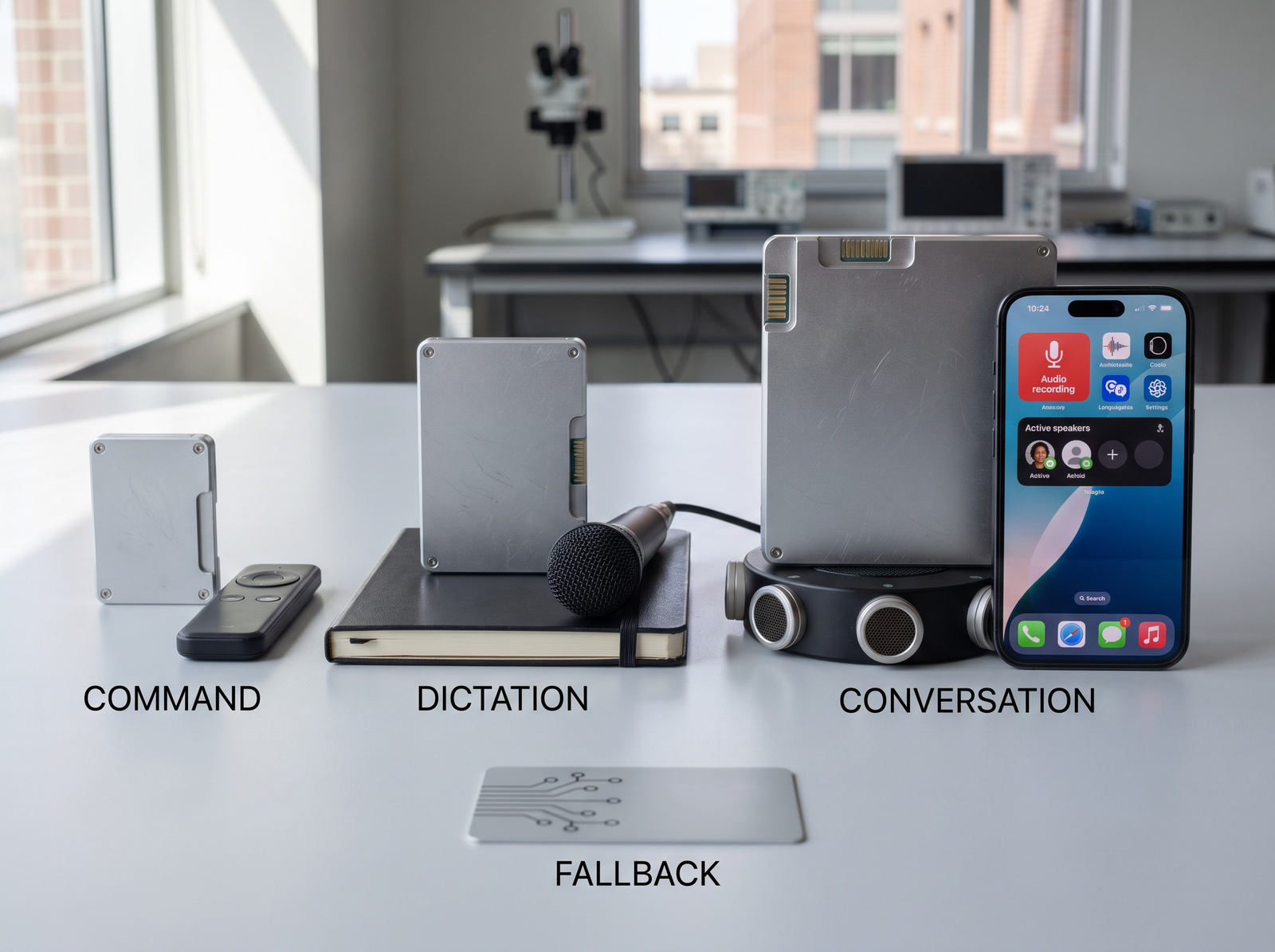
Round one: command wins when vocabulary is bounded
Use command quality for short control phrases: “play,” “pause,” “next slide,” or a constrained set of application actions. The acceptance test should emphasize false activations, response time, and behavior under ordinary room noise. Long-form punctuation is not the job, so scoring it only inflates the test.
Round two: dictation wins when one person owns the text
Use dictation for continuous speech from a single speaker: notes, messages, form fields, or document input. Test sentence boundaries, editing flow, proper nouns relevant to the domain, and whether the user can correct errors without abandoning voice. A command model that recognizes keywords is not a safe substitute for faithful text capture.
Round three: conversation wins when turns matter
Use conversation quality when several speakers or conversational context are part of the job. That raises the resource and product stakes. The browser’s ability to install or expose a local capability does not settle consent, speaker labeling, retention, or what happens when diarization is uncertain.
| Job | Start with | Acceptance evidence | Honest fallback |
|---|---|---|---|
| Voice controls | Command | Known intents, false-trigger rate, response time | Visible touch or keyboard controls |
| Single-speaker text | Dictation | Editable transcript, punctuation, domain terms | Manual entry or disclosed remote recognition |
| Multi-speaker session | Conversation | Turn boundaries, speaker uncertainty, long-session behavior | Single-speaker mode or no recording |
Check capability before promising local speech
The current API surface is experimental and availability can depend on browser version, language support, permissions, and a local model download. Query the documented availability state before starting recognition. Treat “downloadable” differently from “available”: the first may require time, storage, and a user-visible action.
Do not silently send audio to a server when local recognition is missing. A fallback that changes the processing boundary needs a clear disclosure and a user choice. If the product cannot offer that choice, keep the keyboard path primary.
Owner handoff before shipping
- Product: names the speech job and fallback.
- Engineering: checks language-pack availability and handles download, denial, and interruption.
- Design: keeps a visible non-voice control and communicates processing state.
- Privacy: approves the boundary for audio and transcript data.
- QA: runs the mode-specific acceptance set plus an unavailable-pack negative control.
Official sources
- Chrome 150 release notes, checked August 18, 2026.
- MDN — SpeechRecognition.available(), checked August 18, 2026.
- MDN — Using the Web Speech API, checked August 18, 2026.