An avatar looks accurate during a short editor test and begins to lose lower-body detail later in a sustained standalone session. The application keeps running the most expensive secondary motion while the tracking signal has already moved to a lower fidelity state.
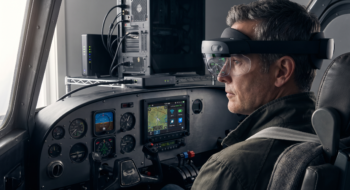
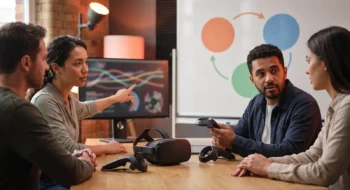
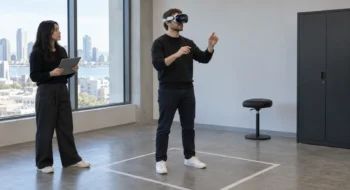
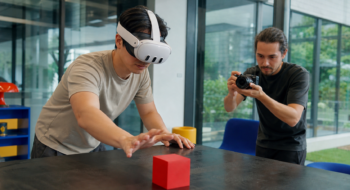
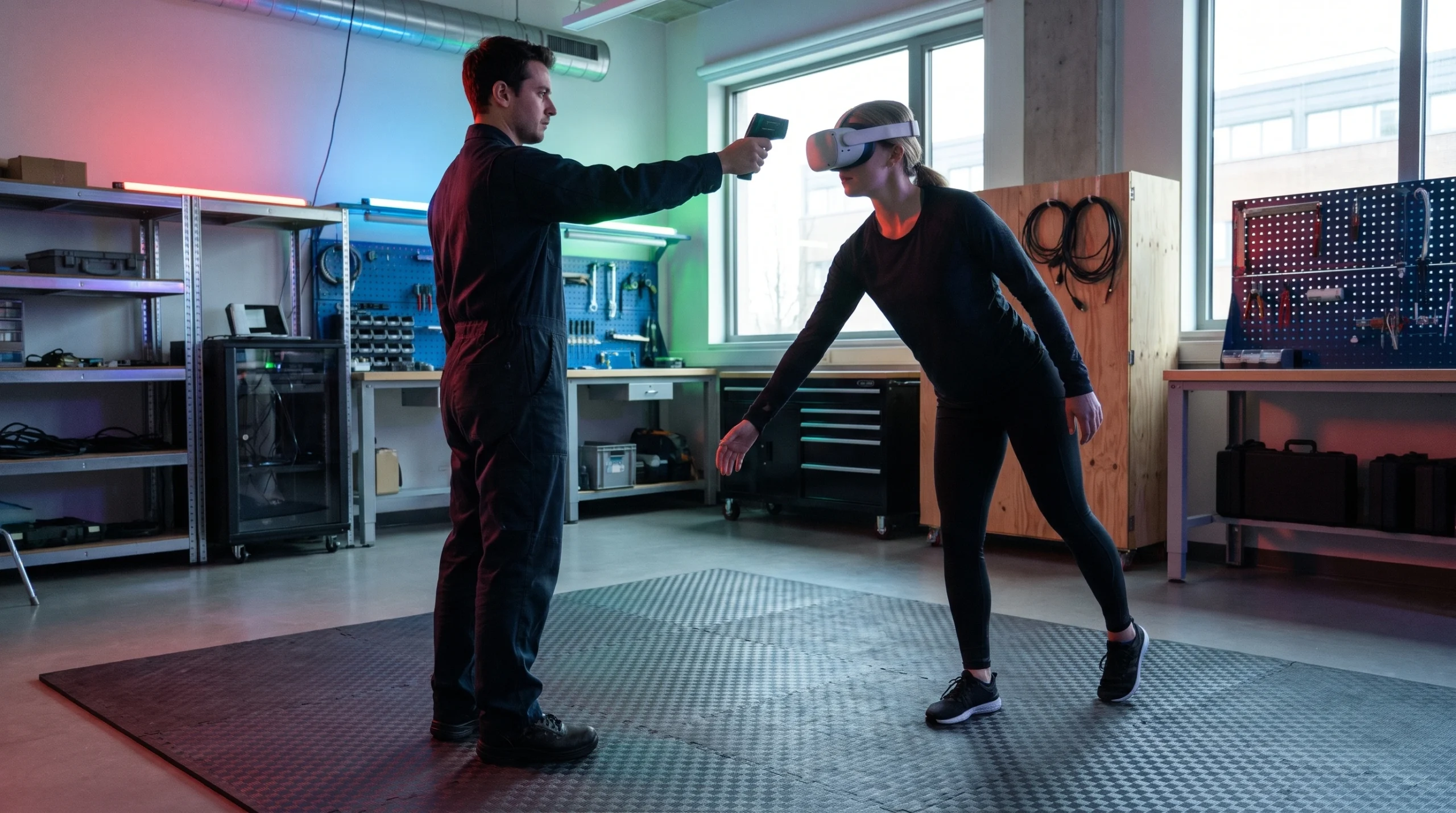
The photographs use a standalone headset, infrared thermometer, movement mat, animation tier, frame time, and recovery time as thermal-test evidence. They do not depict a Meta diagnostic interface.
Meta’s immersive-features guidance says body tracking fidelity may fall from high to medium under thermal pressure. The application therefore needs its own medium-fidelity animation policy and a test that reaches the transition on a device.
Read Meta Quest body tracking thermal fidelity as state
The OVRBody API reference for Core SDK v207 exposes GetBodyTrackingFidelityStatus for the current body tracking fidelity. Read it at a controlled cadence and log transitions with session time, application state, frame time, available system signals, and the application’s active animation tier.
Do not infer fidelity only from pose confidence or a temperature estimate. The documented status gives the application a direct contract for adapting its representation when the platform changes the available tracking quality.
Define the medium tier before the transition occurs
List the pose components that preserve communication and task accuracy: head, hands, torso orientation, reach direction, grounded stance, and any interaction-critical joint. Keep those stable while reducing secondary sway, fine limb detail, cosmetic correction, or expensive procedural layers.
Use the same semantic avatar state across tiers. A fidelity change should not switch identity, body scale, interaction anchors, or locomotion mode unless the product has a separate safety reason.
Transition evidence
- Signal: fidelity status and thermal state at the same timestamp.
- Representation: active animation tier and retained pose components.
- Experience: frame time, interaction result, visible discontinuity, and recovery time.
- Device: headset model, OS build, room condition, battery state, and session workload.
Build a long-session thermal fixture on the headset
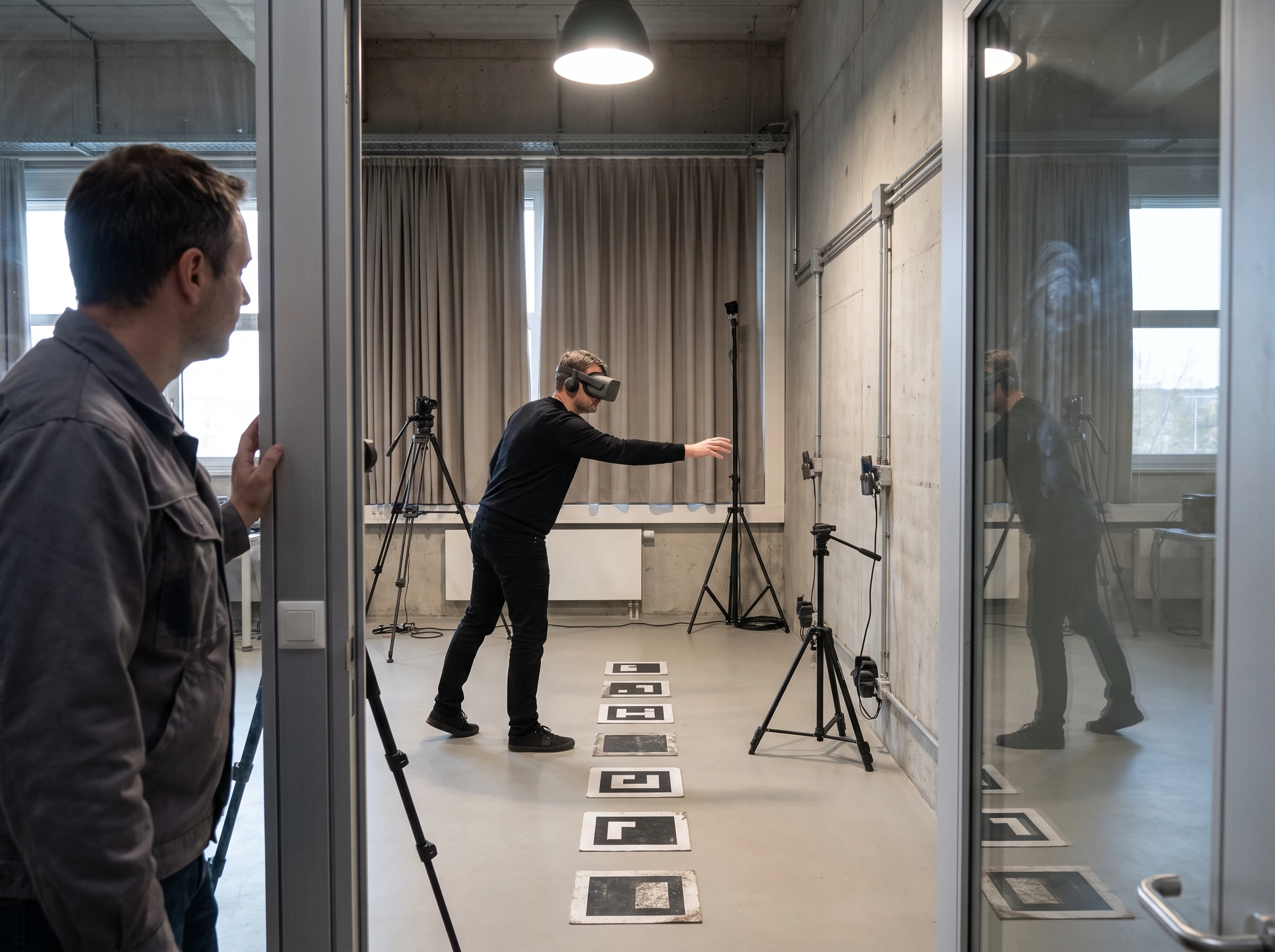
Meta’s thermal guidance emphasizes representative on-device profiling because thermal behavior depends on hardware and workload. Create a repeatable sequence with locomotion, full-body reaches, interaction, scene changes, network activity, and the rendering load expected from a demanding session.
Run long enough to observe stable thermal behavior or the product’s maximum supported session. Record ambient conditions and battery state because a cool development room and a short tethered run can hide the field condition.
Debounce state changes without ignoring them
A single sampled change should not make the avatar flicker between tiers, yet a long delay wastes the signal. Require a short persistence window for entry and a separate recovery window for exit, then tune both from observed transitions.
Blend animation parameters over a bounded interval and keep interaction anchors continuous. Log the raw status and the debounced product tier so investigators can distinguish platform behavior from adaptation logic.
Protect task motion before expressive detail
Rank animation layers by user consequence. Reaching, grabbing, pointing, balance cues, collision intent, and social orientation usually deserve protection before cloth, subtle hip correction, finger ornament, or background avatar detail.
Test the ranking with the product’s real task. A fitness app, social space, training simulation, and seated media experience place different value on lower-body precision and secondary motion.
Coordinate thermal adaptation across systems
Body animation shares the device budget with rendering, scene simulation, hand tracking, passthrough, audio, and networking. A body-only response can save too little or create a mismatch where the avatar simplifies while the scene continues to overload the device.
Create a central adaptation policy with ordered, measurable steps and ownership for each subsystem. Let the fidelity status influence animation, while thermal and frame evidence coordinate the broader quality tier.
Test high-to-medium and recovery transitions
Treat every high-to-medium and medium-to-high transition as a test event with pose, frame time, temperature, and recovery evidence. Exercise reaching, crouching, turning, locomotion, handoff between interactions, and a networked observer if other people see the avatar.
Review slow-motion capture for snapping, foot skating, limb collapse, anchor jumps, and delayed recovery. Pair the video with logs so the frame of a visible artifact can be connected to status and tier state.
Keep the user informed only when action helps
Quiet adaptation should handle small quality changes that preserve the task. Show a concise message when the application must pause, reduce a user-selected mode, or ask for a cooler environment to continue safely.
Avoid exposing raw fidelity labels as a mystery warning. Name the affected experience and the available action, then keep critical controls accessible during the degraded state.
Profile release builds on representative devices
Editor play mode and desktop streaming do not reproduce the standalone thermal system. Install the release configuration on each supported headset class, use production assets and services, and run the complete long-session fixture.
Compare cold start, warm start, charging state if supported by the product, common room temperatures, and demanding network conditions. Add another device only when hardware differences or the support matrix create a distinct risk.
Set an acceptance threshold around the task
Define the maximum visible discontinuity, interaction error, sustained frame-time breach, and recovery delay the product accepts. The threshold should describe user impact rather than requiring high fidelity for every frame.
Ship the adaptive tier when the task remains credible through the transition and the device returns without a snap. Block release when medium fidelity breaks reach, locomotion, safety cues, or another core action even if average frame time improves.
Keep a release evidence record
Save the source versions, selected capability, test fixture, expected result, observed result, failure path, owner, and review date together. Recheck the decision when the platform contract, dependency, device class, model snapshot, or business consequence changes; a green launch artifact is evidence for one bounded state, not a permanent guarantee.
Continue with the Virtual Reality hub, then use our first related guide and second related guide to connect this decision to the surrounding platform work. The next-action guide carries the resulting evidence into the following release decision.