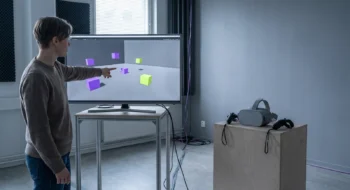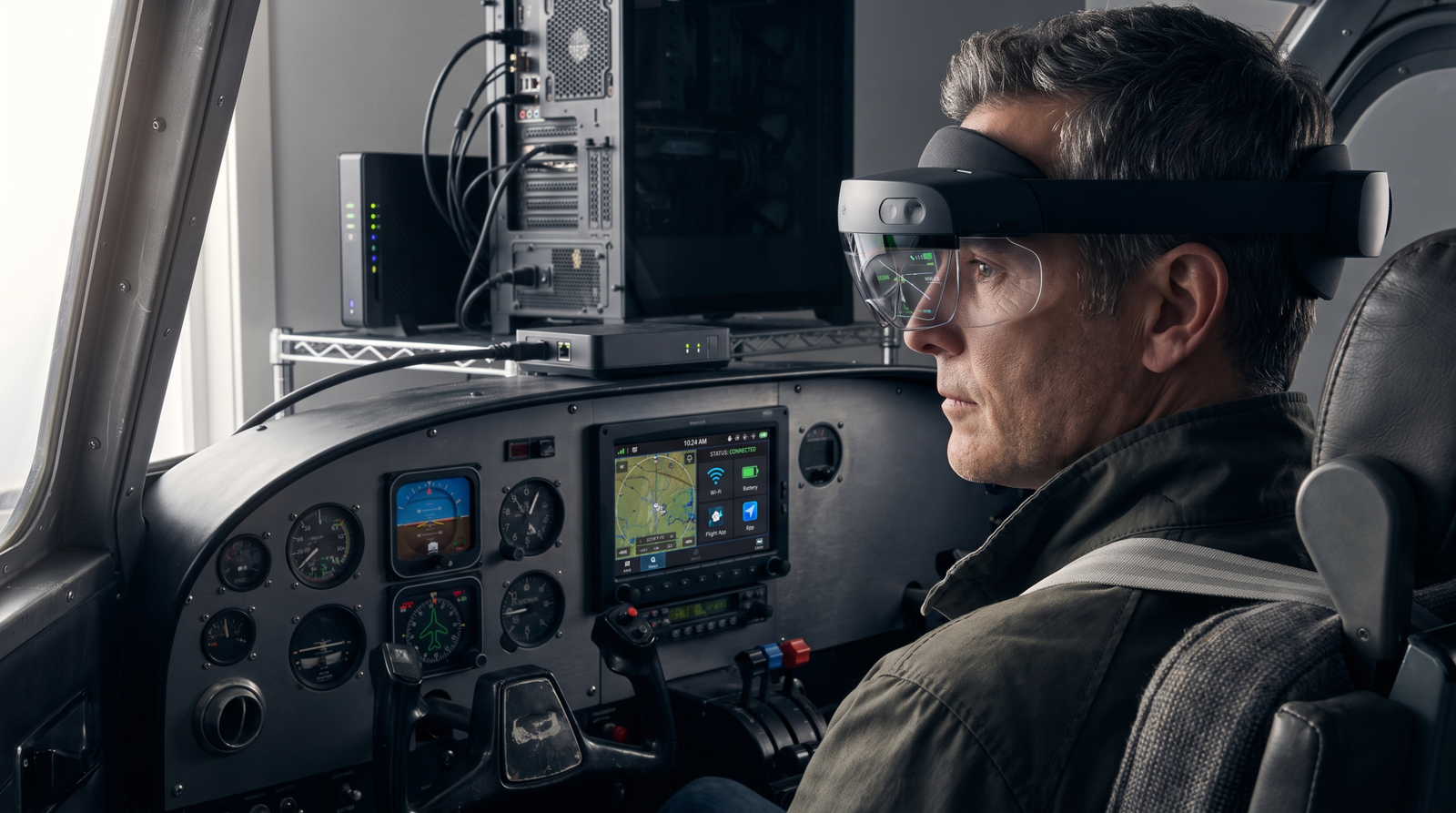
Foveated Streaming can preserve a valuable PC renderer and send detail where the user looks. The real decision is whether that shortcut survives pairing, latency, entitlement, recovery, and product UX.
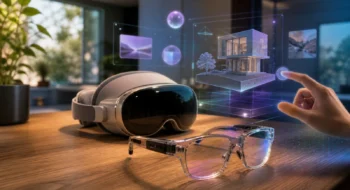
Suppose the expensive part already works: a mature OpenXR application, a validated PC renderer, and simulation assets that should not be rebuilt merely to reach Vision Pro. Apple’s Foveated Streaming framework in visionOS 26.4 offers a hybrid route. The PC keeps the workload; the headset receives a view optimized around gaze.
That is a strong first-port story. It is not yet a release story. The product now spans two applications, a secure session, a network, eye-tracked rendering, and recovery when any link disappears.
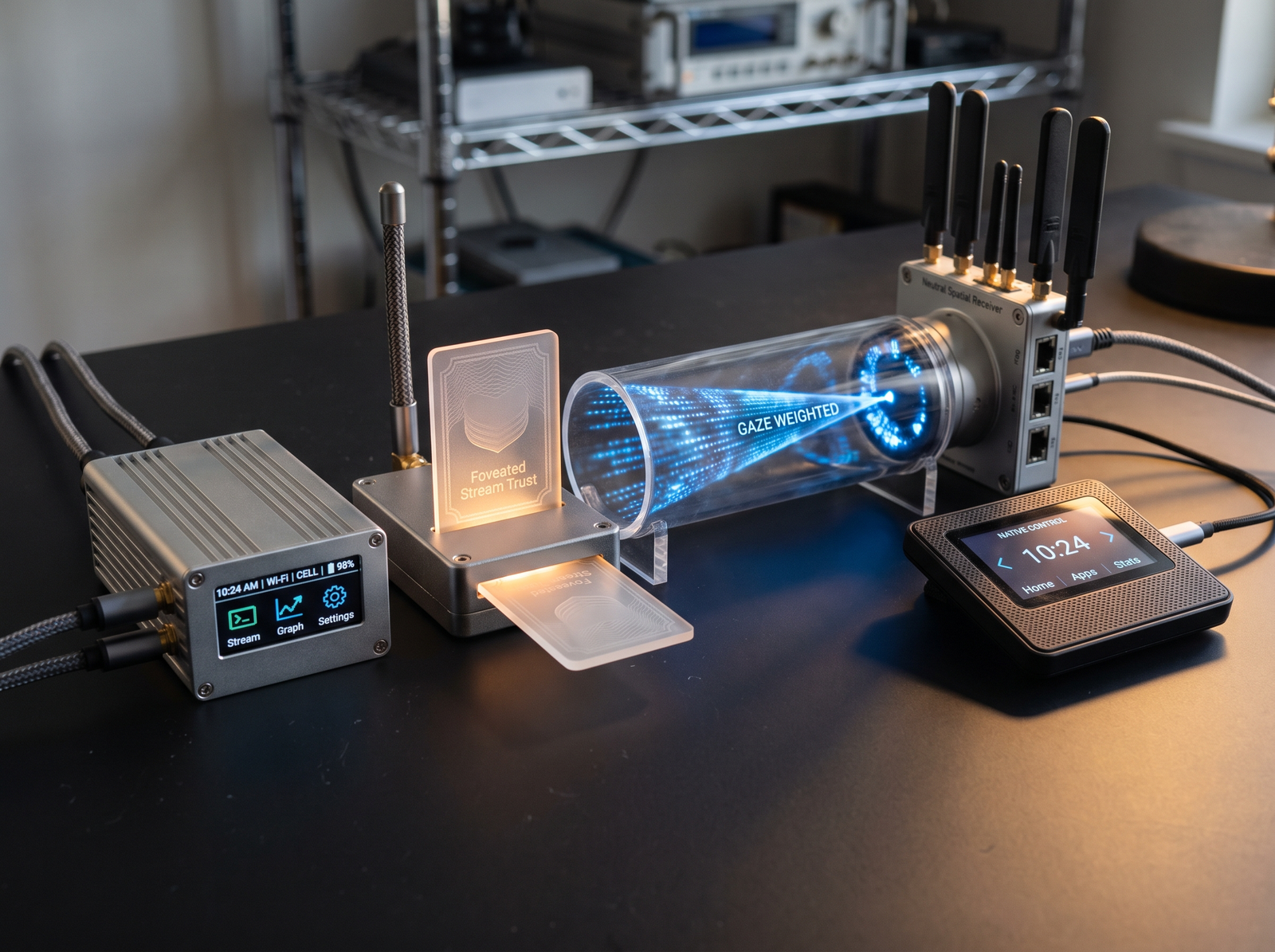
The system has three boundaries
1. The PC application remains the rendering authority
Apple’s WWDC26 session describes integration paths around OpenXR and CloudXR. The host application renders, encodes, and responds to headset pose and gaze. The most detailed region follows the user’s attention, reducing the cost of treating the entire view as equally important.
2. The session must be paired and trusted
A quick-start connection is not a durable identity model. Decide which PC is allowed to connect, how the user confirms it, what is stored, and how a stale pairing is revoked. Put the selected endpoint and connection state in the interface.
3. The visionOS receiver owns comfort and recovery
The receiver is not a passive screen. It must communicate connection, interruption, recentering, and exit. When the network degrades, a frozen immersive frame is not an acceptable ambiguity. The experience needs a safe state that returns control immediately.
| Boundary | Release evidence | Safe failure state |
|---|---|---|
| Pairing | Explicit endpoint approval and revocation | Return to device selection |
| Network | Latency and loss budgets on the intended environment | Pause with an immediate exit |
| Gaze loop | Stable quality during fast attention shifts | Graceful quality reduction |
| Host workload | Frame pacing and encoder headroom | Visible degradation rather than hidden drift |
| Lifecycle | Reconnect after sleep, app switch, or host restart | Resume from a known session state |
A decision sequence before vendor onboarding
- Confirm the PC renderer is expensive enough to preserve.
- Write the maximum acceptable motion-to-photon and reconnect behavior for the actual environment.
- Map the two-app lifecycle: host launch, receiver launch, pairing, session start, interruption, and exit.
- Confirm current entitlement and vendor requirements directly; do not turn a demonstration timeline into a procurement promise.
- Prototype the failure states before polishing the immersive scene.
- Compare the hybrid result with one thin native slice, including deployment and support cost.
When native is the better answer
Choose a native visionOS architecture when the product must travel without a workstation, function on variable networks, integrate deeply with local spatial UI, or minimize setup for non-technical users. Keep the PC path when specialized compute, validated simulation code, or existing OpenXR content is the economic center of the product.
Official sources
- Apple WWDC26 — Explore Foveated Streaming for visionOS, checked August 18, 2026.
- Apple — Foveated Streaming documentation, checked August 18, 2026.
- Apple — visionOS developer resources, checked August 18, 2026.