Suppose a password manager could encrypt every vault item correctly and still fail your decision. That happens when the mobile app misses an autofill field, a passkey works on one platform but not another, or the master password disappears before a recovery path is prepared.
Bitwarden’s case is unusually strong on verifiable security design and free cross-platform value. Its weak points are more ordinary: operating-system rules, awkward website forms, import cleanup, and recovery choices that users must make before a phone is lost.
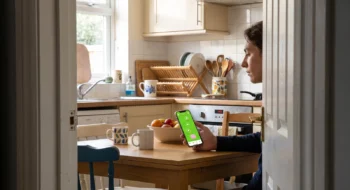
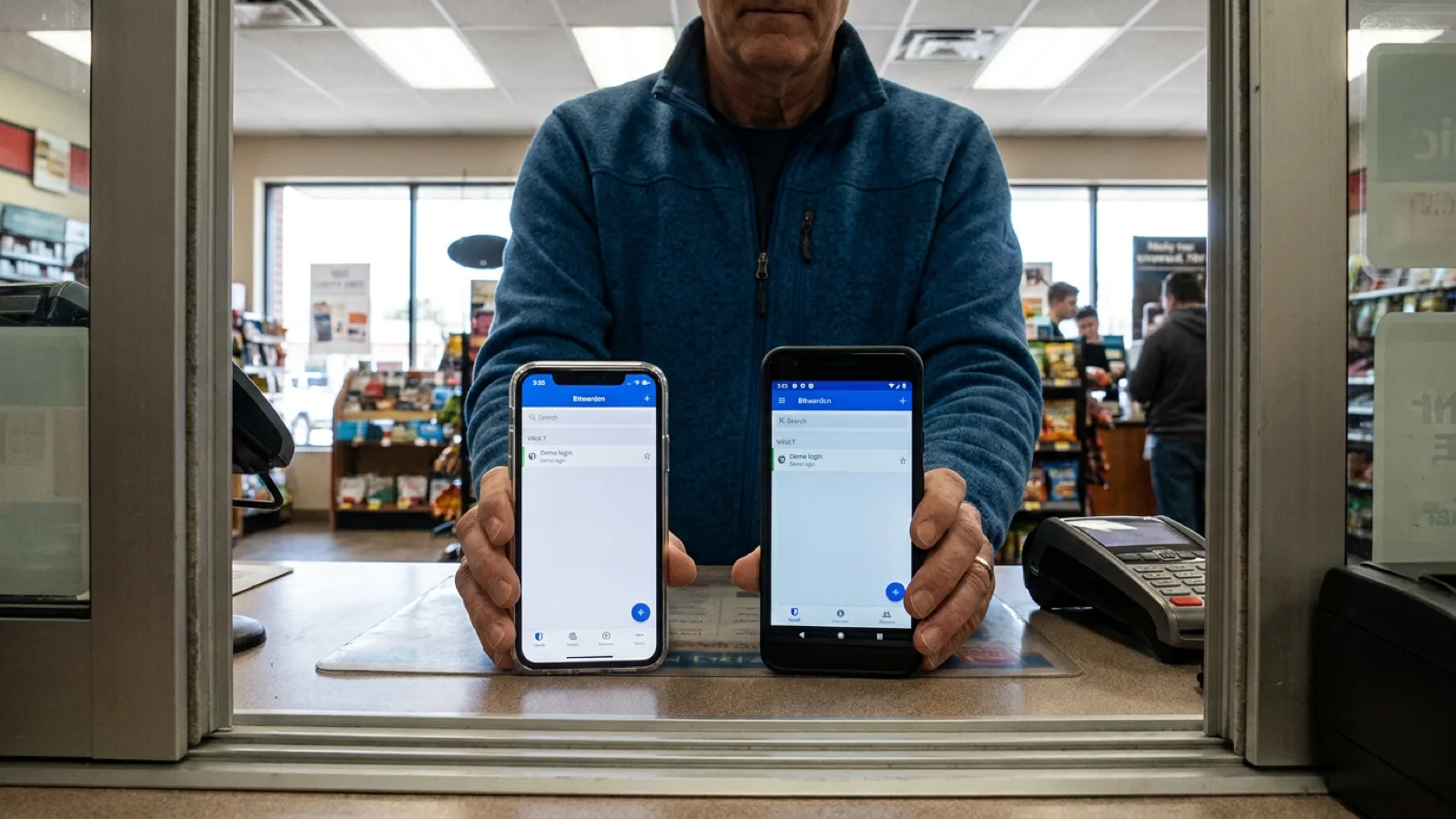
At a retail counter, one person compares the same login on an Android phone and an iPhone before switching password managers. This is an editorial reconstruction of the decision, not a Neyrotex device test.
The Bitwarden mobile job: protect one vault across many devices
The free plan includes unlimited passwords and devices, mobile, desktop, and browser apps, passkey management, encrypted export, and sharing with one other user. Bitwarden Premium currently costs $19.80 per year; Families costs $47.88 per year for up to six users.
Those prices make the first round easy: the free tier covers the core personal job better than many limited free plans. Premium buys integrated authenticator features, file attachments, emergency access, and vault health reports rather than removing a basic device cap.
The September 2026 mobile releases also show active maintenance. Official Android and iOS repositories list version 2026.9.0 on September 18, with security and device-management fixes.
Document-based assessment: 85/100
This score weighs current official documentation, release records, store listings, and disclosed constraints. It is not a lab score or a claim of hands-on reliability.
| Criterion | Score | Evidence-based judgment |
|---|---|---|
| Functionality | 22/25 | Unlimited-device vaults, sharing, passkeys, imports, exports, and broad clients cover the main job. |
| Usability | 15/20 | Mobile autofill is capable, but custom fields, split logins, OS versions, and app markup create friction. |
| Price and value | 14/15 | The free tier is unusually complete; Premium is inexpensive but reserves emergency access and some tools. |
| Privacy and security | 14/15 | Local encryption, open source, and external audits are strong evidence, while account and telemetry data still exist. |
| Stability | 11/15 | Frequent releases and detailed troubleshooting help, but cross-app autofill remains environment-dependent. |
| Updates and support | 9/10 | Both mobile codebases have current public releases and extensive documentation. |
Round one: security transparency beats security slogans
Bitwarden says vault data is encrypted on the device before upload. Its current encryption documentation names AES-256-CBC with HMAC-SHA-256 for vault protection and RSA-OAEP for public-key sharing.
The encrypted category includes usernames, passwords, URIs, TOTP secrets, cards, identities, attachments, custom fields, and folder names. Open clients and public mobile release histories make the implementation more inspectable, while Bitwarden’s audit page lists SOC, ISO, cryptography, and application assessments.
That evidence supports “transparent and independently assessed,” not “unbreakable.” Bitwarden’s privacy policy says it still processes administrative data such as account contact details, billing, support records, service usage, and item counts; its mobile apps also document Firebase notification and crash-reporting components.
Round two: mobile autofill is good, not universal
On Android, Bitwarden supports the Autofill service, inline suggestions, accessibility-based fallback, biometric unlock, and URI matching controls. The official Android guide notes that popup autofill requires Android 8 or later and inline suggestions require Android 11 plus a compatible keyboard.
On iOS, the app integrates with Password AutoFill and the Safari extension. Bitwarden’s iOS guide also names limits: custom fields and split-login flows are not supported in mobile autofill.
These are not rare theoretical edges. Banks, identity providers, and apps that separate usernames from passwords can expose the gap, while an incorrect Android package name or website URI can stop matching or create a security risk.
Autofill comparison round
| Mobile task | What Bitwarden documents | What remains to test |
|---|---|---|
| Standard login | Native OS autofill on Android and iOS | Your ten most-used apps and browsers |
| Split login | Not supported as a complete mobile autofill flow | Whether manual search and copy are acceptable |
| Custom field | Not available through mobile autofill | How often your accounts depend on it |
| URI matching | Configurable matching and blocked-app controls | Whether every stored URI and package name is correct |
Round three: passkeys depend on the operating system
Bitwarden can store and autofill passkeys, but the floor differs by platform. Its passkey documentation requires iOS 17 or later for third-party passkey save and use, while Android passkeys require Android 14 or later.
Android imposes a sharper limit: third-party providers cannot use stored passkeys as non-discoverable passkey-based second factors. In that case, a Bitwarden passkey works as the primary login credential rather than as a hidden 2FA credential layered after a password.
The practical winner is conditional. A recent iPhone or Android phone can cover many passwordless flows, but a mixed fleet needs a compatibility check for each important account before deleting the older sign-in method.
Round four: migration is broad, but cleanup belongs to you
Bitwarden imports from major password managers and says imported data is encrypted locally. The migration guide warns that imports do not detect duplicates, attachments must be uploaded again, and Sends must be recreated.
Credential Exchange Protocol import is available on iOS 26 and Android 14 when the source manager also supports it. Older systems and unsupported sources still depend on export files, which deserve the same care as the vault itself.
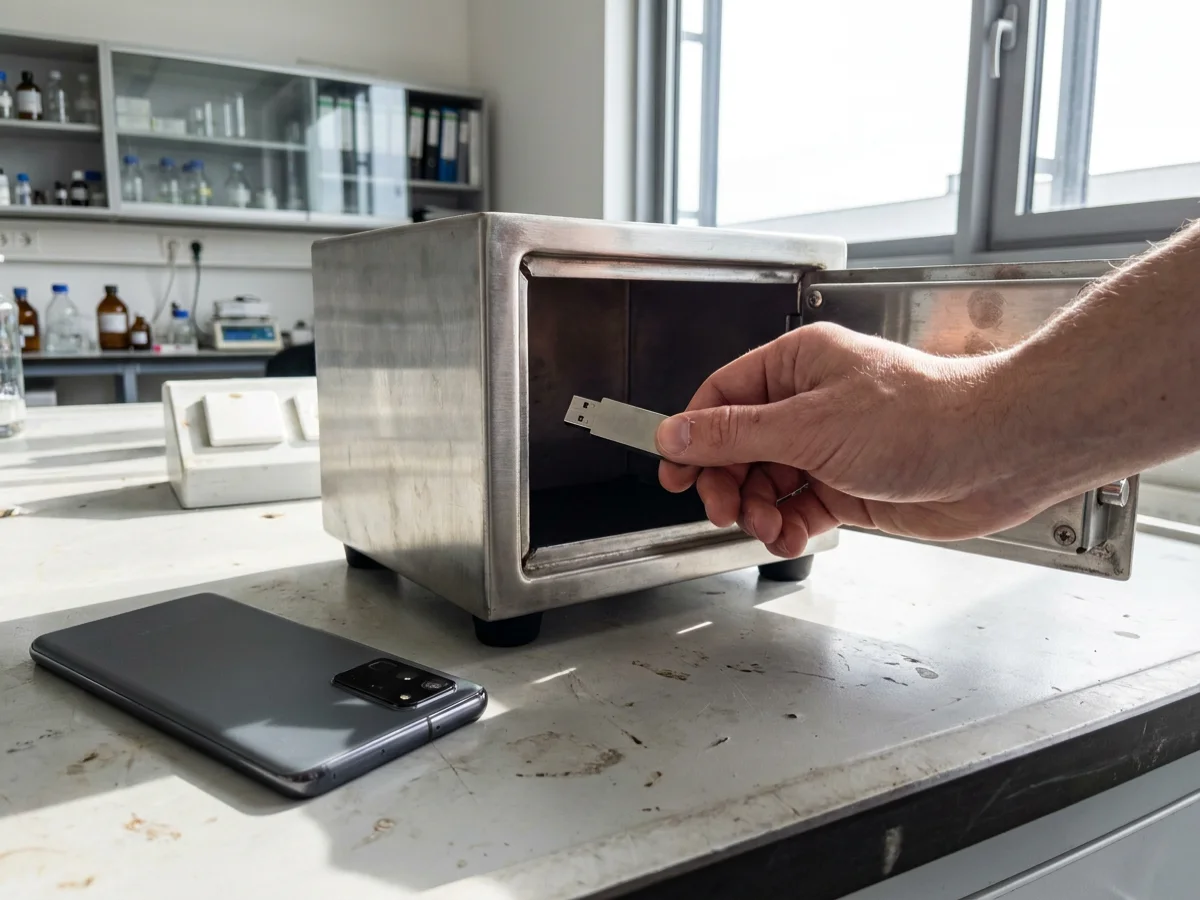
On a lab bench, a hand places an encrypted backup USB drive into a small safe before the phone is lost. The scene makes the recovery order visible: export first, protect the backup, then rely on it.
The export guide distinguishes plaintext CSV and JSON from encrypted JSON and ZIP exports. JSON carries cards, identities, passkeys, and SSH keys; no format includes trash or Sends.
Account-restricted encrypted exports are tied to an account, server region, and encryption key. A password-protected encrypted JSON export is the more portable choice when the backup must survive an account move or key rotation.
A twenty-minute Bitwarden mobile acceptance test
- Create a synthetic vault. Use invented logins, cards, and notes; never put production credentials into an editorial test.
- Test ten difficult destinations. Include a split login, one native app, Safari or Chrome, and a site with multiple matching subdomains.
- Save two passkeys. Confirm creation, sign-in, and fallback on each operating system that matters.
- Export and restore. Create a password-protected encrypted JSON export, store it away from the phone, and verify the documented import path.
- Prepare recovery. Record the master password safely, keep one trusted device, and decide whether Premium Emergency Access is worth paying for.
The exception: recovery is intentionally unforgiving
Bitwarden’s recovery guidance is blunt: if no master password, logged-in device, eligible passkey, Emergency Access contact, or organization recovery path is available, the individual vault cannot be recovered. Zero knowledge removes a vendor reset path along with vendor visibility.
Premium Emergency Access lets a trusted contact request view or takeover after a waiting period. A takeover replaces the master password and removes two-step login, so the contact and delay are security decisions rather than a convenience checkbox.
For related platform context, see Neyrotex’s Android 17 guide, the Signal privacy analysis, and the Mobile Development hub.