
Signal Private Messenger creates an unusual buying decision because the product is free. You pay in social and operational work: persuading people to move, setting up recovery, checking linked devices, and making sure a sleeping phone does not turn a private call into a missed call.
Signal’s cryptography addresses who can read a conversation. It cannot guarantee that Android or iOS will show every alert on time, that a profile matches a person’s real-world identity, or that an unrecorded recovery key will reappear after a phone is lost.
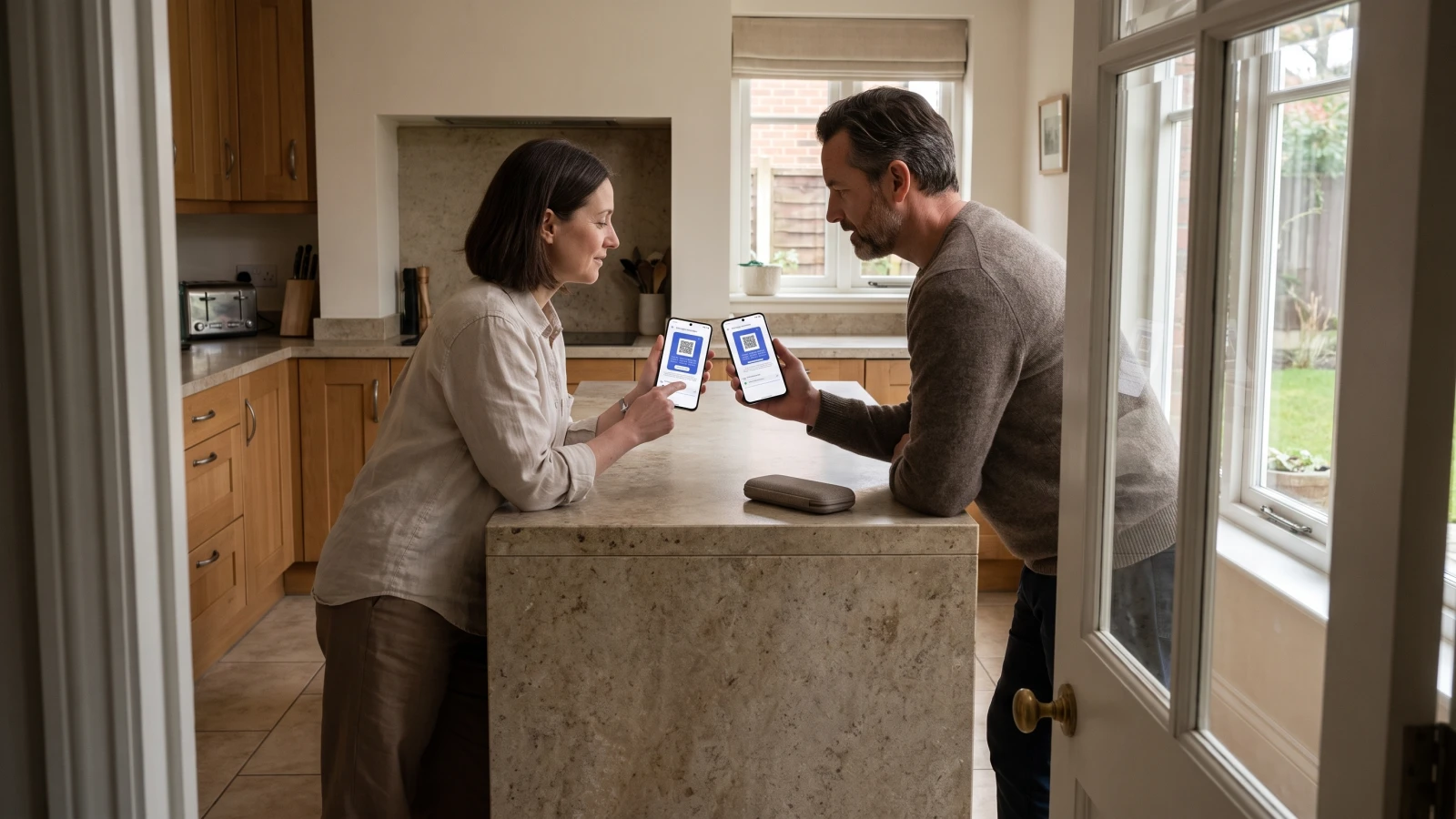
In a home kitchen, two people compare the safety number on their phones before they trust the chat. Signal documents the verification step; this scene illustrates the action rather than a Neyrotex test.
Signal Private Messenger now covers the full messaging stack
The current US listings on Google Play and the App Store describe encrypted text, voice, video, photos, files, groups of up to 1,000 people, and group calls of up to 50. Google Play shows more than 100 million downloads, a 4.5 rating from roughly 2.9 million reviews, and an update dated September 14, 2026; Apple shows 4.7 from 1.1 million ratings.
Those numbers establish scale and active maintenance, not message-delivery quality. Store ratings mix devices, versions, networks, expectations, and years of product history.
Document-based assessment: 89/100
This is an editorial assessment of documented capabilities, store evidence, and disclosed limits. It is not a lab score.
| Criterion | Score | Why |
|---|---|---|
| Functionality | 23/25 | Messages, calls, groups, stories, linked devices, transfers, and several backup paths cover the core job. |
| Usability | 17/20 | The basic app is familiar, but migration, notification tuning, and identity verification still require care. |
| Price and value | 15/15 | The service is free and nonprofit-funded; optional backup media storage and donations do not change basic access. |
| Privacy and security | 15/15 | End-to-end encryption, safety numbers, key transparency, phone-number privacy, and open source provide an unusually strong stack. |
| Stability | 10/15 | Official troubleshooting exists for delayed alerts, while user reports show that missed calls remain a meaningful device-specific risk. |
| Updates and support | 9/10 | Major 2026 releases added automatic key verification and broader linked-device support; support documentation is detailed. |
The privacy case became easier to verify in 2026
Signal’s privacy policy says messages and calls are always end-to-end encrypted, message history normally lives on users’ devices, and its servers temporarily queue encrypted messages for offline recipients. The service still needs limited technical data such as authentication tokens, keys, and push tokens to operate.
In August 2026, Signal introduced automatic key verification. The feature adds a key-transparency system to the familiar safety-number workflow, checking that the public key associated with a phone number or username is consistent across Signal’s ecosystem.
The check verifies keys rather than real-world identity. A green cryptographic check says the directory is presenting a consistent key; it does not prove that the person behind a profile is who they claim to be.
Android can now skip the phone number, with a recovery trade-off
Signal usernames let people start a conversation without handing over a phone number, and the default hides a number from people who do not already have it saved. Users can also restrict whether others can find them by number.
The standard registration path still uses a phone number. The latest Android release adds an optional Signal Login: a $2.99 one-time purchase creates a 32-character Account ID and a 64-character Recovery Key instead. Signal cannot recover that account if both keys are lost, and the support page does not describe the same phone-numberless path for iOS.
Registration Lock adds another barrier against account takeover. The protection is valuable only when the owner keeps the PIN and recovery material separate from the phone.
Backups no longer force one answer
Signal’s backup and transfer guide documents three paths: optional end-to-end encrypted Secure Backups, same-platform device transfer, and encrypted on-device backups on Android and Desktop. Secure Backups can restore after loss or a cross-platform move; local files and direct transfers have narrower conditions.
The flexibility solves a long-standing recovery gap, but it creates a setup decision. Someone who enables Secure Backups must preserve the recovery key, while someone who stays local must protect the backup file and understand where it can be restored.
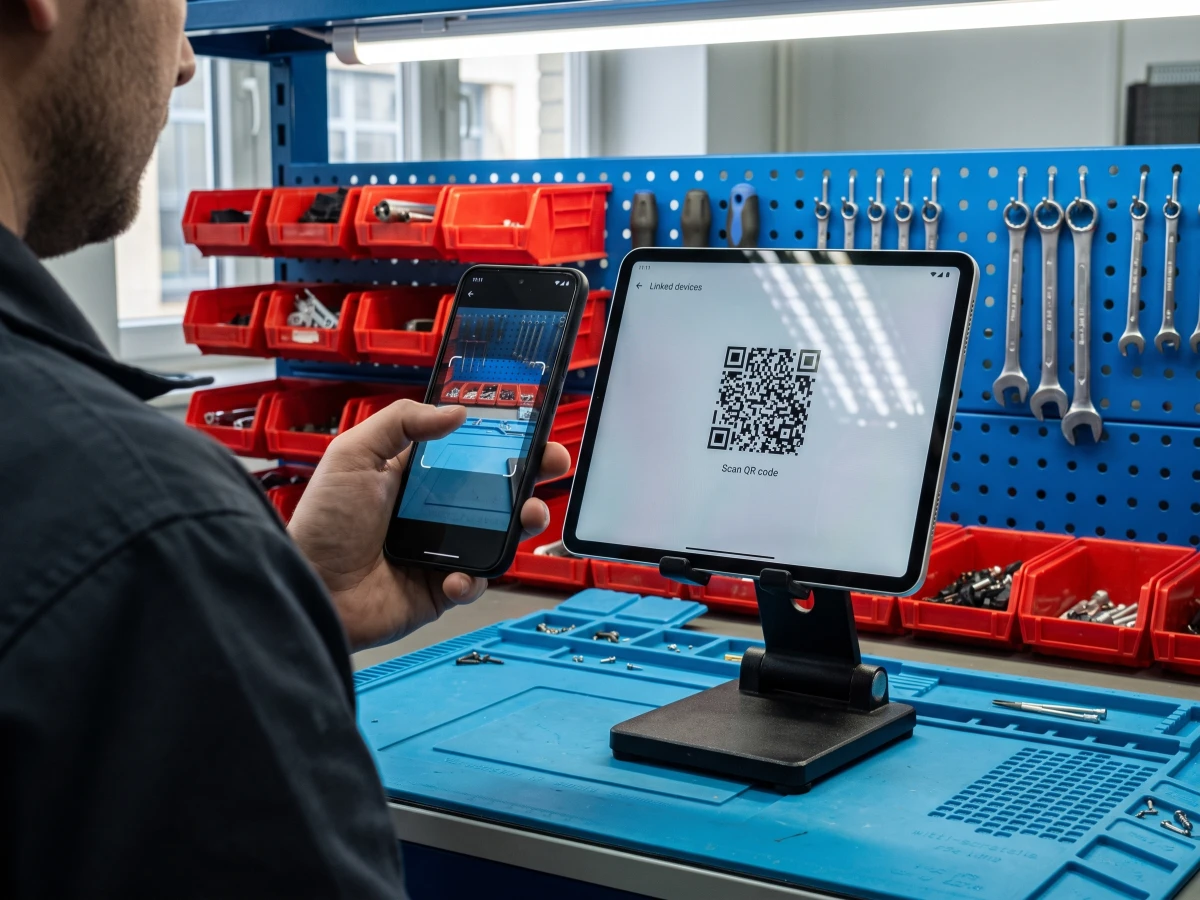
Picture a primary phone scanning a tablet’s QR code at a repair counter during linked-device setup. The second screen adds convenience and another endpoint that the account owner must review.
A 15-minute setup that prevents the predictable failures
- Choose recovery before history matters. Enable Secure Backups or an Android on-device backup, store the recovery secret outside the phone, and confirm what the chosen path can restore.
- Review linked devices. Signal’s linked-device guide supports up to five, and the primary phone must come online at least once every 30 days to keep them linked.
- Turn on Registration Lock. Treat the PIN as account protection, not as a chat backup.
- Set phone-number visibility. Decide who can see the number and who can find the account by it; create a username when a number should not be shared.
- Test alerts in real power states. Send messages and place calls over Wi-Fi and mobile data, with battery optimization active and after several hours of idle time.
Notification reliability is the decision’s weak link
Signal maintains a detailed notification troubleshooting guide because delivery depends on network access, push services, operating-system permissions, background activity, battery optimization, and device-vendor rules. The app can encrypt an incoming call perfectly and still lose the user’s attention if the phone suppresses the alert.
A Google Play review highlighted on the current listing reports calls failing to ring despite notifications being enabled. That is evidence that the failure exists for at least one user and device state, not proof of a general defect or prevalence.
What evidence should decide your move?
| Question | What the sources establish | What you must test |
|---|---|---|
| Can Signal read message content? | Its privacy policy says it cannot decrypt messages or calls. | Your endpoint security, screen locks, and backup handling. |
| Can a contact be verified? | Safety numbers and automatic key verification protect the key association. | The person’s identity through a trusted channel. |
| Will history survive loss? | Secure Backups can cover loss and cross-platform moves when enabled. | Whether the recovery key is available and the selected tier covers needed media. |
| Will every alert arrive? | No official source promises perfect delivery; troubleshooting depends on device settings. | Calls and messages under idle, Doze, Wi-Fi, and mobile conditions. |
| Will everyone move? | Stores prove broad adoption, not adoption inside your contact circle. | The smallest group whose participation makes the switch useful. |
Signal versus the default messenger
Choose Signal when private communication is the first requirement and the group can coordinate a switch. Keep the default messenger as a fallback when reachability matters more than a single privacy model, especially during the transition.
Do not promise a team that encryption eliminates phishing, compromised endpoints, impersonation, or mistakes. Signal’s official safety guidance warns that fake support profiles may ask for verification codes, PINs, recovery keys, or a QR scan that links an attacker’s device.
No support agent needs a secret in a chat, and every unexpected linked-device request deserves an immediate audit. For broader mobile product context, see Neyrotex’s analysis of AI in mobile apps, our Android 17 guide, and the Mobile Development hub.

Pingback: Bitwarden Mobile in 2026: Value, Autofill, Recovery