
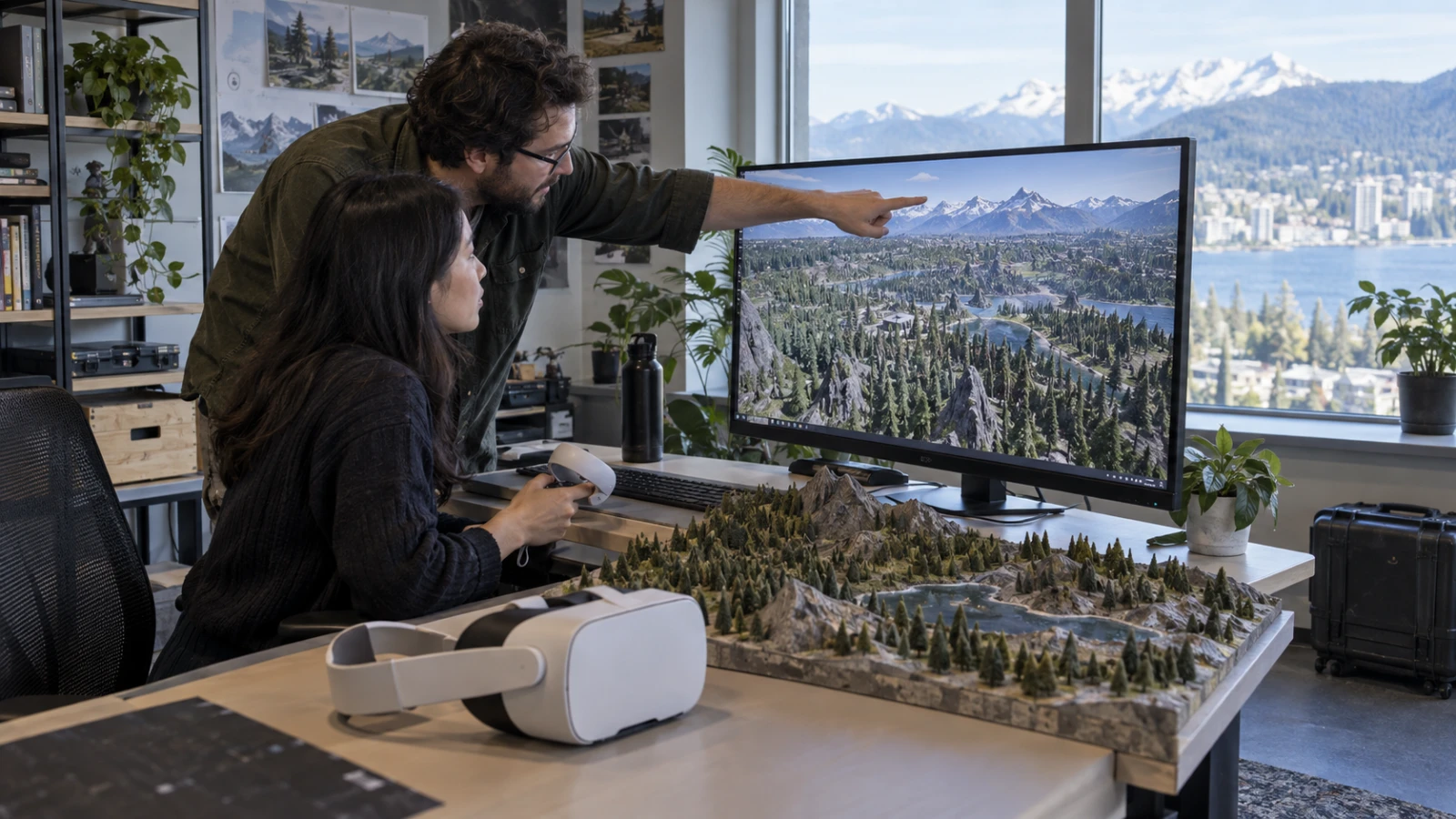
A two-person team reports an open world with tens of thousands of objects, yet it did not move the whole game into one data-oriented architecture. The developers used ECS for scale and kept close interaction where authoring remained fast.
Unity published the DrakkenRidge case study on September 8. Its Unity ECS mobile VR optimization choices offer a boundary to test, not a universal performance promise for another project, headset, render pipeline, or content set.
The Unity ECS mobile VR optimization boundary
Unity’s DrakkenRidge article describes an open-world role-playing game built by two developers for mobile VR. The world contains tens of thousands of objects, a scale that can punish per-object update and rendering overhead.
The team reports that ECS renders about 90 percent of the world. Large groups of repeated rocks, trees, terrain details, and other distant content fit chunk-based data and batched work.
Close interaction stayed with GameObjects and MonoBehaviours. Hands, grabbable objects, and bespoke behavior benefit from familiar authoring, component hooks, and fast adjustment during playtesting.
Choose the system by work shape
| Work | Start with | Reason to reconsider |
|---|---|---|
| Repeated distant world objects | ECS | Conversion cost exceeds measured frame saving |
| Distance culling and LOD selection | ECS, Jobs, Burst | Scene scale stays small |
| Hands and unique nearby props | GameObjects | Profiler finds a broad repeated update cost |
| Physics outside interaction range | Disable or simplify | Game rules need simulation at distance |
Read the batch claim with its limits
Unity says the project can draw thousands of objects in an example with eight SetPass calls. That number shows what the team’s content and rendering path achieved; it does not set a target for every material, shader, light, or headset.
Measure batches and SetPass calls beside CPU main-thread time, render-thread time, GPU frame time, memory, thermal state, and missed display frames. A low batch count can still hide an expensive shader or a CPU system that starves the headset.
Keep the same camera route and content state for comparisons. Warm the headset, record the build hash and quality settings, and repeat the route long enough to expose thermal throttling.
Start with culling and level of detail
The case study uses distance culling groups and entity level of detail. Those systems cut work that cannot improve the current view, which often produces a cleaner first gain than converting a small interactive script.
Define rings around the player for visible detail, simplified detail, simulation, and disabled work. Add hysteresis so objects near a boundary do not switch state on every small head movement.
Keep silhouettes and landmarks stable when detail changes. In a headset, a visible pop or shifting edge can distract the user even when the frame-time graph improves.
Use Jobs and Burst for broad numeric work with clear data flow. Avoid moving code merely to use the tools; conversion, synchronization, and hybrid boundaries can consume the saving when the system stays small.
Keep nearby physics on a budget
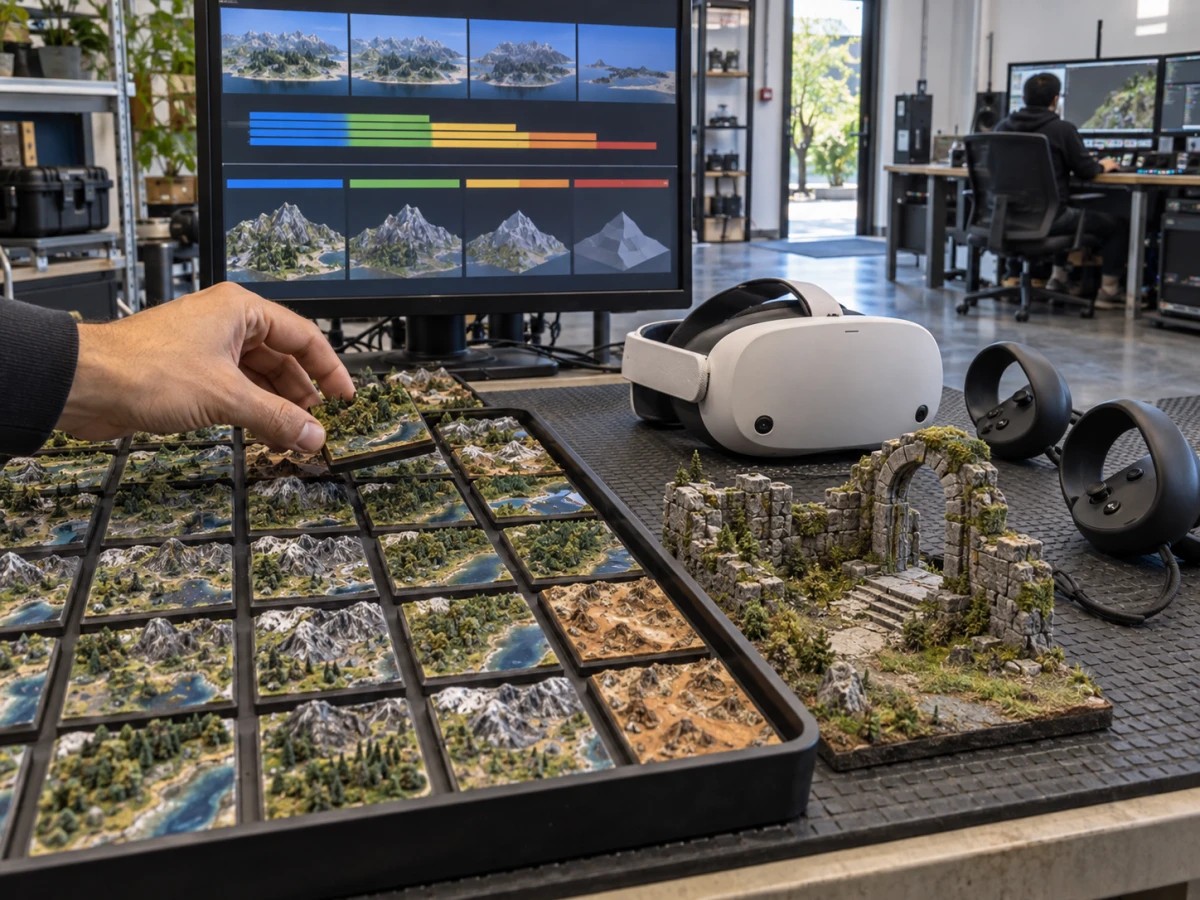
DrakkenRidge limits physics to nearby content. Mobile VR rarely needs full simulation for distant props that the player cannot see, touch, hear, or affect.
Define activation distance by interaction rather than one global radius. A thrown object, projectile, vehicle, or networked event may need simulation beyond the hand range, while decorative clutter can sleep sooner.
Test the transition into active physics. An object should not jump, penetrate another surface, or miss an event when the player crosses the boundary. Record state before sleep and restore only the fields the game needs.
Plan the hybrid seam
Every entity-to-GameObject handoff needs an owner. Decide who creates the interactive object, transfers position and state, handles save data, and returns or destroys the representation after the player leaves.
Keep conversion code visible and small. A broad automatic bridge can hide allocations and synchronization inside a frame where the user turns toward a dense area.
Profile the seam with rapid movement, teleportation, grabbing, object destruction, save and load, and scene transition. A hybrid design succeeds when the boundary remains predictable under those product actions.
Build a migration experiment
Choose one repeated world family with a measurable cost and limited gameplay behavior. Capture a baseline headset trace, convert that family, and run the same route with the same build settings.
Keep the experiment only if frame time, memory, and visual stability improve enough to repay authoring and debugging cost. Revert the conversion when the gain disappears on target hardware; ECS adoption is an engineering choice, not a progress badge.
Expand by another family after the first boundary survives profiling and a user path. That cadence gives a small team time to learn data layout, baking, debugging, and hybrid ownership without stopping feature work.
Separate case evidence from your proof
Unity reports the team size, world share, batching example, and systems used. Your acceptance packet should label those as case-study evidence and keep your device traces, build identity, and comfort observations beside them.
Test on the slowest supported headset and the content-heavy route users can reach. Include first load, a warm session, fast traversal, combat or interaction density, pause and resume, and a recovery after tracking loss.
The Neyrotex Meta XR Operator guide covers device evidence. Our Android XR checklist provides a broader release path. Follow the Spatial Computing hub for headset development.


Pingback: Unity CLI XR Workflow for Faster Device Tests