The last release-candidate build often feels administrative: archive, upload, assign testers, and wait. On a spatial platform, that habit leaves a gap between the binary that passed automation and the embodied experience a reviewer will meet.
This visionOS 27 RC submission checklist closes that gap with one evidence chain. It starts at Xcode 27 RC, follows the exact archive into TestFlight, and ends with input, comfort, privacy, and store assets observed against the same build.
What changed at the release boundary
Apple published visionOS 27.0 RC build 24M362 on September 9. The release sits beside Xcode 27 RC, which supplies the SDK used for the final candidate archive.
App Store Connect’s September release note says apps built with Xcode 27 RC and the visionOS 27 RC SDK can now be uploaded for internal and external TestFlight testing and for the App Store. That makes build identity the first check.
Record the source revision, Xcode build, visionOS SDK, marketing version, build number, signing team, entitlements, and archive hash. The TestFlight build number should trace back to that packet without a second local archive.
Release evidence map
- Source: frozen revision and dependency lockfiles.
- Archive: release configuration, signing, entitlements, and symbols.
- TestFlight: processed build with the expected version and tester group.
- Device: recorded first-run, spatial input, interruption, and exit path.
- Store: screenshots, description, privacy answers, and support route matching the build.
Run the simulator path first
Install the candidate in a visionOS 27 simulator and start from a clean state. Complete onboarding, every reachable window and volume, settings, empty and error states, a relaunch, and the route back to a useful starting point.
Resize windows through their supported range and inspect text, controls, ornaments, materials, and content depth. A layout that looks balanced at the default size may hide a control or create an unreadable line length at another size.
Exercise keyboard, pointer, and accessibility paths exposed by the app. Confirm focus order, labels, reduced motion, contrast, and any alternative to a precise spatial gesture.
Capture logs for warnings, failed resources, entitlement errors, and state restoration. A clean visual pass can still hide a repeated network request or asset failure that becomes costly on device.
Run the visionOS 27 RC submission checklist on hardware
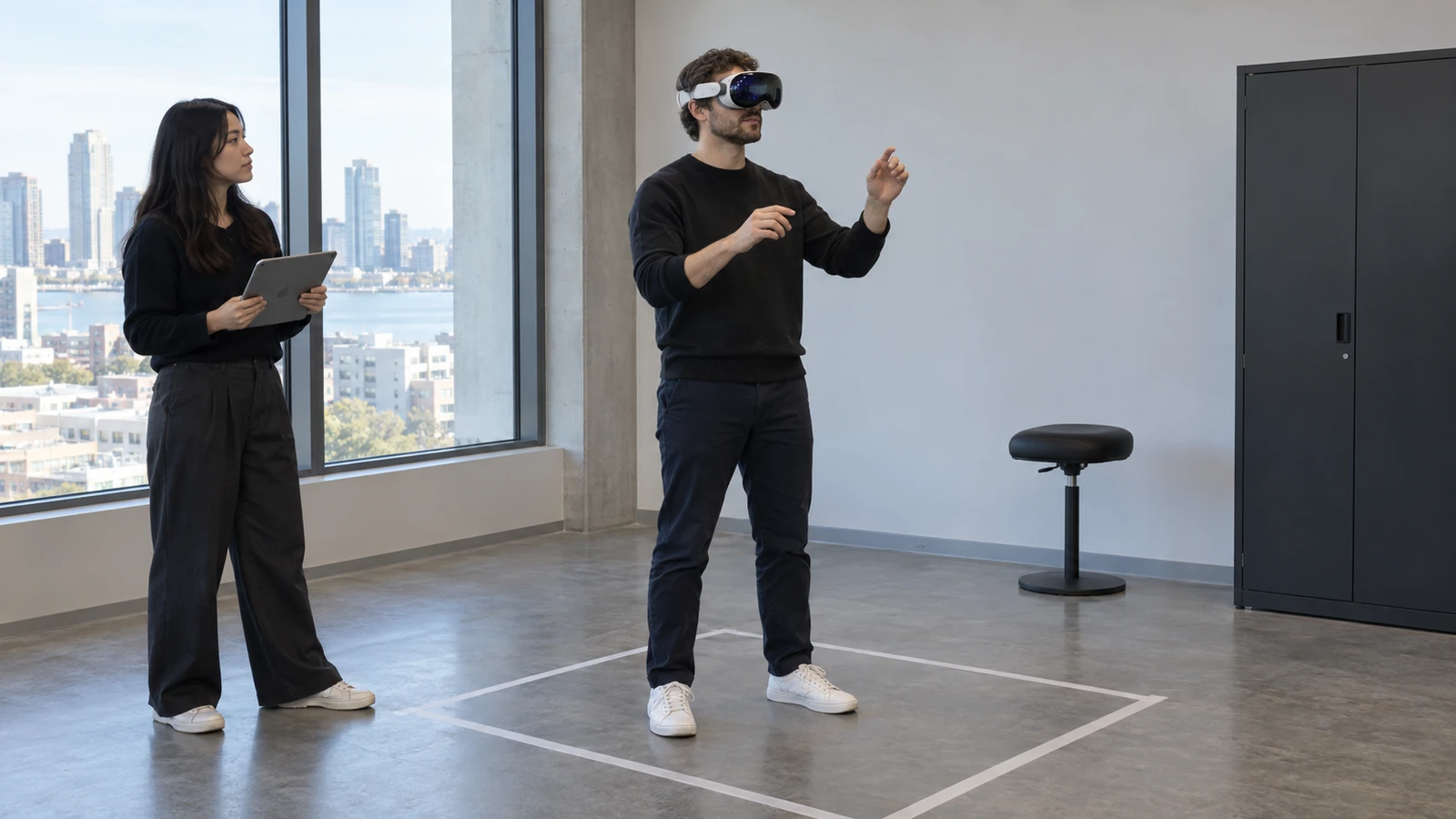
On Apple Vision Pro, repeat the first-run path in a clear, safe test area. Check gaze and pinch targets from natural posture, two-handed interactions if present, window placement, occlusion, passthrough assumptions, and the ease of stopping or leaving an immersive mode.
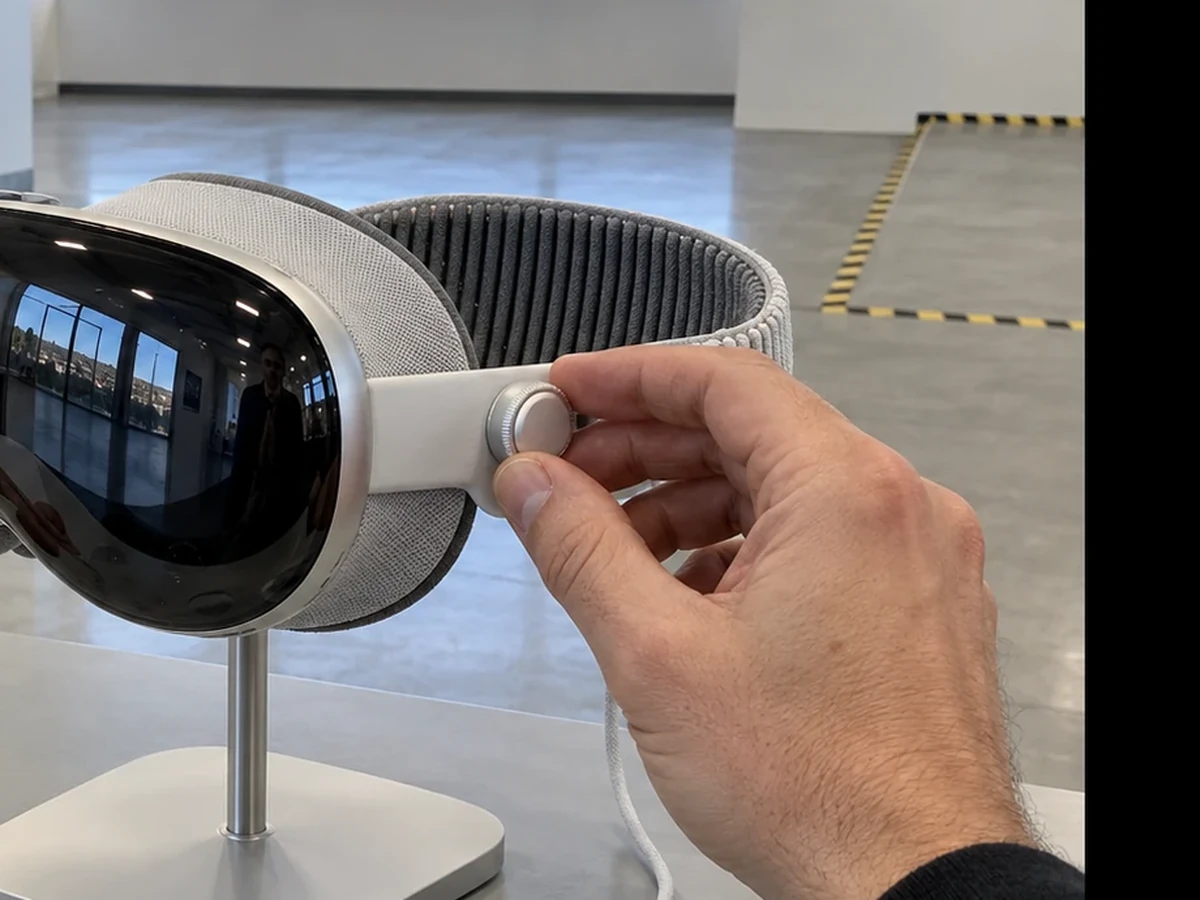
Comfort evidence needs time, not a five-second interaction. Run the longest intended session, observe head and hand travel, check whether important content demands sustained neck rotation, and pause when discomfort appears.
Interrupt the experience with system UI, loss of tracking, a permission denial, backgrounding, and an audio route change. The app should preserve or recover state without trapping the user in an unclear spatial mode.
Inspect privacy in the actual environment. Confirm the app requests only declared capabilities, gives a comprehensible reason, handles denial, and does not leave sensitive content visible after the user exits or another person approaches the device.
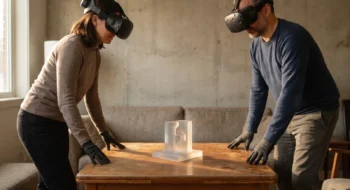
Repeat the core task while seated and standing if both postures are supported. Recenter the experience, move beyond the original anchor, and return; content should remain reachable without forcing the user to search behind their body or cross an unsafe area.
Audio belongs in the spatial path too. Check the default level, route changes, captions or visual alternatives, interruption by another app, and whether the experience returns in a predictable state after the interruption ends.
Make the store page describe the first minute
Store screenshots should use the required dimensions and show real, reachable states from the candidate. Do not present a cinematic composition that hides the controls or suggests immersion, hand interaction, shared space, or visual fidelity the build does not deliver.
The description should explain whether the app uses windows, volumes, or a fully immersive space, what the user needs around them, and how they leave the experience. Support and privacy links must resolve publicly before review.
Review App Privacy answers against the code and third-party SDKs in the archive. A stale answer from a previous version is not evidence, especially when analytics, account, camera, spatial, or health-related data paths changed.
Close the TestFlight loop
Assign the processed build to a small tester group and provide one task that represents the product’s core promise. Ask for the starting state, route taken, expected outcome, actual outcome, comfort note, and device/OS identity.
When a tester reports a failure, connect it to the exact build before changing code. A local fix, a new archive, and an old TestFlight installation can otherwise produce three different truths in the same conversation.
The Neyrotex Android XR quality checklist offers a platform-neutral release baseline. The Meta XR Operator setup guide shows how another headset ecosystem connects automation to device evidence.
Continue through the Neyrotex Virtual Reality section after this release, using the same identity chain for crash, performance, and store feedback.