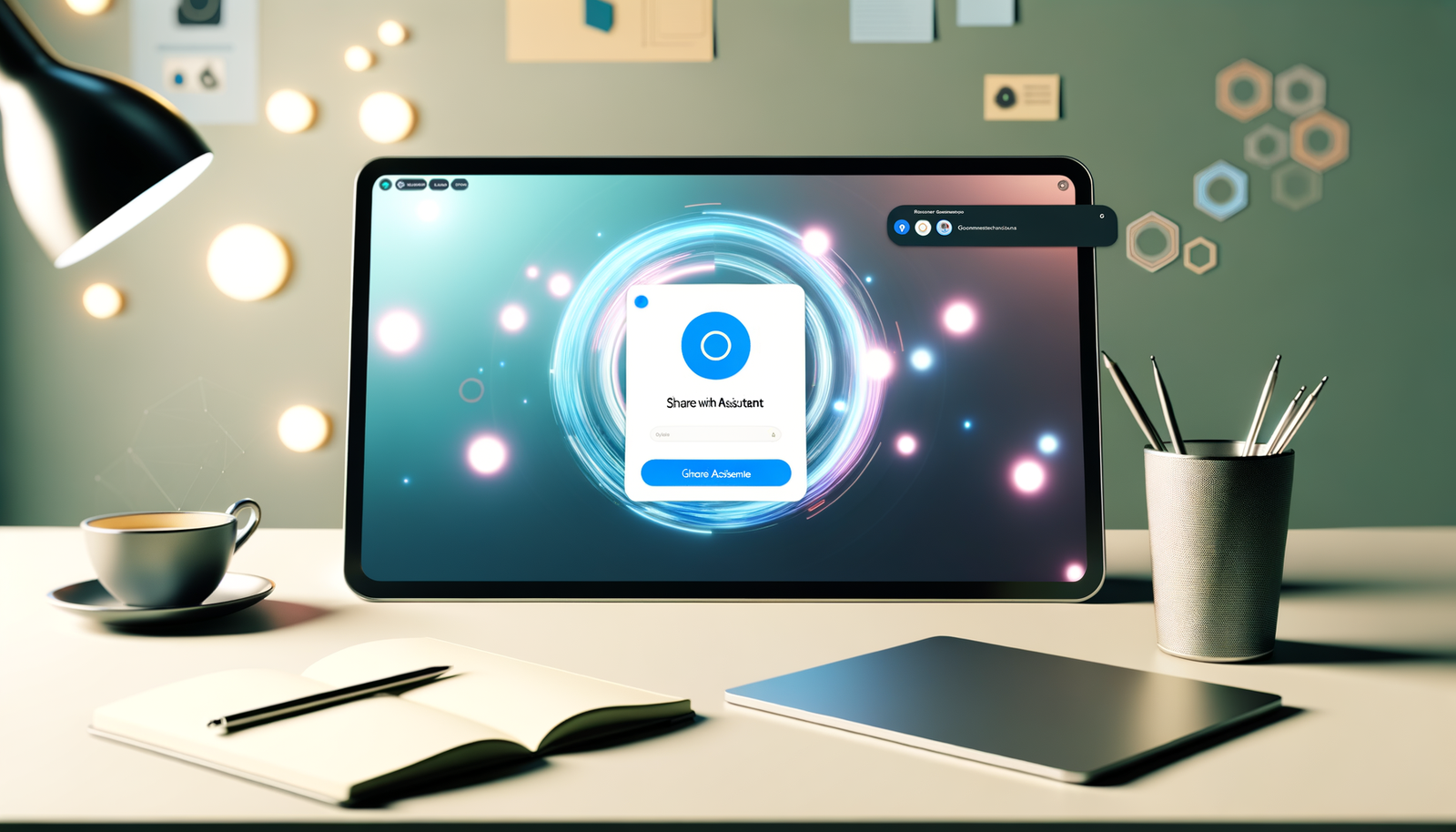
In an unexpected twist, Windows 11 introduces the surprising new Copilot Button Feature! This innovation aims to redefine user interaction by allowing you to share a window with Copilot directly from the taskbar. While the utility of this feature might not be immediately apparent, it highlights Microsoft’s ongoing efforts to integrate AI seamlessly into daily tasks. As we explore the implications of this update, we can’t help but wonder: do we really need such functionality, or is it just another gimmick in the ever-evolving landscape of operating systems? Let’s dive deeper into what this means for users.
Windows 11 Unveils Surprising New Copilot Button Feature!
Windows 11 is making waves once again with its groundbreaking features, and the latest addition is the highly anticipated Copilot Button Feature. Designed to shift how users interact with their systems, this button promises to simplify the sharing of windows—kickstarting an era of enhanced productivity and user experience. At its core, the Copilot button aims to streamline workflows by allowing users to send specific windows directly to the AI Copilot for assistance.
Understanding the Copilot Button
The Copilot button is not just another icon slapped on the taskbar for decoration; it’s a functional element aimed at improving user experience. The button can be found conveniently nestled in the taskbar, it acts as a direct method for users to share windows with the AI-powered Copilot. Imagine being able to offload tedious tasks or receive assistance with matters such as research or technical problems directly from your current window! It’s a dynamic addition that can make navigating multiple tasks feel more like a breeze than a burden.
How It Works: Behind the Scenes
So, how does this shiny new Copilot button function? When users press the button, it triggers a dialogue with the AI, providing a direct line of communication. The Copilot can then analyze the contents of the window, offering suggestions, insights, and even taking action based on the user’s needs. Imagine this scenario: you’re working on an important presentation. With just a click, you can share your slides with Copilot, and it can generate feedback or help compile additional data from the web. The synergy between the human-user and AI could transform how we handle our daily tasks!
A Wider Perspective: User Experience and AI Integration
The introduction of the Copilot Button Feature aligns with a larger trend toward AI integration in our daily lives. We live in an age where AI technology has become not just a luxury but often a necessity. Microsoft’s consistent efforts to weave AI capabilities into their products reflect a reality where innovation meets user need. With tools like the Copilot, the company is betting on a future in which AI becomes a companion to human creativity, rather than a replacement.
Accessibility and Inclusiveness
One significant aspect of the Copilot Button Feature is its focus on accessibility. Users who might struggle with complex software can lean on the Copilot for simplified guidance and support. This measure could be particularly beneficial for professionals in roles where the technology can feel overwhelming, breaking down barriers that once limited productivity. Each interaction with the Copilot could serve to train and inform users, nurturing a cycle of learning that keeps evolving as technology advances.
Improving Efficiency: Will It Really Save Time?
Among the most pressing questions regarding the Copilot Button Feature is whether it will genuinely enhance efficiency. Time is a scarce resource in today’s fast-paced world, and users are always looking for strategies to get more done in less time. The Copilot can act as an ever-present assistant that’s ready to help, but there’s also the potential for users to become overly reliant on AI. Striking a balance between utilizing the Copilot for support while retaining essential skills is key.
User Opinions: A Mixed Bag?
Despite the excitement, opinions about the Copilot Button Feature may vary among users. Some tech enthusiasts hail it as a revolutionary tool that transforms the user experience; others question whether we actually need this level of assistance. After all, are we losing touch with our ability to navigate tasks independently? The debate surrounding the feature illustrates a broader conversation about the role of technology in everyday life: is it helping or hindering our capabilities?
Security Considerations
As with any new feature that enables data sharing, users’ security concerns come into play. Sharing information, even with an AI like Copilot, invokes questions regarding privacy and data protection. Windows 11 must prioritize transparency about how shared data is handled, who has access, and how user privacy is preserved. Since trust is paramount in today’s digital environment, ensuring that the Copilot operates within stringent security parameters is not just beneficial but crucial.
Integration with Windows Ecosystem
Windows 11 has consistently improved its ecosystem by introducing features that encourage seamless integration across devices. The Copilot Button Feature is part of this strategy, reinforcing that the real power of Windows 11 lies in connectivity. Whether you’re switching from a desktop to a laptop or engaging with a tablet, the Copilot’s functionalities should feel consistent and user-friendly across different forms of technology.
Future Prospects: What Lies Ahead?
The Copilot Button Feature may be just the tip of the iceberg for what’s possible with Windows 11. As AI continues to mature and evolve, we can expect innovative updates that further enhance user interaction and experience. What if the Copilot could proactively suggest tasks based on your working habits? Or like a digital assistant, predict scheduling conflicts? It’s exciting to consider the myriad possibilities that could unfold as Microsoft continues to embrace AI.
Conclusion: A New Era in User Interaction?
The surprising new Copilot Button Feature sets the stage for a renaissance in how we interact with technology. By empowering users to communicate directly with AI, Microsoft is paving the way for a more productive and intuitive experience. Yet, as with any change, it requires an adjustment period and an understanding of its applications and limitations. Detractors may see it as unnecessary or cumbersome; proponents may champion it as revolutionary. Regardless of where one stands in this debate, one thing is clear: we are not just passive consumers of technology anymore. Now, we are participants in a larger narrative of innovation and personal connection through the Copilot Button on Windows 11.
As we integrate these new features into our digital lives, let us remember to maintain our critical thinking skills and embrace the quirks that come along with such technological advancements. Who knows? This whimsical button may be just the ally we didn’t know we needed, waiting to help tackle our daily digital dilemmas with finesse!
Curious about more technology trends? Dive deeper into the world of innovation at Neyrotex.com!