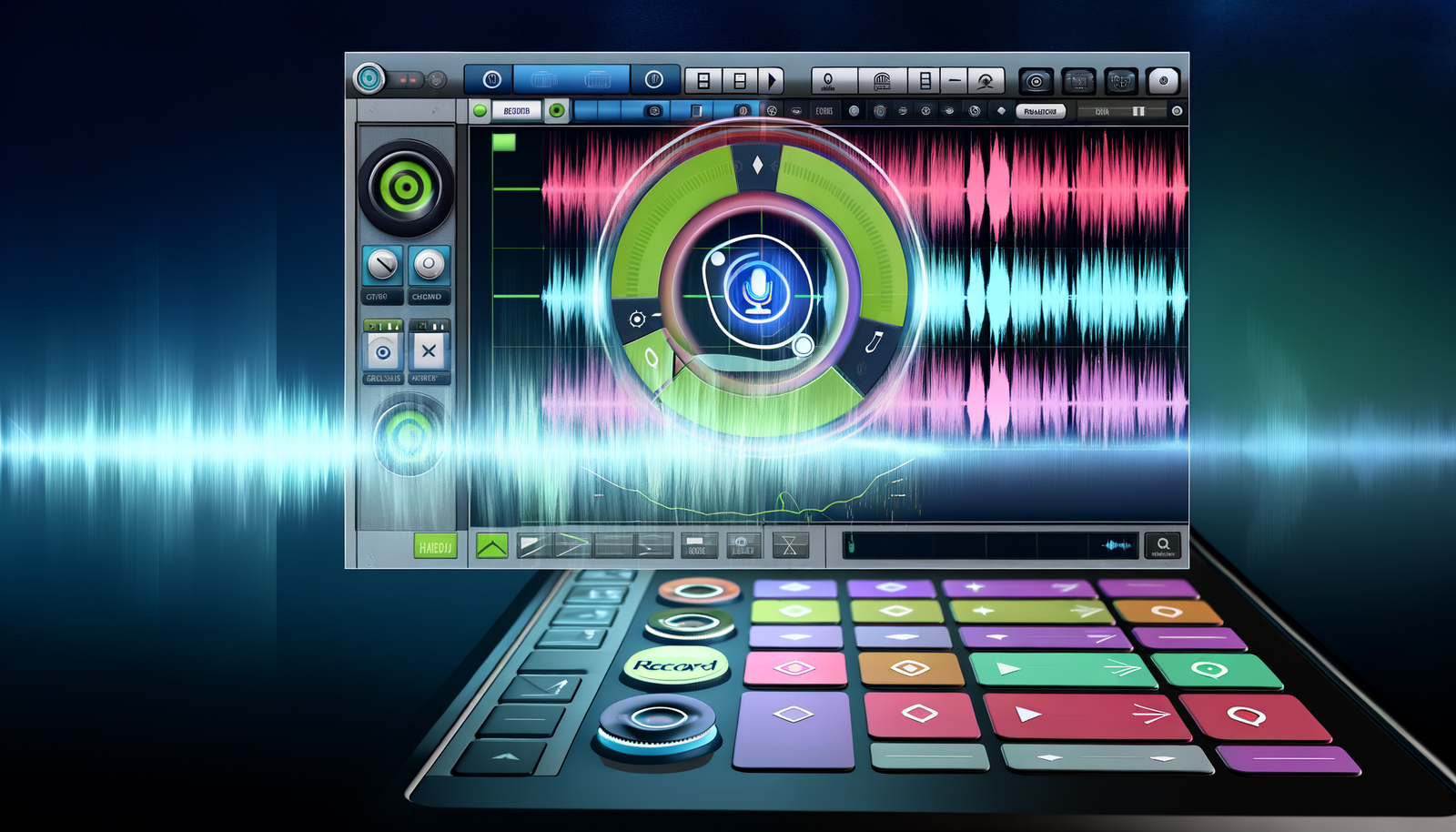
Audacity, the long-standing audio editing software, has captivated users for over 25 years. However, its journey hasn’t been without bumps, evolving from a simple audio editor to what some now consider a UX nightmare. Many users have been deterred by its outdated interface and less-than-inspiring logo. But don’t let that dissuade you! In this review, we will “Overlook the Logo: Discover the Greatness of Audacity 4!” This latest version aims to revamp its user experience and breathes new life into the tool, promising enhancements that could reshape your audio editing journey.
The Awkward Logo Dilemma
Let’s face the music right out of the gate: the new logo created quite a stir among existing and prospective users. Imagine a beautiful symphony that’s suddenly interrupted by a jarring sound. That’s how many perceive the Audacity 4 logo. It’s almost like someone went to an art gallery, saw a magnificent piece, and then painted over it with house paint. For many, this logo was an unfortunate decision that might scare off new users who have yet to experience the powerful capabilities of Audacity.
A Powerful Revamp
Despite its awkward branding, the essence of Audacity lies not in how it looks but in how it performs. Audacity 4 has rolled out an impressively revamped interface that prioritizes user experience. Gone are the convoluted menus and clunky tools that added frustration to daily tasks. Instead, Audacity 4 introduces a user-friendly design tailored to simplify audio editing, which invites even the most hesitant of users to dive back into the software.
Dynamic Features Worth Noticing
So, what makes Audacity 4 a cut above its predecessors? The answer lies in its array of new and improved features. Here are some highlights:
- Enhanced Toolbars: The taskbars have been transformed, positioning essential tools right where you need them. Whether you are recording voiceovers or mixing tracks, quick access turns cumbersome tasks into an average day at the office.
- Integrated Spectrograms: This visual representation of audio frequency content boosts your editing precision. Understanding the underlying structure of your sound allows for nuanced edits, paving the way toward professional-quality audio.
- Multi-Track Editing: Without a doubt, multi-track editing has received a significant upgrade, bringing simplified copy-pasting and layering methods to the forefront, making it easier than ever to juggle several layers of audio.
- New Effects and Plugins: Audacity 4 comes packed with fresh effects and an upgraded plugin interface. You can now add reverb, equalization, and other audio blessings with unprecedented ease.
- Improved Accessibility: Understanding the importance of inclusivity, Audacity 4’s developers have worked diligently to enhance color contrast, keyboard shortcuts, and even screen reader support.
Community Feedback: The Heart of Evolution
One of the most admirable qualities of Audacity as a platform is its responsive user community. Many of these enhancements in Audacity 4 didn’t spring from nowhere; they were inspired by user feedback and requests. In a digital world where companies often overlook user voices, Audacity has set itself apart by genuinely valuing the opinions and suggestions of its users. This persistent adaptability is a testament to the importance of community feedback in shaping the future of software.
Open-Source Treasure Trove
Another highlight for fans of Audacity’s legacy revolves around its open-source nature. This feature not only allows users free and limitless access but fosters a collaborative environment where contributors can play an active role in development. With Audacity 4, enhancements are met with excitement as users can download and share their upgrades, pushing the forefront of audio editing technology. Communities like GitHub create an ongoing platform for discussions, bug fixes, and new features spearheaded by passionate individuals who love the software.
The Learning Curve: Easy as Pie
One of the most significant changes Audacity 4 rolled out is focused on the learning curve associated with audio editing. When many users initially ventured into Audacity, they encountered a daunting landscape that often felt more like a labyrinth than a tool for creativity. Well, good news! The latest version provides elegant tutorials and easy-to-navigate menus that make the journey into audio editing exciting rather than daunting. From novice to pro, this newly configured framework accommodates users of any skill level, ensuring every person can unleash their audio creativity.
Inside the Box: System Requirements and Compatibility
When investing in software, it’s essential to consider system requirements and compatibility. Audacity 4 is designed to run efficiently across various operating systems, whether you’re a Windows user, a macOS enthusiast, or a Linux lover. You won’t find it difficult to use Audacity 4 on your system. Here is what you’ll need:
- Operating Systems: Windows 10 and later, macOS 10.13 and later, and Linux distributions compliant with recent standards.
- Processor: An Intel or AMD processor with a clock speed of at least 1 GHz is advisable for optimal performance.
- Memory: A minimum of 2GB RAM is necessary, though 4GB or more is highly recommended for heavy audio sessions.
- Storage: A standard hard drive with ample space for audio files, as well as free space for plugin installations. Having an SSD will improve loading times significantly!
*Bonus*: The Vast Universe of Integrations
Audacity 4 understands the beauty of integration. It seamlessly interacts with other audio tools, enabling workflows that cater to a variety of uses. Those who are music producers might find Audacity’s ability to merge with digital audio workstations (DAWs) like Ableton Live or Pro Tools incredibly beneficial. This fosters a creative environment where users can explore every avenue of audio production without the bounce-around frustrations that often come with trying to juggle multiple platforms.
The Community Factor Revisited
The passionate Audacity community deserves another nod here. Forums, social media pages, and dedicated groups have sprung up to enhance collective knowledge-sharing. Users are not just editors; they’re collaborators, tutors, and even friends! This collective spirit pulls you into a world where everyone is permitted to experiment and flourish, creating a space where ideas are exchanged freely, improving your journey with Audacity every day.
Final Thoughts: Embrace the Change
In conclusion, while the logo might be a quirky misstep, Audacity 4 is here to change the narrative. With its striking new features, intuitiveness, and constructive user engagement, it’s poised to revive the interest of old users and acquire a new generation of sound warriors. Remember: when it comes to audio editing, function should always outweigh form. So, think about giving Audacity 4 a chance. Whether you are mixing, recording, or producing, this newly refined software has something to offer everyone.
Ready to tune into your inner audio artist? Overlook the logo and embrace the greatness of Audacity 4! For more information, check out Neyrotex.com for additional insights into this revolutionary software and its endless possibilities.