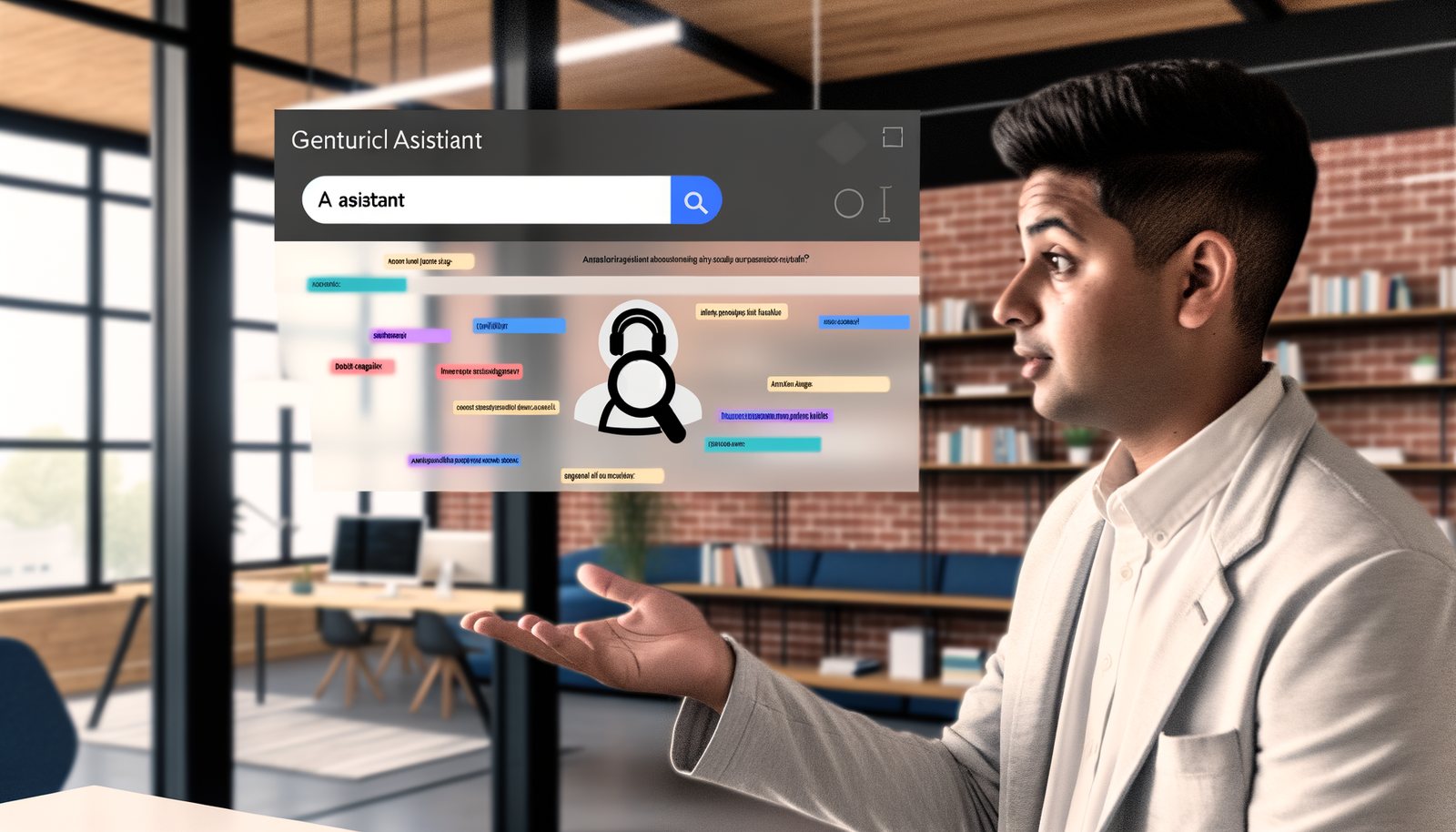
In a bold return to the world of digital assistance, the long-awaited Microsoft Copilot has arrived, now capable of ‘seeing’ your Edge screen! Revolutionary in its design, this innovative tool breathes life into the nostalgia of Clippy, blending familiar charm with cutting-edge technology. As users navigate the web, Copilot seamlessly integrates, offering insights, suggestions, and support tailored to their browsing experience. With its advanced capabilities, this new iteration of digital assistance promises to enhance productivity and unlock new levels of interaction, making everyday tasks simpler and more efficient. Get ready to experience a modern twist on an old favorite!
Understanding the New Microsoft Copilot Capability
The tech world is abuzz, and for good reason—the latest feature of Microsoft Copilot has hit the spotlight: the ability to ‘see’ your Edge screen! This revolutionary tool allows it to not just provide generalized suggestions but to interact intelligently with what you’re currently looking at. Ever find yourself scrolling endlessly through tabs, trying to find that elusive recipe or must-read article? Well, Copilot’s keen digital eye means it can now offer you contextual assistance like never before.
What Does ‘Seeing’ Mean?
So, what does it mean for Microsoft Copilot to ‘see’ your Edge screen? This innovative feature means the AI can analyze your current webpage, understand its context, and provide tailored recommendations based on that information. It’s as if you have an ever-watchful assistant at your side, ready to give you advice based on what you’re currently focused on. This shift from a more passive assistant to a real-time browser companion changes everything for users navigating the modern web.
The Technology Behind Copilot’s Vision
Under the hood, Microsoft utilizes advanced machine learning algorithms and artificial intelligence to equip Copilot with this profound level of insight. The essence of Copilot’s ability draws from natural language processing, enabling it to understand text contextually. Alongside visual recognition software, it allows for sophisticated interactions that are both intuitive and organically integrated within your browsing experience. By analyzing page content, user behavior, and preferences, Copilot enhances its suggestions, making them increasingly useful and personalized.
Real-World Applications of Microsoft Copilot
Imagine you’re researching a complex topic for a presentation. You have multiple tabs open, but the information is scattered. Enter Microsoft Copilot! It can see that you’re in the midst of comparing statistics and offers to summarize key points or propose additional resources based on the current content available. From drafting emails to grabbing essential links, Copilot’s intuitive reactions help make your moment-to-moment choices smoother and more relevant.
- Efficient Browsing: No more tab overload! Copilot suggests links that streamline your search process.
- Educational Aid: Provides summaries or additional resources when you’re learning or researching.
- Email Assistance: Compose messages based on content you’re reviewing easily, making professional correspondence a breeze.
- Time-Saving Shortcuts: Reminds you of tasks and provides updates without distracted fumbling through pages.
Potential Challenges and Considerations
While the capabilities of Microsoft Copilot are indeed groundbreaking, users must also muse over certain challenges posed by this feature. First and foremost is privacy. With an AI that can analyze what’s on your screen, concerns about data security naturally arise. Microsoft has addressed these concerns by implementing stringent privacy protocols, ensuring users feel safe while enjoying Copilot’s functionality. Transparency will be key as the technology evolves to further instill user confidence.
Moreover, as with any AI-dependent innovation, there’s a learning curve. It takes time for users to adjust to the features and integrate them seamlessly into their routines. However, once the transition period is over, we anticipate an increase in productivity and engagement.
Bridging Nostalgia with Modern Needs
Ah, Clippy—the darling (or hated) paperclip. Microsoft Copilot brings back a kind of nostalgia and warmth we once felt with Clippy, coupled with a sophistication that modern users crave. Rather than feeling like an intrusion, the integration of Microsoft Copilot into Edge creates an intuitive experience that feels both comfortable and futuristic. It’s the kind of forward-thinking innovation that excites users and provides them with a sense of empowerment as they navigate online.
Microsoft Copilot as a Game Changer
Many experts in the field believe that Microsoft Copilot’s new capabilities may redefine how users interact with web browsers altogether. Imagine, a tool that not only assists with your browsing but also learns and adapts to your preferences, almost like a collaborative partner in productivity. This paradigm shift can potentially influence how software is developed in the future, focusing more on adaptability and real-time user assistance.
What’s Next for Microsoft’s Copilot?
As Microsoft continues to roll out updates, the future of digital assistance looks brighter than ever. Ongoing enhancements could lead Copilot to interact even more seamlessly with several third-party applications, data sources, and communication tools across the internet. This means the Copilot you see today could evolve into an even more sophisticated companion in the near future, offering unwavering support through your personal and professional journeys.
Final Thoughts
In closing, the revolutionary Microsoft Copilot truly embodies a new era in digital assistance with its capacity to ‘see’ your Edge screen. This bold and innovative enhancement reflects a commitment to making technology work for us in meaningful ways. By learning from user interactions and providing real-time assistance, Microsoft takes a significant leap toward creating a more intuitive browsing experience. While challenges exist, the potential to enhance productivity undoubtedly outweighs them. As we embrace this modern iteration of digital support, who knows what delightful adventures lie ahead in our browsing journeys?
So why not take a moment and explore this phenomenal feature? The browsing process is set to become much more engaging and efficient—allowing you to unlock creative possibilities like never before! Exciting developments beckon, and there has never been a better moment to engage with technology that truly sees you. For more information on how Microsoft Copilot can transform your web experiences, visit Neyrotex.com.