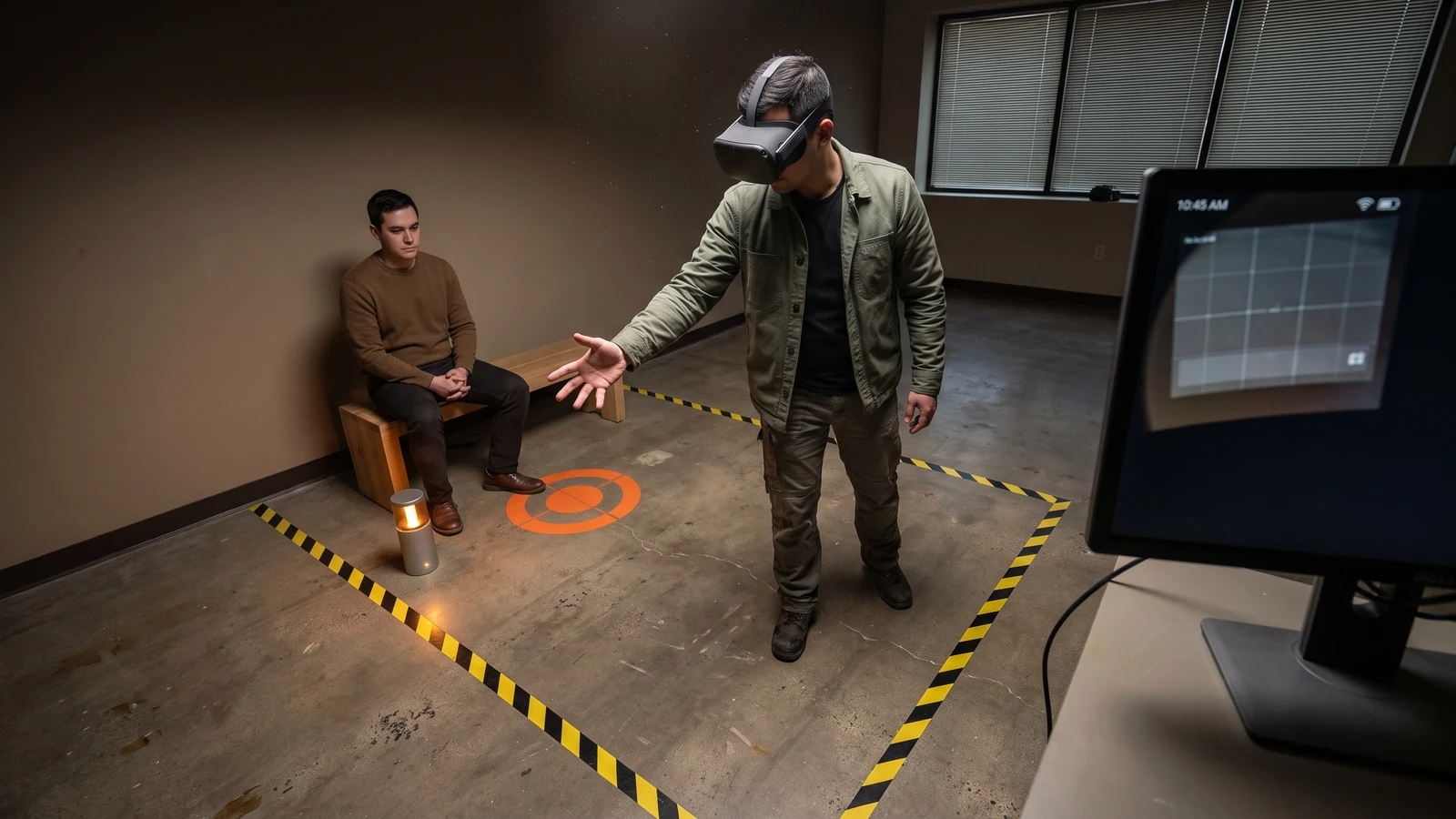
Hands-only movement feels direct until the same thumb tap can mean selection, activation, or locomotion. A user who cannot see the mode boundary may teleport while reaching for a button or keep swiping after movement should have ended.
Meta Spatial SDK hands-only locomotion gives Android-first spatial apps a ready system. Your work begins with the gate, cancellation, comfort, and fallback behavior around it.
Read the Meta Spatial SDK hands-only locomotion contract
Meta’s 0.14 package page adds hands-only teleport, snap-turn, and step movement through HandMicrogestureLocomotionSystem. It is an opt-in system rather than an automatic replacement for every movement path.
The class reference sets a 45-degree pivot and a 0.5-meter step by default. Those values create a starting configuration, not a comfort result for your audience or scene scale.
The built-in gesture sequence
- A thumb tap enters locomotion or switches the active hand.
- A later thumb tap confirms teleport to the aimed target.
- Left or right swipes apply a snap turn.
- Forward or back swipes apply a discrete step.
- Opening the active hand exits the mode.
Make the mode legible without adding clutter
The first thumb tap enters locomotion, a later tap confirms teleport, left or right swipes snap-turn, and forward or back swipes step. That reuse saves gestures, but it creates hidden state.
Use two cues: one near the active hand or teleport arc, and one environmental cue that survives peripheral vision. Keep them quiet in normal interaction and distinct from selection feedback. Add a short sound only when audio is available and users can control it.
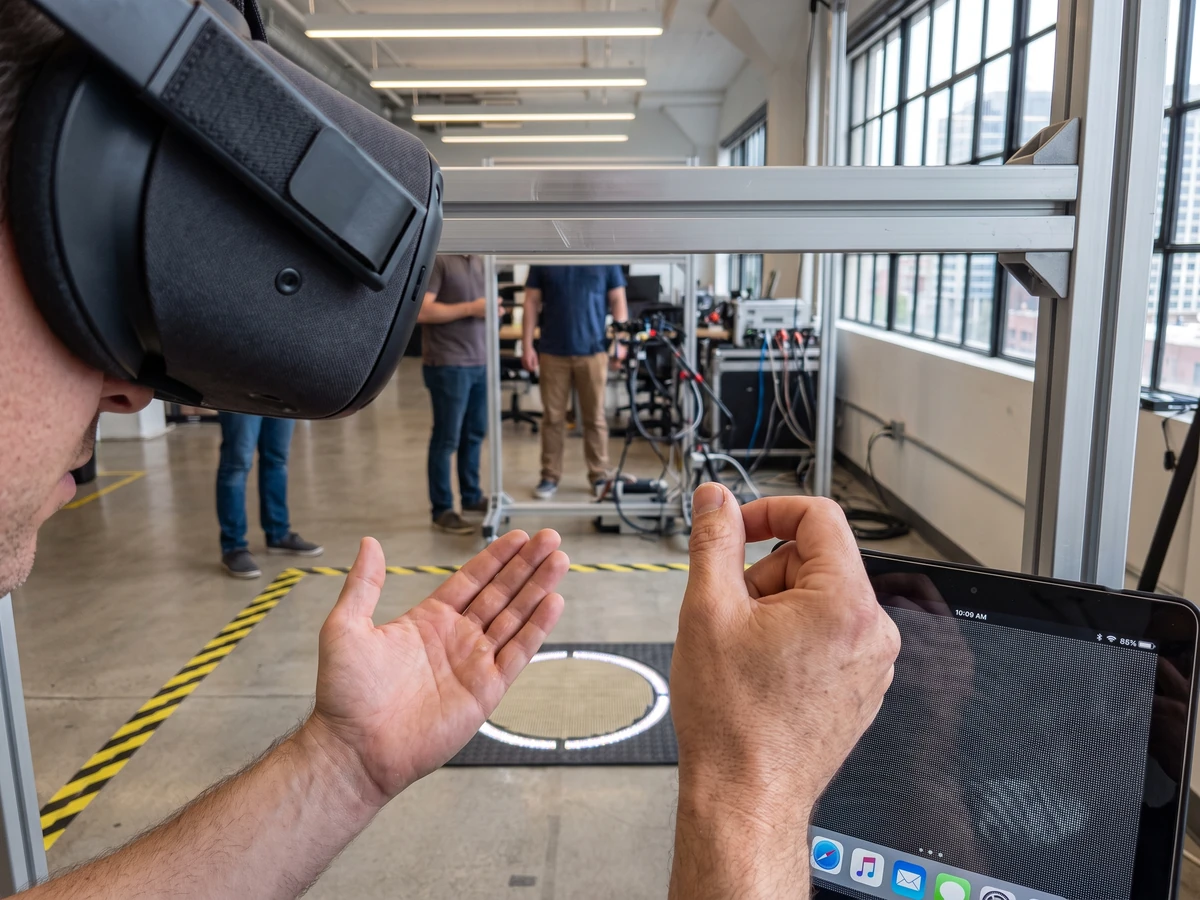
Test exit before entry speed. Ask a new user to enter locomotion, cancel without moving, switch hands, resume selection, and recover after tracking loss. Record hesitation, accidental movement, repeated gestures, and whether the user can explain the current mode.
Follow the input map, then test your exceptions
Meta’s locomotion guidance recommends microgestures for hand-based movement. It maps teleport and snap turning to both hands, uses an open hand for cancellation, and notes that current discrete microgestures do not support smooth turn or slide movement.
Keep left and right gestures symmetric unless a product constraint requires otherwise. A person should not learn one locomotion language for the left hand and another for the right, especially when the system can switch the active hand.
Preserve a controller path for users who prefer it and for features that need continuous movement. A hands-only option expands input choice; it should not remove comfort settings, seated play, dominant-hand choice, or a tested controller mapping.
State map
Idle: selection gestures remain available. Armed: the arc and active-hand cue appear. Move: tap or swipe applies one bounded action. Exit: open hand, tracking loss, scene change, or explicit toggle returns to idle.
Build a device test that catches physical failures
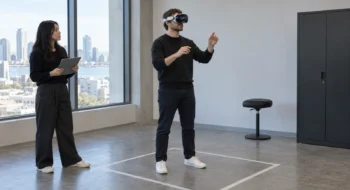
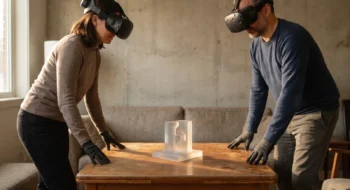
Simulator and editor checks can prove state transitions, but headset evidence must cover hand tracking, field of view, body posture, boundary awareness, occlusion, lighting, and fatigue. Run the same sequence while standing, seated, facing away from room lights, and with one hand briefly occluded.
Measure accidental activation, missed activation, cancellation time, target correction, turn count, step count, task completion, and discomfort reports. Separate tracking failure from interaction confusion in the test notes.
Try small and large spaces. A 0.5-meter virtual step can feel sensible in one scene and too coarse near a work surface. Keep the default until evidence supports a change, then expose the change through a product-level comfort setting rather than a hidden constant.
Release with a fallback and a kill switch
Enable the new system for a bounded cohort or optional setting. Log state transitions without collecting raw hand data that the product does not need. Keep a remote or configuration kill switch if accidental movement or a platform update creates risk.
Tune movement only after the default becomes a baseline
Keep the 45-degree pivot and 0.5-meter step for the first comparison build. Changing both values while changing cues, target visuals, or gesture thresholds makes discomfort and error reports hard to interpret.
Run one-variable trials. Compare pivot size while teleport and step values remain fixed, then compare step size with the selected pivot. Ask participants about orientation, correction effort, confidence, and comfort; do not infer comfort from task completion alone.
Include target rejection and unsafe destinations. The teleport arc should refuse surfaces outside the navigable area, through obstacles, or too close to geometry. A rejected target needs visible feedback that differs from tracking loss or a gesture that the system did not recognize.
Test multimodal transitions if the app supports controllers and hands together. Put down a controller, enter hand locomotion, pick the controller up during an armed teleport, and switch back. One input path must cancel or hand off cleanly instead of leaving two movement sources active.
Our Meta XR Operator guide shows how to automate repeatable headset paths. The Unity ECS mobile VR guide covers performance evidence. Visit the Virtual Reality hub, then test shared-space assumptions with the colocation and spatial anchors guide.