Imagine committing a note-taking release to an API that exists only in an experimental channel. The demo may look complete on one pen display while high contrast, clipboard, restore, packaging, or another digitizer fails.
WinUI 3 InkCanvas deserves a bounded prototype. The decision should come from a promotion checklist, not from the novelty of drawing inside a modern desktop app.
Start with the WinUI 3 InkCanvas release status
Microsoft’s release notes place inking in Windows App SDK 2.4.1 Experimental. The package adds InkCanvas, InkToolbar, InkPresenter, pen and touch input, clipboard support, high-contrast support, stroke input, and unprocessed input.
The word experimental sets the boundary. APIs can change or disappear before stable release, and Microsoft does not present this channel as a production support commitment. Use a separate branch or sample application rather than upgrading the main product to discover the surface.
A four-part evaluation
- Prove input behavior on representative hardware.
- Prove accessible controls and keyboard alternatives.
- Prove stroke serialization, undo, clipboard, and recovery.
- Prove packaging, runtime deployment, and clean rollback.
The first visible stroke proves only that one device reached one control. It does not prove palm rejection, pressure consistency, eraser mapping, touch coexistence, or a stable save format.
Put the API behind your own boundary
Create a small inking service or view adapter that exposes product concepts: begin stroke, update stroke, erase, select, copy, undo, save, and restore. Keep experimental namespaces inside that adapter. The rest of the app should not know which InkPresenter or toolbar type produced the data.
Define a product-owned stroke document with coordinates, pressure, color, tool, timestamps where needed, and a schema version. Do not persist an opaque experimental object graph as your only customer document.
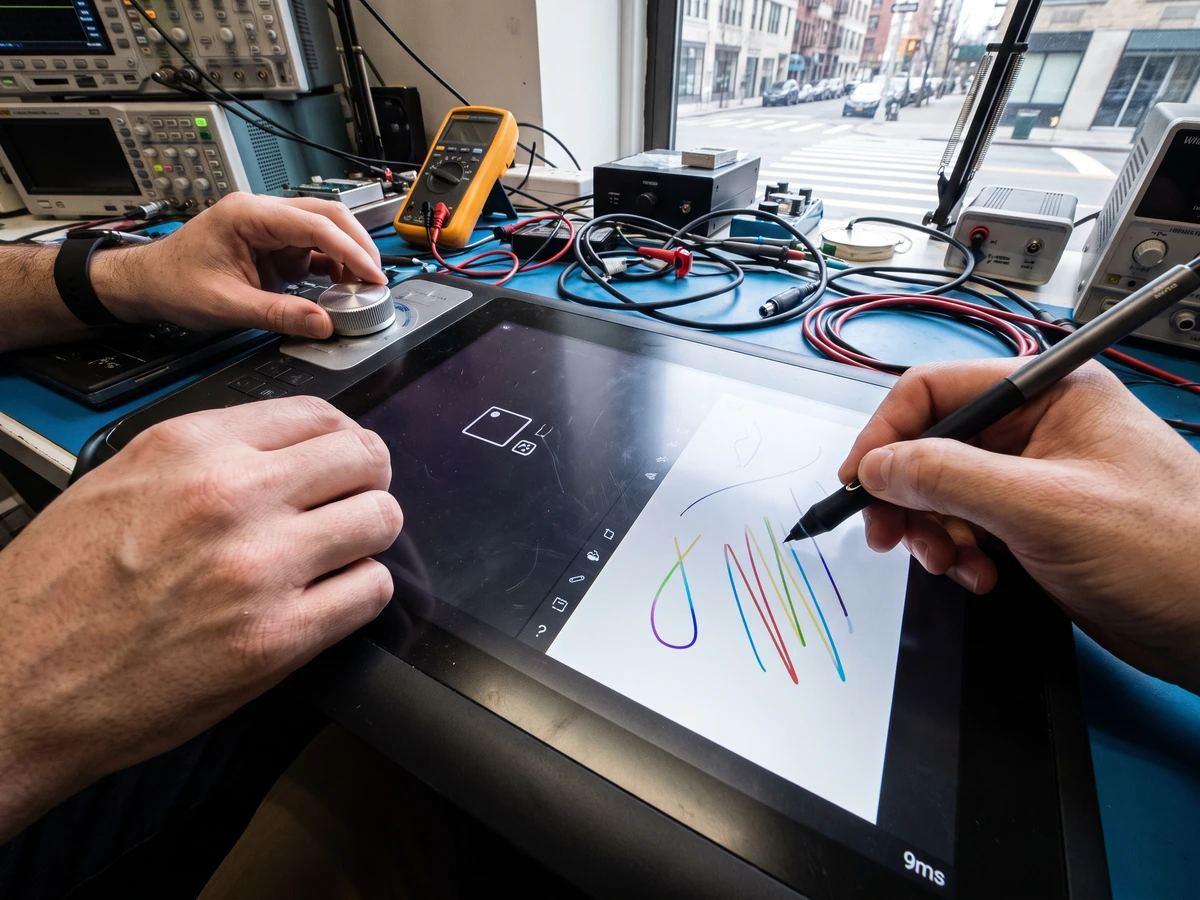
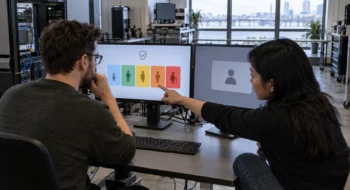
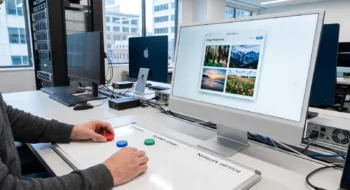
Capture pressure, eraser, barrel button, touch rejection, mouse fallback, clipboard, undo, save, and restore as separate observations. A pass should name device, driver, Windows build, SDK package, input type, and expected result.
Test the toolbar as an accessible product surface
Microsoft lists automation peers and high-contrast support among the new surface. That is a starting point. Verify every tool with keyboard navigation, narrator or your supported screen reader, 200% scaling, high contrast, and a user who does not use a pen.
Do not hide essential document commands inside pen-only gestures. A person should be able to choose a tool, inspect the active state, undo, clear a selection, and save through ordinary controls.
Test localization and right-to-left layout where the product ships. Icons may remain recognizable while tooltips, focus order, flyouts, and numeric settings break.
Measure the paths that make ink feel broken
Measure stroke-to-display latency, dropped points, memory growth, undo cost, document load time, and save size. Report distributions by device rather than one average from a development machine.
Exercise window resize, display scaling changes, suspend, device removal, remote desktop, and app restart. Test a long session because a ten-stroke demo will not reveal retained stroke objects or an unbounded undo stack.
Promotion checkpoints
- The required controls appear in a stable channel with migration notes.
- Your adapter compiles after the version change without leaking experimental types.
- Representative pen, touch, mouse, keyboard, and accessibility paths pass.
- Documents created by the prototype survive upgrade and rollback.
Keep experimental packages out of the production graph
Use a solution boundary that prevents the experimental NuGet package from flowing into unrelated executables, plug-ins, or shared libraries. Record the exact package and runtime versions in the prototype evidence so another developer can reproduce the result after Microsoft ships an update.
Run dependency and deployment inspection before every demo build. Confirm which Windows App SDK runtime is installed, whether the app carries a self-contained runtime, and which transitive package introduced each experimental assembly. A prototype that works only on the author’s machine has not reached the evaluation starting line.
Freeze a small stroke corpus outside the framework: short notes, dense pressure curves, erased regions, pasted strokes, and a large document. Load that corpus with every package update and compare bounds, tool attributes, undo behavior, and export output.
Write a removal test. Delete the inking package, turn off the feature flag, and build the product. The application should still open existing documents, preserve unsupported ink data, and offer a safe read-only or export path instead of losing customer work.
Document that rollback result beside the prototype so a later promotion decision includes the cost of leaving the API.
Keep the stable escape route
Microsoft’s release announcement points developers to the experimental NuGet package and WinUI Gallery. Use that route to learn and file focused issues, but keep a non-inking path or an existing stable component available to the shipping product.
If you are migrating from UWP, Microsoft’s current guidance also changes namespaces and desktop integration boundaries. Separate the framework migration from the experimental-control evaluation so one failure does not obscure the other.
Our Windows App SDK versioning guide explains stable, preview, experimental, and runtime clocks. The Project Zenith guide covers another announced Windows development path. Browse the Desktop hub, then compare the stable path in the WinApp and local AI guide.