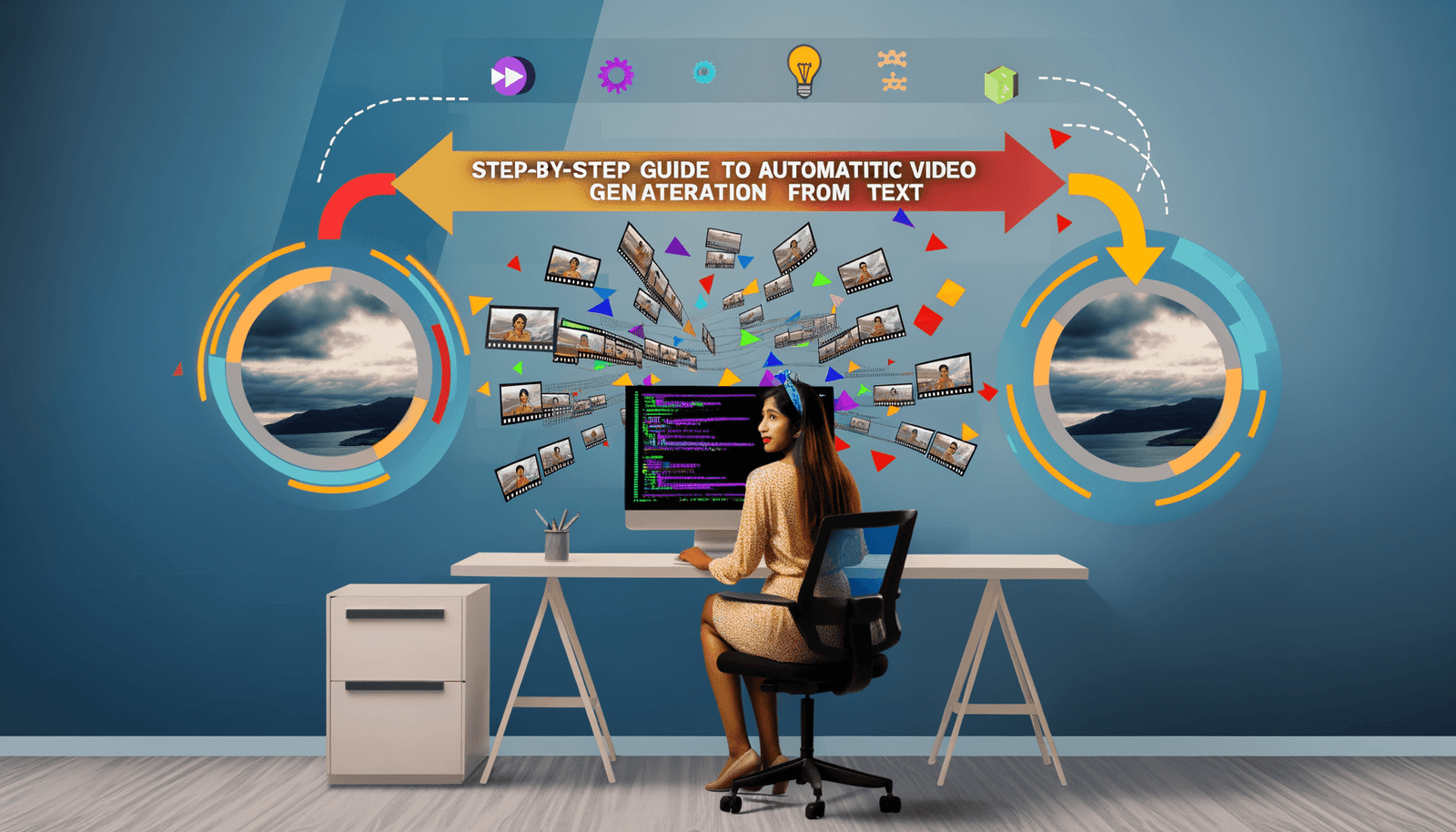
Welcome to our Step-by-Step Guide to Automatic Video Generation from Text! In today’s fast-paced digital landscape, creating engaging video content is essential for connecting with your audience. Advanced AI tools now make it effortless to convert text to video, significantly streamlining your video production process. Whether you’re involved in marketing campaigns, educational content, or creative projects, this guide will thoroughly walk you through automating your video generation, thereby bringing your ideas to life with stunning visuals and captivating narratives. Let’s dive into the fascinating world of automated video production and harness the incredible power of AI!
Understanding the Basics of Text-to-Video Generation
Before we delve into the step-by-step process, it’s imperative to grasp the fundamentals of how AI tools convert text into videos. These sophisticated tools employ advanced algorithms to analyze your input text, identify its key elements, and then generate appropriate visuals, voiceovers, and other components, resulting in a cohesive and engaging video output.
Key Components of Text-to-Video Tools
- Text Analysis: AI algorithms expertly analyze the input text to capture the context, tone, and key messages.
- Visual Generation: The tools generate or select suitable images, animations, or videos that effectively correspond with the text.
- Voiceover and Sound: AI technology generates or integrates voiceovers and sound effects to enhance the overall video experience.
- Editing and Post-Production: The tools frequently include a myriad of features for editing and finalizing the video, such as adding transitions, effects, and various enhancements.
Step 1: Choosing the Right AI Tool
The market is flooded with a variety of AI tools tailored for text-to-video generation. Here are some top options that stand out and should definitely be on your radar:
Synthesia
Synthesia is a premier AI video generator platform renowned for its ability to create professional-grade video content. This platform enables you to swiftly transform text into video, making it particularly ideal for training modules, presentations, marketing videos, and much more. Synthesia’s AI Script Generator is an invaluable asset that helps you fine-tune your ideas and generate compelling scripts within minutes.
Runway
Runway is another formidable AI video creation platform that comes with features like text-to-video, image-to-video, Motion Brush, and Inpainting. This platform excels in generating visually compelling videos suited for social media postings and various marketing content. The Inpainting feature is especially useful, allowing you to seamlessly remove or alter elements within a scene while maintaining video continuity.
Kling AI
Kling AI functions as a virtual assistant that automatically converts text into visually captivating movies. It merges components such as images, effects, voiceovers, and sound to create vivid and engaging videos. Kling AI is designed to be user-friendly and requires no prior editing experience, making it a fantastic option for those new to the intricate world of video production.
Pollo AI
Pollo AI stands out as an industry-leading AI video generator that can seamlessly create videos from diverse input forms such as text prompts, images, or even existing videos. It intelligently identifies key elements within your text instructions and creatively visualizes them with the appropriate video style and content. Notably, Pollo AI is recognized for its rapid video generation capabilities and high-quality output, ensuring efficiency without sacrificing quality.
Step 2: Preparing Your Text Input
To generate an effective video from your text, it is essential to prepare a clear and concise script or text prompt. Below are some invaluable tips to help you get started:
Define Your Objective
Clearly delineate the main points and objectives of your video. Ensure that your script aligns with the concept and objectives you detailed earlier, which will serve to enhance coherence and clarity.
Choose the Right Tone
Selecting a tone of voice that resonates with your target audience is crucial. The tone should not only match your message but also evoke the emotional response you wish to elicit from your viewers.
Keep it Concise
Ensure that your script remains concise and engaging. Avoid unnecessary details that may divert attention and focus on the key messages you want your audience to absorb. Brevity helps to maintain viewer interest and retention.
Step 3: Using the AI Tool to Generate the Video
Having prepared your text, it’s now time to leverage the chosen AI tool to generate the video.
Synthesia Example
- Input Text: Start by writing the topic of your script, outlining the objective of your video, and selecting an appropriate tone from the drop-down menu.
- Generate Script: Utilize Synthesia’s AI Script Generator to create a persuasive and compelling script within minutes.
- Generate Video: Synthesia will transform the script into a video, complete with tailored visuals, voiceover, and sound enhancements.
Runway Example
- Input Text: Utilize the text-to-video feature to convert your prompt into a visually compelling video seamlessly.
- Customize: Employ features like Motion Brush and Inpainting to introduce animations and modify elements effectively in the video.
- Finalize: Adjust camera controls and the settings to provide your video with a polished, cinematic feel.
Kling AI Example
- Register and Log In: Following the detailed instructions, register for a Kling AI account and successfully log in.
- Input Text: Input your text content, and Kling AI will automatically analyze it, combining various elements—images, effects, voiceover, and sound—to create a stunning video.
- Review and Edit: Review the video generated and make any necessary adjustments or edits before the finalization step.
Pollo AI Example
- Input Text: Enter your text prompt, and Pollo AI will creatively visualize the key elements you want to highlight.
- Customize: Options to animate static images or generate new videos from scratch based on your text instructions are readily available.
- Finalize: Review the generated video and ensure to make any final tweaks before downloading it for use.
Step 4: Editing and Finalizing the Video
While AI tools are capable of generating high-quality videos, there may still be a need for additional editing and final enhancements.
Basic Editing
Most AI tools come equipped with built-in editing functionalities that allow you to introduce transitions, effects, and additional elements to elevate your video quality.
Advanced Editing
For more intricate edits, utilizing external video editing software may be necessary. However, platforms like Runway and Pollo AI offer advanced capabilities such as Inpainting and animation controls, which can significantly minimize the need for extensive external editing.
Step 5: Deploying Your Video
Once your video is ready, it’s time to deploy it across various platforms to maximize its reach.
Social Media
Upload your video to prominent social media platforms such as YouTube, Facebook, Instagram, and LinkedIn to effectively reach a broader audience and engage with viewers.
Websites and Blogs
Embedding your video on your website or blog serves to enhance user engagement and conveys your message more effectively, leading to better viewer retention.
Marketing Campaigns
Utilize your video in various marketing campaigns, email newsletters, and promotional materials to capture and sustain the attention of your target audience, driving conversions and engagement.
Conclusion
Automating your video production process using advanced AI tools marks a revolutionary step forward for content creators across various fields. By adhering to the outlined steps and leveraging tools such as Synthesia, Runway, Kling AI, and Pollo AI, you can generate high-quality, engaging videos swiftly and efficiently. Regardless of whether you’re a marketer, educator, or creative professional