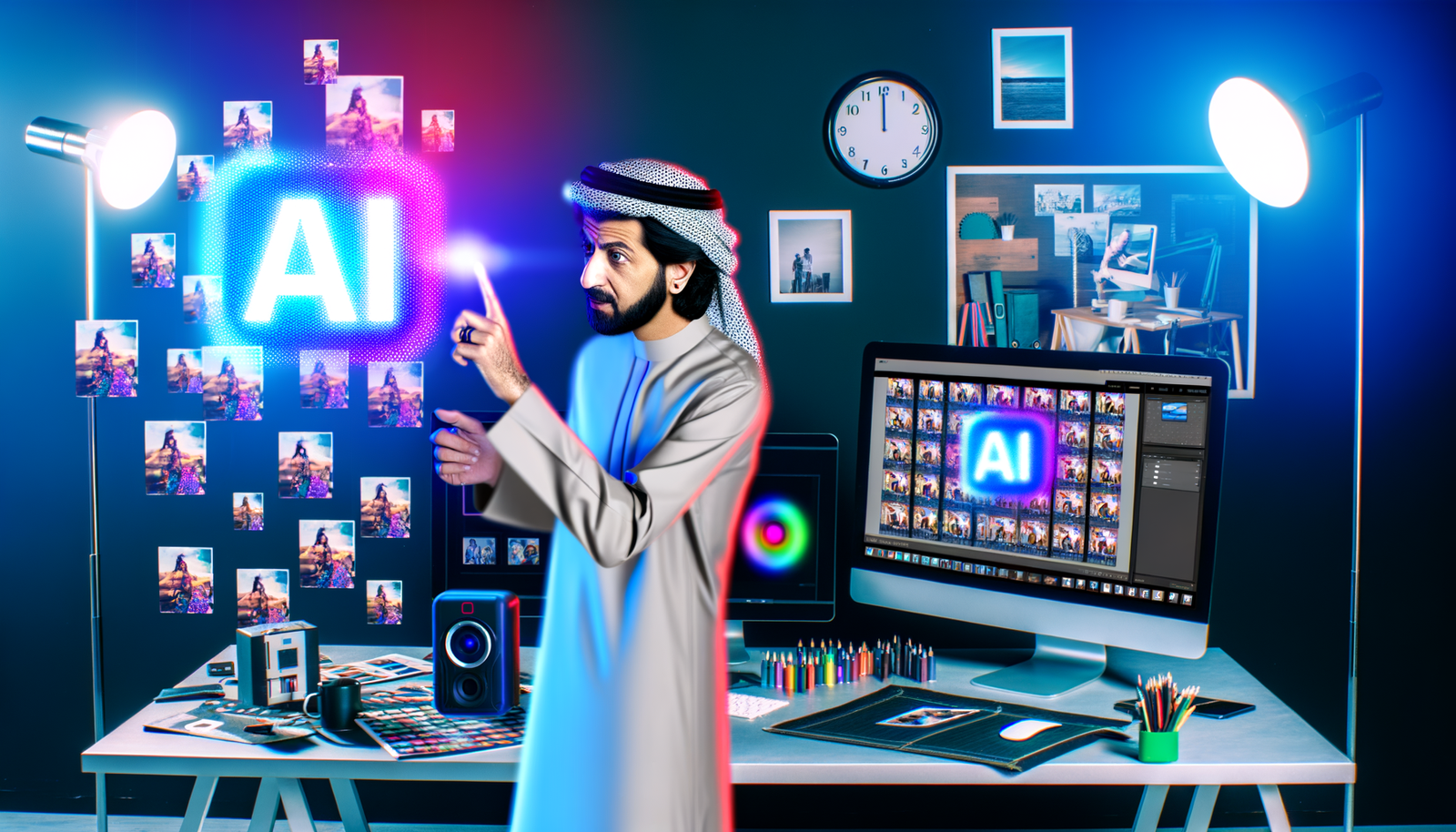
In today’s fast-paced digital world, the demand for stunning visuals has skyrocketed, pushing photographers and creatives to seek efficient solutions for their editing needs. Enter the AI photo editor—an innovative tool designed to revolutionize your workflow. With features like automated image retouching and smart photo enhancement, these intelligent platforms make it easy to elevate your images with just a few clicks. Whether you’re a professional photographer or a casual enthusiast, harnessing the power of AI can transform your photos and free up valuable time for your creative pursuits. Discover how to leverage these cutting-edge technologies to enhance your photography effortlessly.
The Jaw-Dropping Speed Revolution: Why Automated Image Retouching Wins
Picture this: You’re a real estate photographer drowning in 200 property shots after a marathon weekend. The skies are gray, powerlines slice through perfect vistas, and lighting looks like a disaster. In the pre-AI era, this meant hours hunched over Photoshop—maybe even days. Now? AI photo editors slash that time to minutes. Rotider’s 2025 analysis reveals a staggering truth: tasks like sky replacement, color correction, and object removal that once devoured hours now take mere seconds. This isn’t incremental progress—it’s a tectonic shift. For brokers processing hundreds of photos weekly, this translates to reclaiming 15+ hours monthly. As one Nashville realtor confessed to me over coffee, “I used to outsource editing for $200/week. Now I do it myself while my toddler naps. Game. Over.”
But speed isn’t the only adrenaline rush. Remember when mastering Lightroom curves felt like rocket science? AI demolishes that barrier. You no longer need a graphic design degree to make images pop. Platforms like Autoenhance.ai analyze scenes instantly—detecting whether your photo needs brighter countertops or softer bedroom lighting—and apply context-aware fixes. Digital Camera World’s 2025 roundup nails it: “The magic lies in AI’s ability to identify subjects and work its automated magic without forcing you to relinquish control.” This democratization of pro-quality editing means your cousin’s wedding photos now look like they were shot by a Vogue contributor. And let’s be real—that’s pure dopamine for amateurs and pros alike.
Top 5 AI Photo Editors That’ll Make You Question Your Skills
Not all AI tools are created equal. After testing 12 platforms (and yes, I cried a little when Luminar NEO replaced a dreary sky with a sunset in 4 seconds), here’s the unfiltered truth:
- Luminar NEO (Free Trial): The undisputed heavyweight for real estate pros. Its AI Sky Replacement and Relight AI features are so intuitive, I once fixed 50 photos during a cross-country flight. Pro tip: Use “Remove Powerlines” before staging—buyers subconsciously distrust properties with visual clutter.
- Autoenhance.ai: The speed demon. Upload batches, grab coffee, and return to perfectly color-balanced images. Ideal for time-crunched wedding photographers. Caveat: Free tier limits you to 100 photos/month—upgrade if you shoot events.
- Styldod: Virtual staging on steroids. Turn empty rooms into designer showplaces with AI-generated furniture. One broker told me it boosted her listings’ engagement by 37%. “Buyers don’t just see walls—they see their future home,” she said.
- Radiant Photo 2: The secret weapon for portrait artists. Its AI identifies skin tones and automatically smooths texture while preserving pores—no “plastic face” syndrome. As Digital Camera World raves, it delivers “a natural edit not always associated with AI.”
- ON1 Photo RAW 2025: For the creative rebels. Its Generative Erase and AI Depth Masks let you remove photobombers or add dreamy bokeh in seconds. Just don’t overdo it—unnatural edits scream “AI fraud” to savvy buyers.
Here’s the kicker: These tools aren’t just for desktop jockeys. Many—like the browser-based Autoenhance.ai—run on your phone. Snap a photo at a client’s property, tweak lighting via AI while waiting for the elevator, and send polished shots before your Uber arrives. This seamless integration into real-world workflows is why platforms like Neyrotex.com are becoming industry staples for teams needing collaborative editing on the fly.
The Uncomfortable Truth: AI’s Glaring Blind Spots
Let’s cut through the hype. AI photo editors aren’t flawless geniuses—they’re brilliant apprentices who still need human oversight. That Samsung study dropped a bombshell: 86% of people notice distracting backgrounds (like random trash cans or exes photobombing), yet 74% never use built-in AI tools to fix them. Why? Because when AI overcooks edits, it backfires spectacularly. I’ve seen virtual staging where couches float mid-air or sky replacements that look like neon paint splatters. As Blind Magazine warns, these tools “infiltrate visual production—often without the viewer noticing,” but when they fail, trust evaporates.
The core issue? AI struggles with emotional nuance. It can’t tell if a bride’s tear is joyful or a realtor’s “open house” sign looks ironically sad. Nerdbot’s testing revealed AI often over-sharpens textures (making skin look like sandpaper) or misinterprets shadows (turning cozy nooks into cave-like voids). One disastrous example: An AI replaced a homeowner’s cherished garden gnome with a “sky” that looked like radioactive sludge. The lesson? Always do the final sanity check. As the pros say: “AI handles the grunt work; you own the soul of the image.”
Pro Secrets to Avoiding the “AI Uncanny Valley”
So how do you harness AI without triggering the “this feels fake” reflex? After dissecting YouTube tutorials from Nano Banana to Done4U’s Photoshop mastery guides, here’s the playbook:
- Start with killer source material: AI can’t fix poorly composed shots. Shoot in natural light whenever possible—AI stumbles with mixed lighting (e.g., tungsten bulbs + sunset).
- Layer edits like a pro: Never rely on one-click “Auto Fix.” Use Radiant Photo 2 for base adjustments, then manually tweak shadows in Lightroom. Lenscraft Photography’s tutorial nails this: “Global color grading first, then precision mask problem areas.”
- Humanize skin tones: For portraits, AI often oversaturates. Try this Nano Banana hack: Create a warm color layer, mask skin, and set opacity to 15%. Instantly natural.
- Respect the “rule of thirds”: AI won’t reframe your shot. If an object’s off-center, use ON1’s Generative Crop—but verify it didn’t erase Uncle Bob’s head.
Most importantly: Know when to quit. That Samsung data reveals a painful truth—people hate editing because it “pulls them out of the moment.” So use AI for 80% of fixes, then stop. As one wedding photographer told me, “If I spend more than 90 seconds per photo, I’m overcooking it. The magic’s in the imperfections.”
Your Invitation to the AI-Powered Future (No PhD Required)
Let’s get real: Automated image retouching isn’t coming—it’s here, reshaping how we create and consume images. From realtors staging virtual dream homes to teens making Instagram bangers, AI photo editors are the great equalizer. But the real victory? Reclaiming your time for what matters. Imagine finishing edits before your morning coffee cools, then using those extra hours to scout golden-hour locations or just breathe.
Yes, there are pitfalls. Yes, AI can’t replicate your artistic soul. But when you pair its raw speed with your human intuition? That’s when smart photo enhancement stops being a buzzword and becomes your superpower. Start small: Pick one tool (Autoenhance.ai’s free tier is perfect), edit three photos today, and feel the hours melt away. Your future self—relaxing while competitors slave over Photoshop—will thank you.
Ready to transform your workflow? Dive into the AI revolution with tools that blend machine intelligence and human artistry. And if you’re hungry for more cutting-edge tips, join our Telegram community where we dissect the latest in AI creativity—no fluff, just actionable insights to keep you ahead of the curve. Your masterpiece awaits. 🚀