How to Generate AI-Powered Textures for Game Design
In the ever-evolving landscape of game design, creating high-quality textures can make or break the visual experience. With the advent of AI-powered textures, designers now have access to innovative game design tools that streamline the creative process. These advanced technologies not only enhance precision but also unlock a realm of creative possibilities, allowing artists to generate unique and intricate designs. In this guide, we will explore how to harness AI tools to produce stunning textures that elevate your game design projects, ensuring every detail captures the imagination.
The Power of AI in Texture Creation
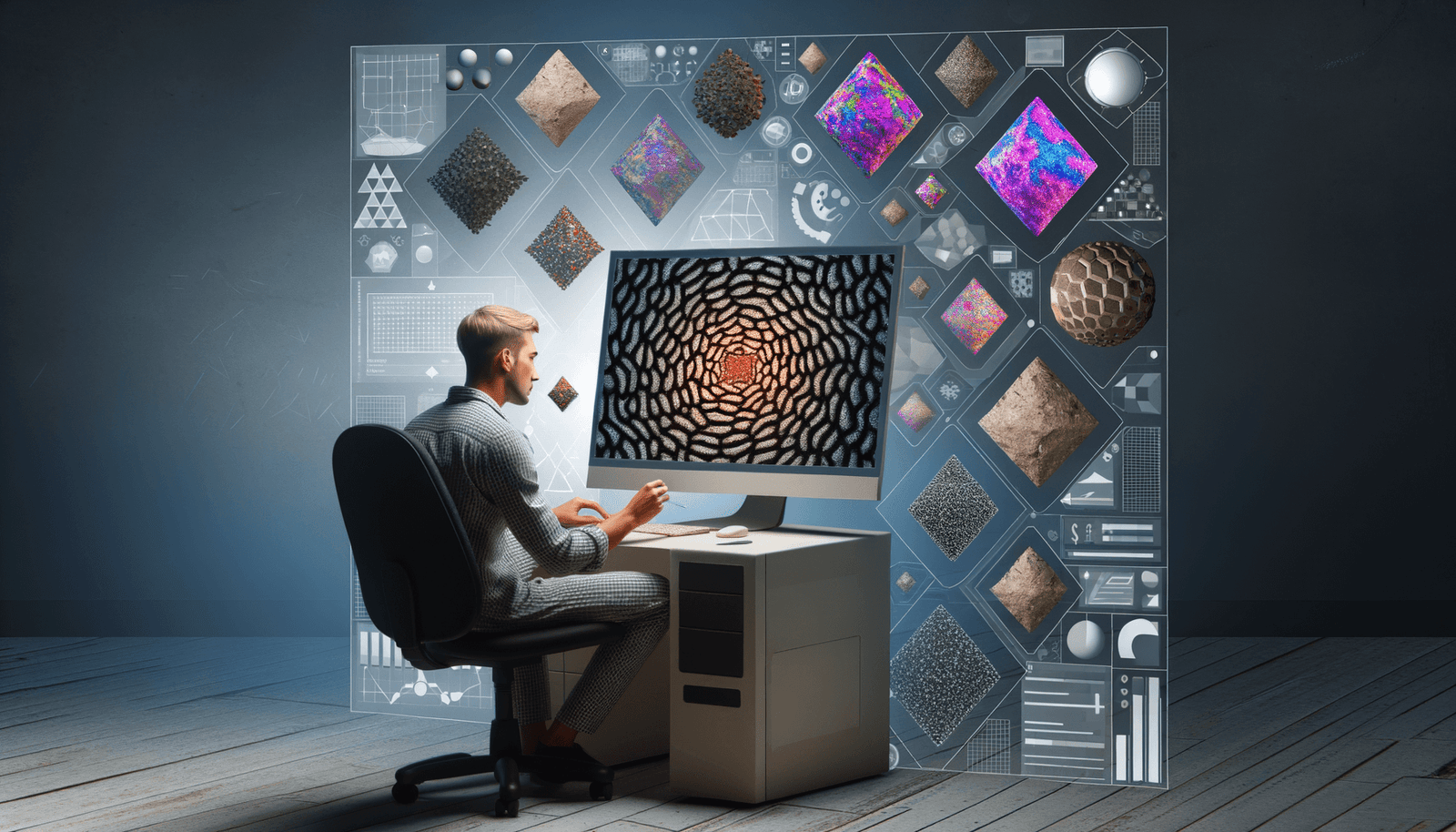
AI has revolutionized the field of game design, particularly in the realm of texture creation. Through deep learning, machine learning algorithms analyze extensive datasets, allowing for the automatic generation of textures tailored to specific artistic needs. Here are some key ways AI is enhancing this process:
Procedural Texture Generation
AI can generate procedural textures by learning from large datasets of real-world textures. This involves using algorithms to create textures based on predefined rules, patterns, and randomness. For example, AI can analyze thousands of images of wood, stone, or fabric to learn the unique patterns, colors, and surface details of each material. Once trained, the AI can generate new textures that adhere to these learned principles, allowing developers to quickly populate game environments with realistic materials.
Texture Upscaling
Many games rely on pre-existing textures that were originally created in lower resolutions. AI-powered upscaling tools use deep learning algorithms to enhance these textures, making them sharper and more defined without introducing artificial artifacts or noise. This process saves developers significant time and effort, especially when remastering older games or working with large assets.
Real-Time Texture Synthesis
AI enables real-time texture synthesis, generating textures dynamically during gameplay based on the visual context of the scene. This creates seamless, immersive worlds where textures adapt to the player’s actions and movements. Real-time synthesis also allows for greater variability and diversity in textures, as AI can generate different patterns and designs based on environmental factors like lighting, weather, and time of day.
Tools and Techniques for AI-Powered Texture Generation
Several tools and techniques are available for generating AI-powered textures in game design. These tools empower developers to produce a wide range of textures quickly and efficiently, enabling enhanced creativity and workflow efficiency.
AI Sprite Generation Tools
AI sprite generation tools are essential for modern game development, allowing developers to create high-quality sprites quickly and efficiently. These tools can generate a variety of sprite styles, from pixel art to more detailed graphics, based on user input. They often offer customization options such as adjusting color palettes, styles, and themes, and they integrate seamlessly with popular game engines like Unity and Unreal Engine.
AI Text Generators for 3D Models
AI text generators can transform text prompts into high-quality 3D designs, which is particularly useful in gaming. These tools use machine learning models to generate 3D assets from detailed and specific text prompts. For instance, you can generate a “fantasy warrior in a serene mountain lake setting” by simply typing the prompt, allowing for quick and creative asset generation.
DALL-E 3 and Advanced Image Generation
Tools like DALL-E 3 by OpenAI offer hyper-detailed image generation capabilities. DALL-E 3 can create intricate and realistic images from text prompts, which can be used to generate textures or other visual assets for games. This tool also offers advanced customization options and ethical considerations, making it a powerful asset in the game design toolkit.
Midjourney’s Retexture AI Image Editor
Midjourney’s Retexture AI Image Editor allows designers to make targeted modifications to the material and surface qualities of objects in their images. This tool is perfect for transforming materials, adjusting textures, and introducing new patterns or finishes, all while preserving the original shape and composition of the objects. It is particularly useful for visualizing changes in design concepts and exploring new materials, thus offering designers a highly flexible approach to texture updates.
Steps to Generate AI-Powered Textures
Here’s a step-by-step guide on how to generate AI-powered textures for your game design projects:
Step 1: Choose the Right Tool
Select an AI tool that fits your needs, whether it’s for procedural texture generation, texture upscaling, or real-time synthesis. Tools like AI sprite generation tools, AI text generators for 3D models, DALL-E 3, and Midjourney’s Retexture AI Image Editor are all viable options. Assess each tool’s unique capabilities and ease of use to ensure the best fit for your project’s requirements.
Step 2: Prepare Your Data
For tools that require training data, prepare a dataset of high-quality textures relevant to your game’s environment. This could include images of wood, stone, fabric, or any other material you want to replicate in your game. Having a well-curated dataset enhances the AI’s learning capabilities, resulting in more accurate and appealing texture outputs.
Step 3: Input Your Prompts
Use clear and specific text prompts to guide the AI in generating the desired textures. For example, if you’re using DALL-E 3, you might input a prompt like “a detailed, high-resolution texture of ancient stone walls.” Be creative and thorough in your text prompts to help the AI generate a texture that aligns closely with your vision for the game.
Step 4: Customize and Refine
Adjust parameters such as color palettes, styles, and themes to ensure the generated textures fit the aesthetic of your game. Tools like AI sprite generation tools and Midjourney’s Retexture AI Image Editor offer extensive customization options. Fine-tuning your settings can significantly enhance the quality of the generated textures, making them more suited to your overall design goals.
Step 5: Integrate with Game Engines
Once you have generated your textures, integrate them into your game using popular game engines like Unity or Unreal Engine. Many AI tools offer seamless integration with these engines, making the process straightforward. Following integration, conduct thorough testing to assess how the new textures perform within the game’s environment, ensuring they contribute positively to the overall user experience.
Benefits of AI-Powered Texture Generation
The integration of AI into texture creation has numerous benefits for game developers and players:
- Automated Asset Creation: AI tools automate many aspects of texture creation, reducing manual labor and allowing developers to focus on other areas of game design. This leads to a more efficient workflow and helps ensure deadlines are met.
- Enhanced Visual Quality: AI-generated textures are often more detailed, diverse, and realistic than hand-created textures, enhancing the overall visual quality of the game. This heightened realism can significantly boost player immersion and satisfaction.
- Consistency and Cohesion: AI ensures consistency in texture creation, especially in large-scale environments or multiple game assets, creating a cohesive and polished final product. This uniformity is essential for maintaining a professional appearance across different game elements.
- Cost Savings: By automating much of the texture generation and refinement process, AI can reduce the need for large teams of artists and designers, resulting in cost savings for developers. These resources can then be allocated to other critical aspects of game development, enhancing overall project quality.
Conclusion
AI-powered texture generation is a game-changer in the world of game design. With the ability to generate procedural textures, upscale existing ones, and synthesize textures in real-time, AI tools offer unparalleled efficiency and creativity. By leveraging these tools, game developers can produce high-quality, visually stunning textures that elevate the gaming experience. Whether you’re working on a small indie project or a large-scale AAA game, integrating AI into your texture creation process can significantly enhance your workflow and the final product. As the technology advances, staying abreast of new developments in AI for texture creation will be crucial for maintaining a competitive edge in the industry.
For more insights and tools to enhance your game design process, visit Neyrotex.com.